Colorize black and white photos with AI
Upload a photo, add prompts for the tones you want, and preview your colorize photo AI result. The demo below shows the kind of lifelike restoration a modern photo colorizer can deliver.
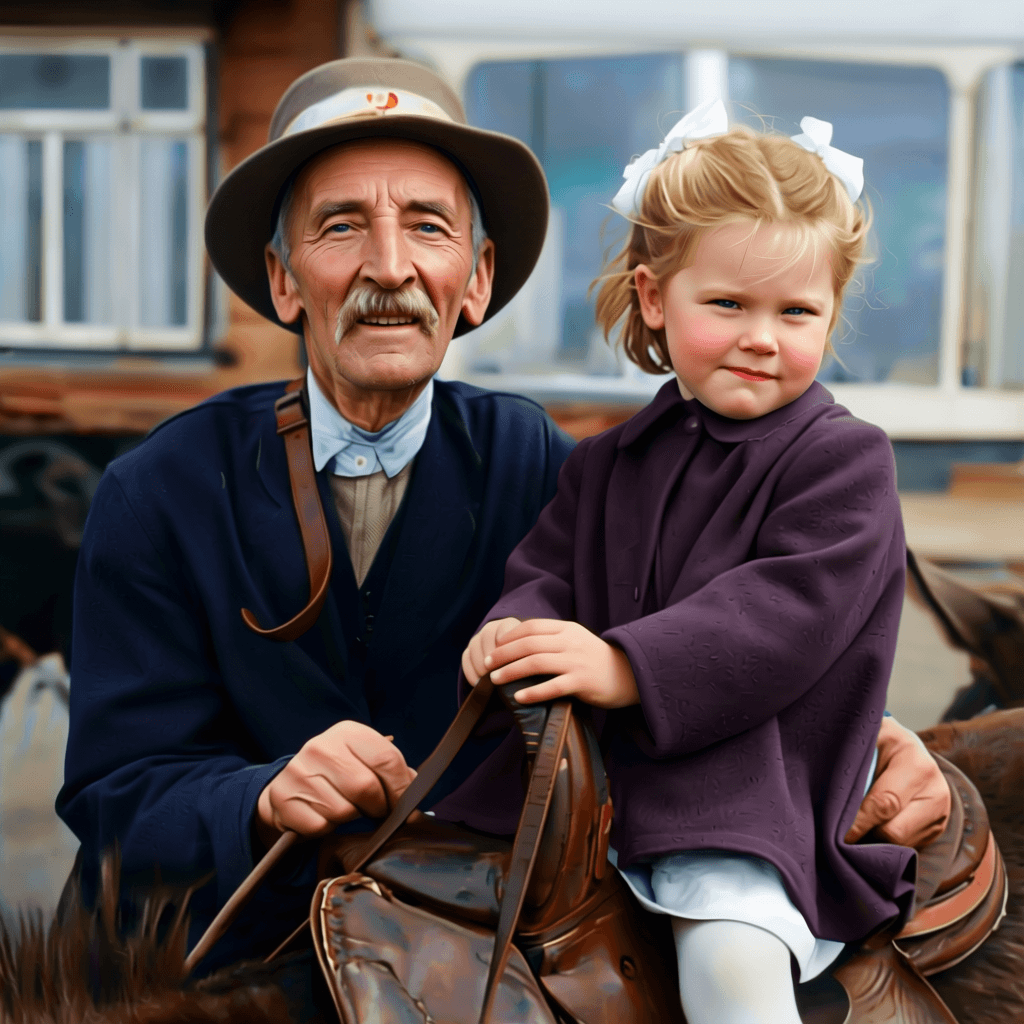
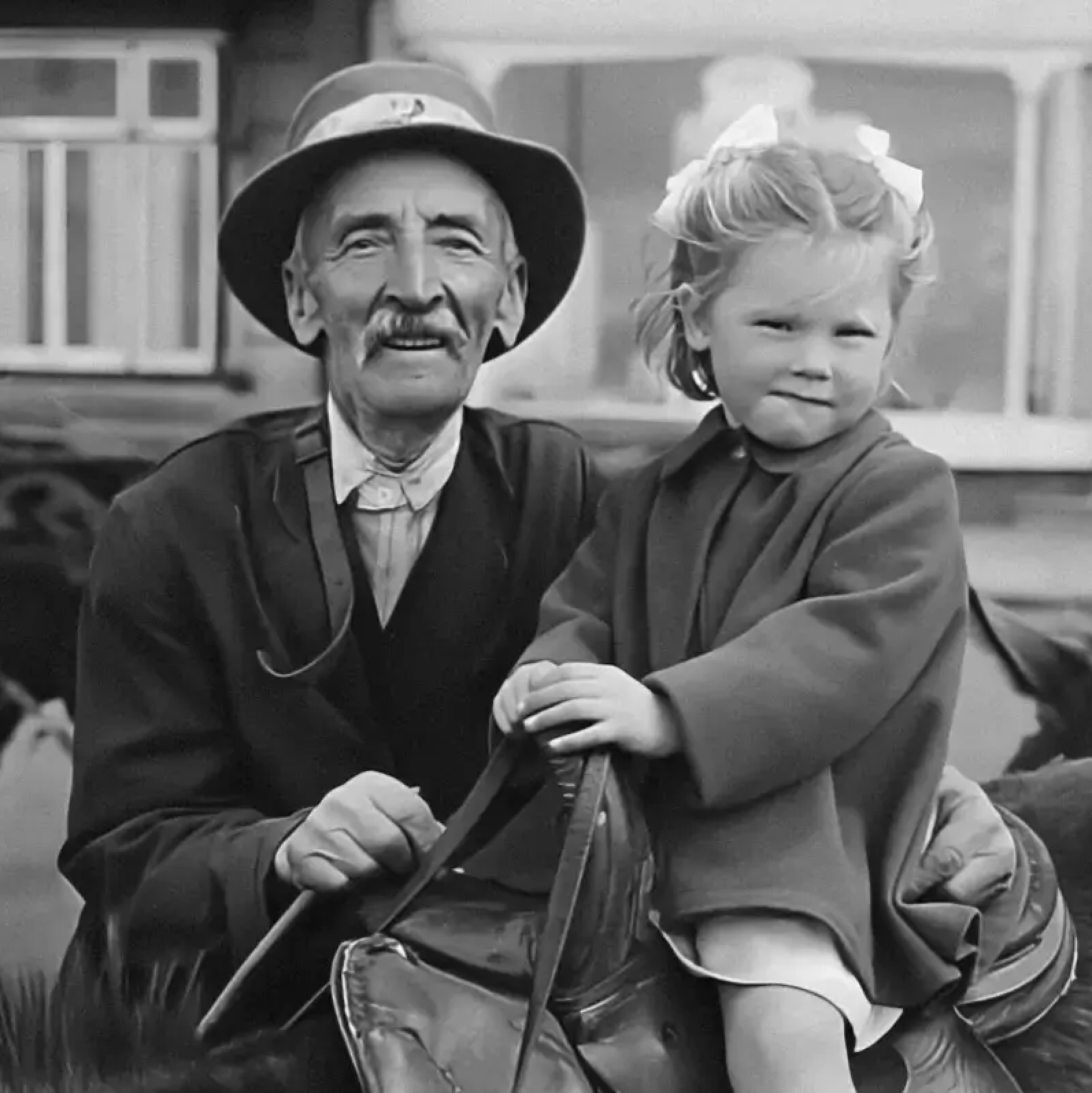
Upload a photo to generate your own colorized result.
Colorize Photo Online and Bring History Back in Color
The HubVanta colorize photo ai helps you colorize black and white photos with believable tones in minutes. Upload a scan,let our colorize AI rebuild skin, fabric, and background hues while keeping the original light and texture. It is built for families, archivists, designers, and creators who want a reliable photo colorizer without time-consuming hand coloring.
Whether you need a single image for a memorial or a batch of visuals for a documentary, the workflow keeps you in control. Fine-tune prompts, remove scratches, and preview results before exporting. The goal is simple: colorize photo AI outputs that look natural, not synthetic, so every memory stays true to the moment it was captured.
Natural, balanced color
Colorize AI adds believable skin tones, skies, and fabrics while keeping the original lighting and texture intact.
Prompt-guided control
Use positive and negative prompts to steer palettes, avoid sepia, and keep the output consistent with your memories.
Restoration toggles
Optional face restore, scratch cleanup, and upscale help you recover detail before exporting the final file.
Private by design
Your photo colorizer session keeps uploads scoped to your workflow so you can review results confidently.
See the difference a modern photo colorizer can make
A strong colorization keeps shadows soft, avoids neon artifacts, and respects the original film grain. Our colorize photo workflow uses prompt guidance to keep colors balanced, which is especially helpful for portraits where skin tone accuracy matters. Add details like \"warm daylight\" or \"olive green jacket,\" and the colorize AI engine will prioritize those cues while still preserving the rest of the image.
You can also switch on face restore and scratch repair to clean dust or creases before output. The result is a colorized photo that feels like a faithful restoration rather than a stylized recolor. It is a fast, practical way to revive history for print, video, and digital archives.
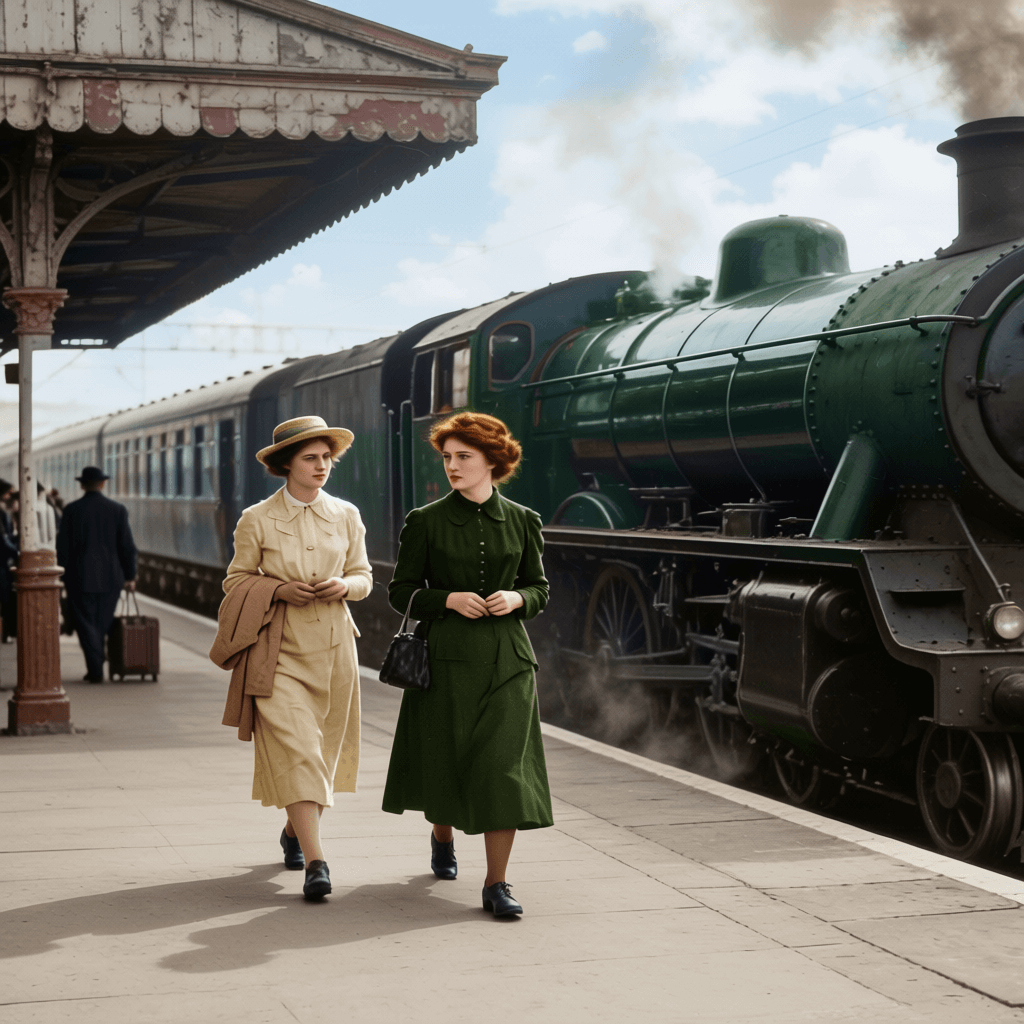
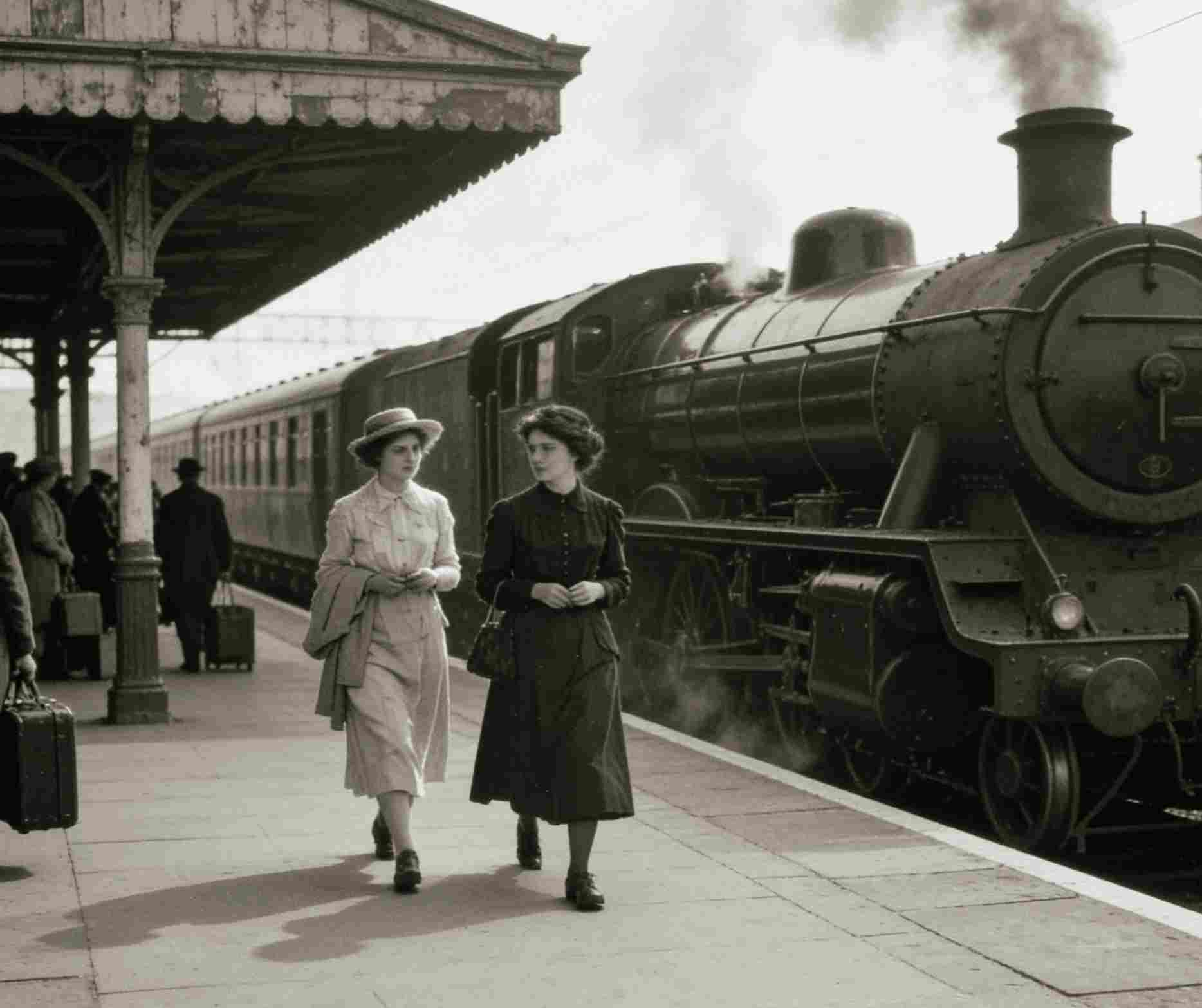
Three steps to colorize black and white photos
Upload a scan or photo
Add a JPG, PNG, or WebP. High-resolution scans work best, but even phone snapshots can colorize photo AI reliably.
Describe the colors you want
List key tones like sky, clothing, and skin. Negative prompts help you avoid washed-out or over-saturated looks.
Preview, refine, and export
Review the colorized result, tweak prompts, and download when the hues feel authentic to the moment.
Family archives
Turn monochrome heirlooms into warm, shareable memories that feel like they were captured yesterday.
Museums and research
Colorize black and white photos for exhibitions, lectures, and digital archives without manual retouching.
Brand storytelling
Revive historical product shots for timelines, ads, and anniversary campaigns with a consistent palette.
Creative content
Produce eye-catching social posts, thumbnails, and art references using a fast photo colorizer workflow.
Accuracy without the manual workload
Color accuracy is subjective, so the workflow is built for iteration. If you know the original palette, add it to prompts. If you are unsure, let the photo colorizer suggest natural tones and then refine. The preview helps you decide whether a colorize photo result feels faithful before exporting for print, video, or web. This makes it easier to colorize black and white photos at scale while keeping a consistent look across a collection.
Prompting tips for authentic color
Prompts help the model understand the scene context. Start by describing the most important colors: clothing, hair, sky, or architecture. Add lighting cues like \"soft afternoon sun\" or \"indoor warm lamp\" so the photo colorizer stays consistent. If you want a neutral look, add negative prompts such as \"over-saturated\" or \"neon.\" With a few lines, you can steer colorize photo AI results without over-directing the output.
People
Warm skin tones, natural blush, brown hair, soft fabric, vintage paper texture.
Landscapes
Blue sky, muted green grass, hazy horizon, subtle shadows, realistic foliage depth.
Urban scenes
Stone buildings, warm brick, aged paint, soft streetlight glow, gentle reflections.
These prompt sets are also useful if you want to colorize photo online free during the preview stage and keep a consistent palette across a family collection or an exhibit catalog.
FAQ: colorize photo essentials
Quick answers about photo colorizer controls, outputs, and privacy.
What is the difference between colorize photo and simple filters?
Filters tint the entire image. A photo colorizer predicts realistic hues per object, so skin, grass, and fabric look distinct.
Can I colorize black and white photos with damaged areas?
Yes. Enable scratch cleanup or face restore to recover details before running colorize photo AI.
Is there a colorize photo online free option?
The current beta preview is free to try. Credit-based processing will launch once the full backend is live.
Do I need to write prompts every time?
No. You can reuse prompt sets, and the Generate Prompts button helps create a starting palette quickly.
What output size will I get?
Exports keep the original dimensions so you can print, archive, or edit the colorized file elsewhere.

Colorize your photos with AI in minutes
Upload a scan, tune prompts, and preview lifelike color. Start your colorize photo session now and finish your story in full color.
Start colorize photo