1
Access Our AI Image Expansion Tool
Open the native workspace above, sign in, and upload an image to generate a wider, taller, or square composition.
Use AI outpainting to extend your photos beyond their original frame and create a new composition.
Click to upload or drag and drop
PNG, JPG, or WebP up to 10 MB
Upload an image to start.
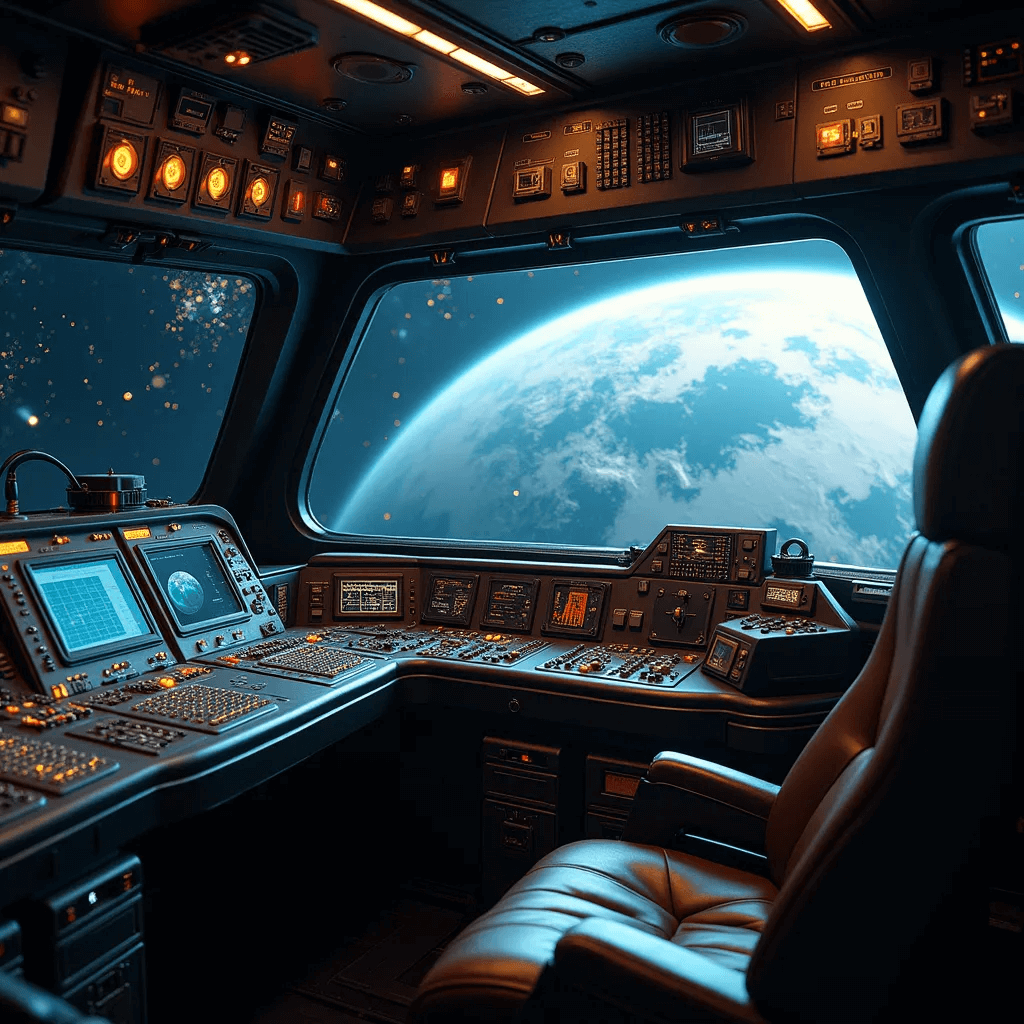
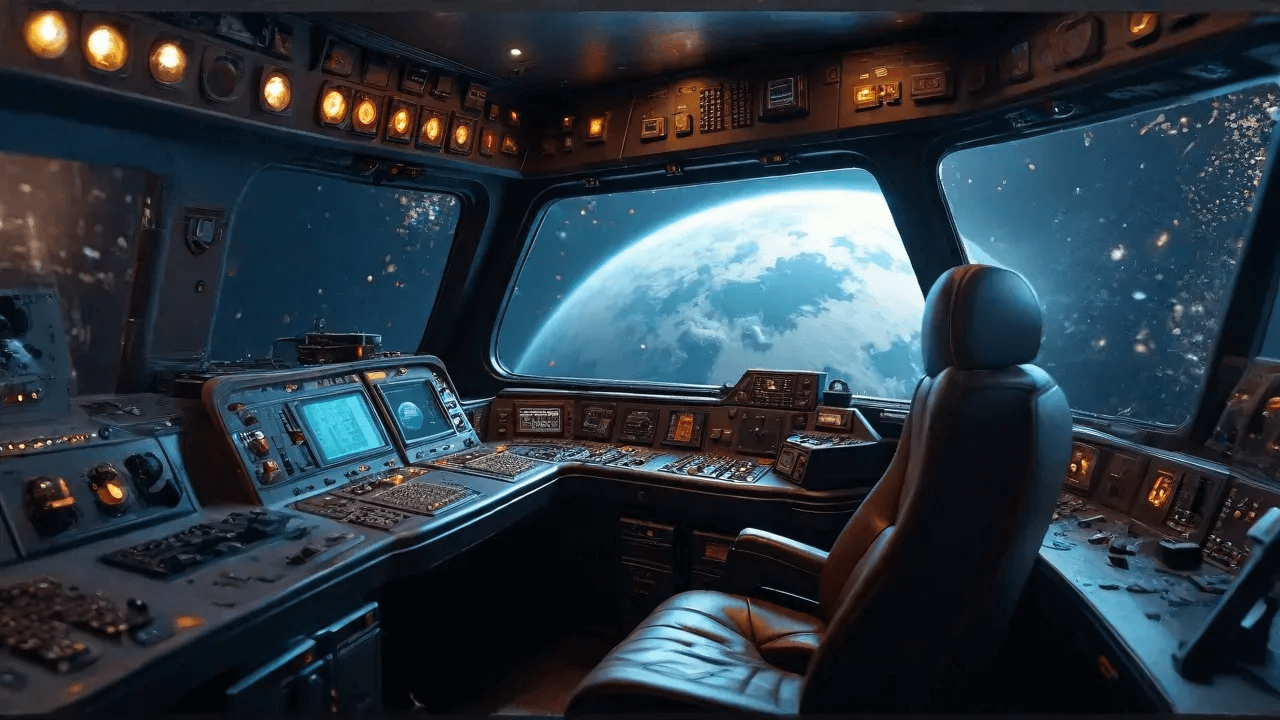
See the remarkable difference our AI expand image technology makes. Compare original images with their expanded versions to experience the quality enhancement.
Original resolution with visible quality limitations
AI-enhanced resolution with improved detail and clarity
01
Preserve Quality
AI adds realistic details instead of simply stretching pixels
02
Multiple Formats
Works with photos, artwork, graphics, and illustrations
03
Instant Results
Get high-resolution expanded images in seconds
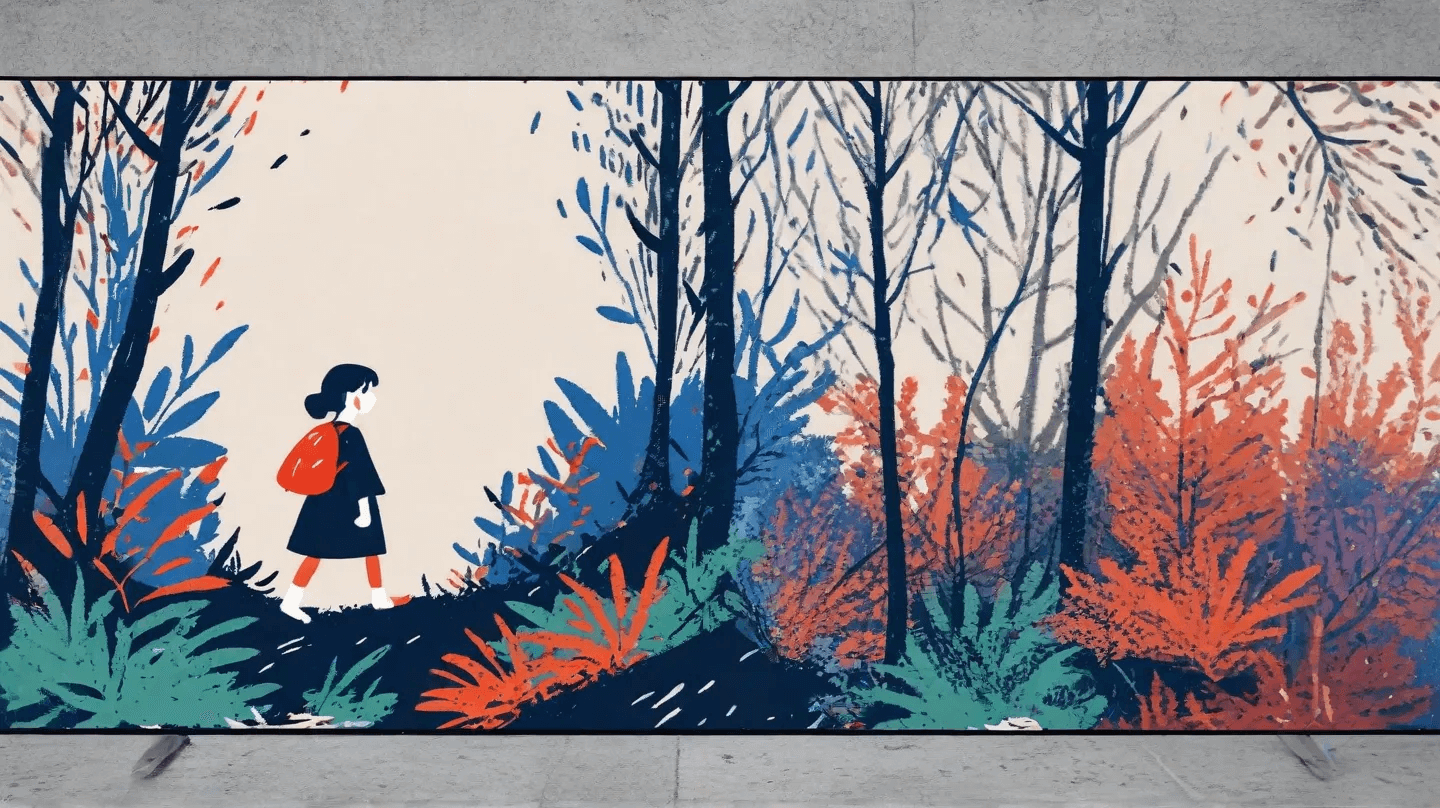
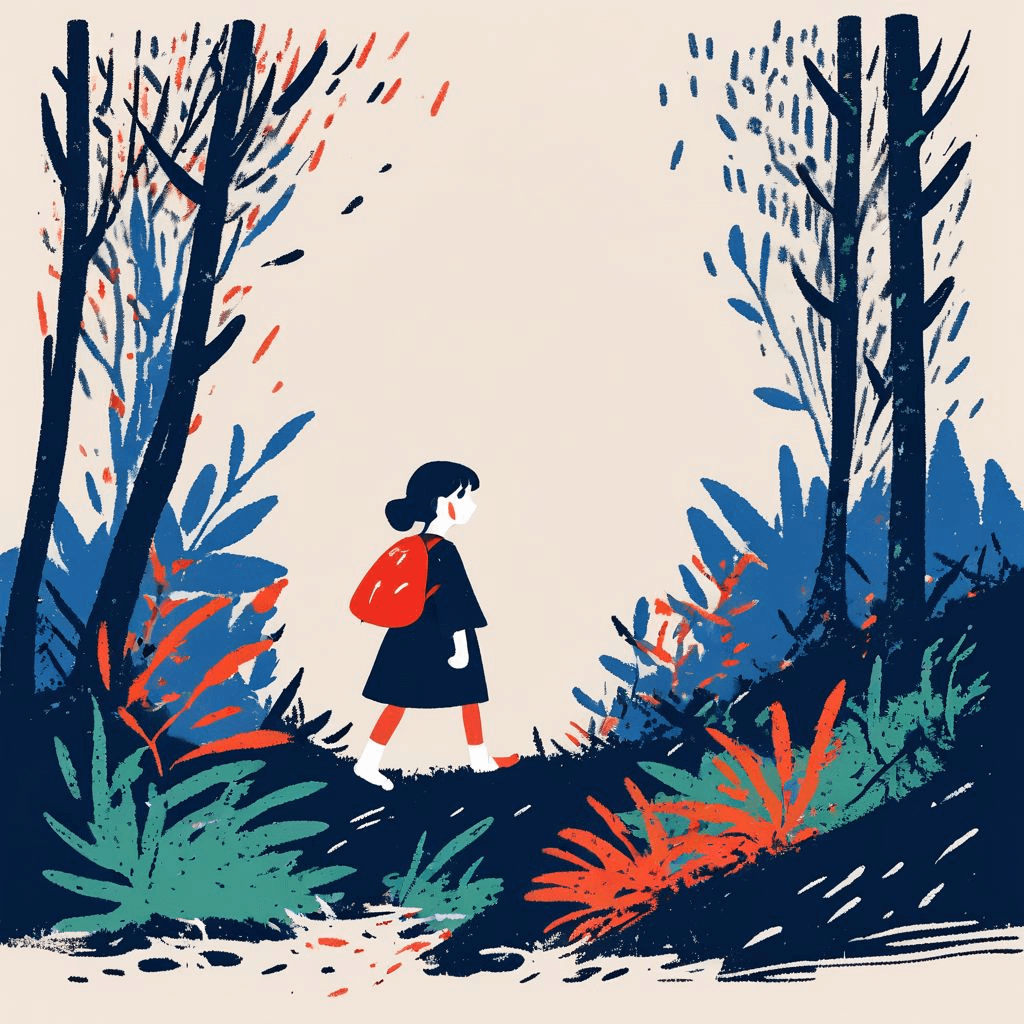
Our advanced AI technology uses sophisticated machine learning algorithms to intelligently analyze and expand your images. The system understands image content, predicts missing pixels, and adds realistic details to maintain quality during enlargement. Unlike traditional interpolation methods that create blurry results, our AI generates sharp, natural-looking expanded images.
Expand an imageOpen the native workspace above, sign in, and upload an image to generate a wider, taller, or square composition.
Select a JPG, PNG, or WebP image up to 10 MB. Clear source images with a well-defined subject usually produce the most coherent outpainting.
Choose a target aspect ratio and let AI generate content beyond the original frame. Review the result, then download the expanded PNG.
AI outpainting generates coherent content beyond the original frame
Maintain image sharpness and clarity while increasing size and resolution
Get high-resolution expanded images in seconds, not minutes or hours
Everything you need to know about our AI-powered expand image technology
Our AI image expansion technology uses advanced neural networks trained on millions of high-quality images. The system intelligently analyzes image content, predicts missing pixels, and adds realistic details during the expansion process. Unlike traditional methods that simply stretch pixels, our AI generates new information based on learned patterns, resulting in significantly better quality and accuracy.
Images are uploaded temporarily to HubVanta storage and sent to our image-processing provider only to complete the requested generation. HubVanta does not reuse them for unrelated purposes.
Yes. Sign-in is required so HubVanta can protect uploads, track the generation job, and charge credits only after a successful result.
The workspace accepts JPG, PNG, and WebP files up to 10 MB. Output presets include 1:1, 16:9, 4:3, 3:4, and 9:16, with a maximum long edge of 1280 pixels.
Yes! Our AI technology can enhance image quality during the expansion process by adding realistic details, reducing compression artifacts, and improving sharpness. While it can't create information that never existed, the AI uses its training on millions of images to intelligently predict and generate appropriate details that make the expanded image look natural and high-quality.
Our AI image expansion technology works excellently with various image types including photographs, digital artwork, illustrations, graphics, and more. Photos with good lighting and clarity tend to produce the best results, but the system can handle virtually any image type. The AI adapts its approach based on image content, ensuring optimal results whether you're expanding portraits, landscapes, or digital designs.
Use AI outpainting to extend your photos beyond their original frame and create a new composition.
Expand an image