1
Upload Your Source Image
Drop a JPG, PNG, or WebP up to 10MB. Clear subjects help the AI image generator preserve structure while improving quality.
Use our AI image-to-image generator to remix and enhance photos. Upload a picture, describe the changes, and get a new high-quality result instantly.
Click or drop an image
JPG/PNG/WebP · up to 10MB
Upload an image and add a prompt to transform it.
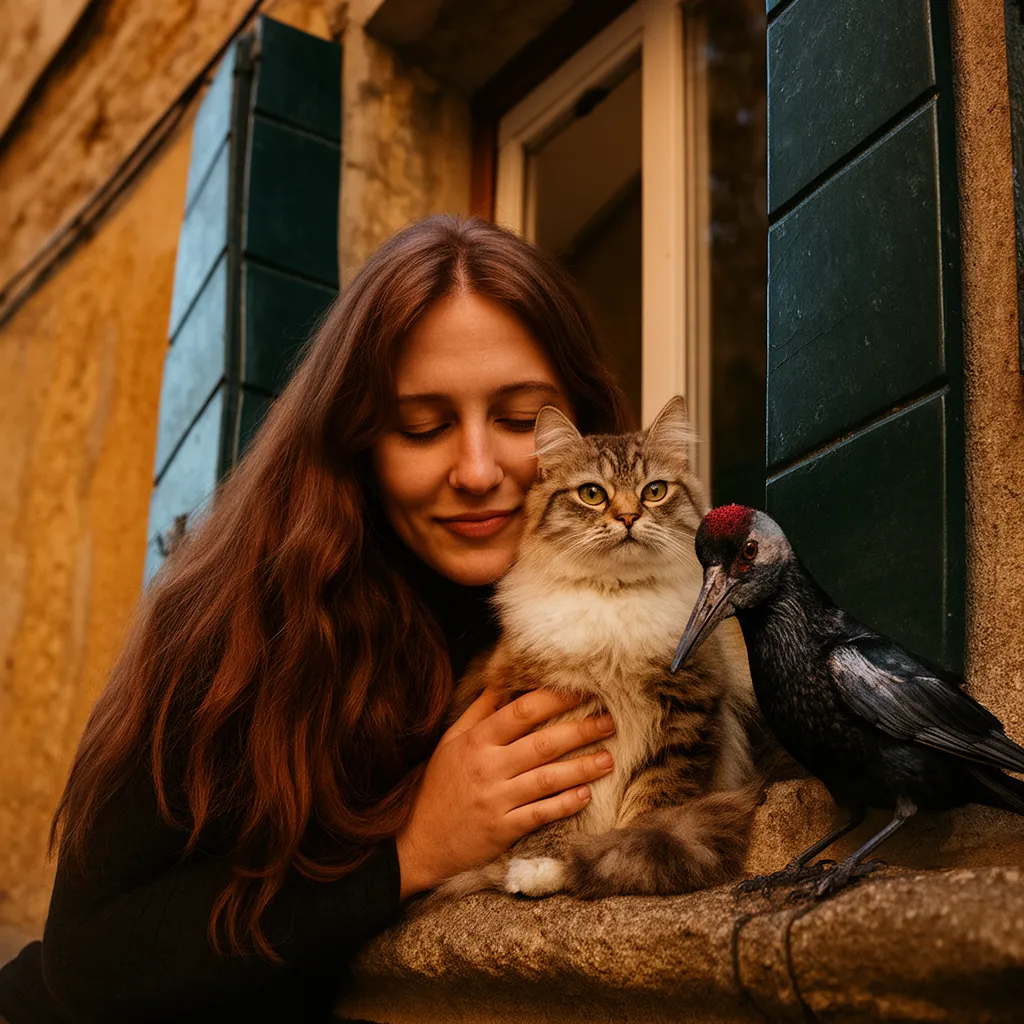
With Hubvanta AI's image to image AI, simply describe how you want to change an image, our AI will interpret your words to craft stunning images that resonate with your vision.
Try Image to Image AI for Free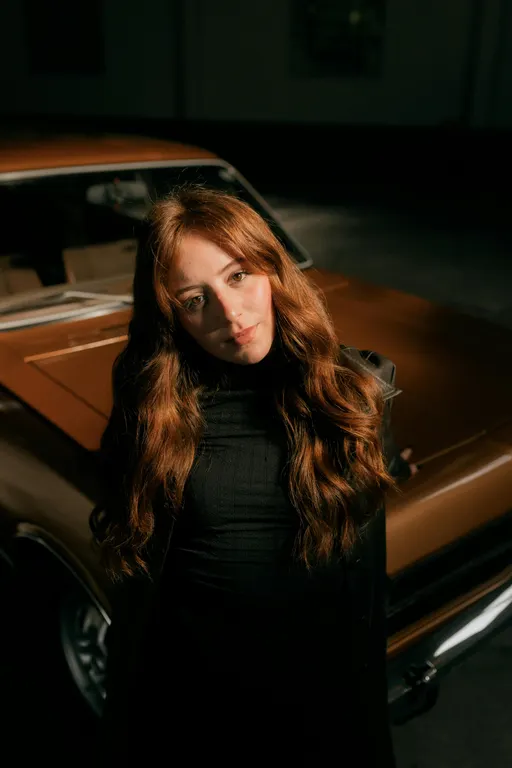
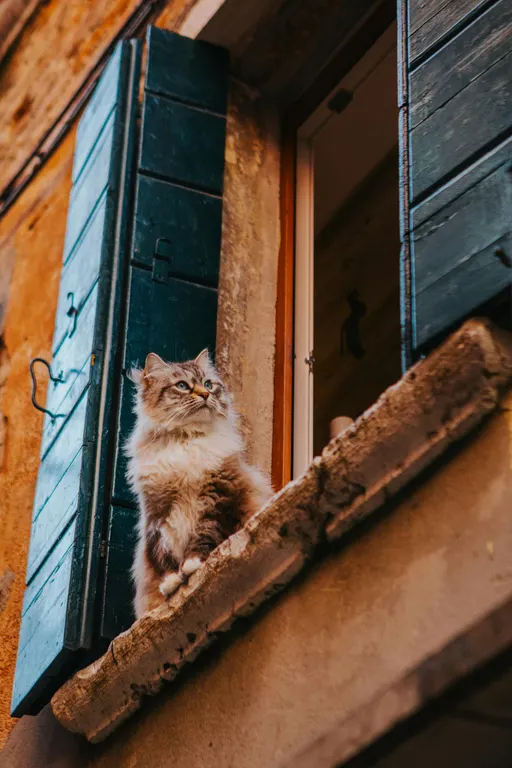
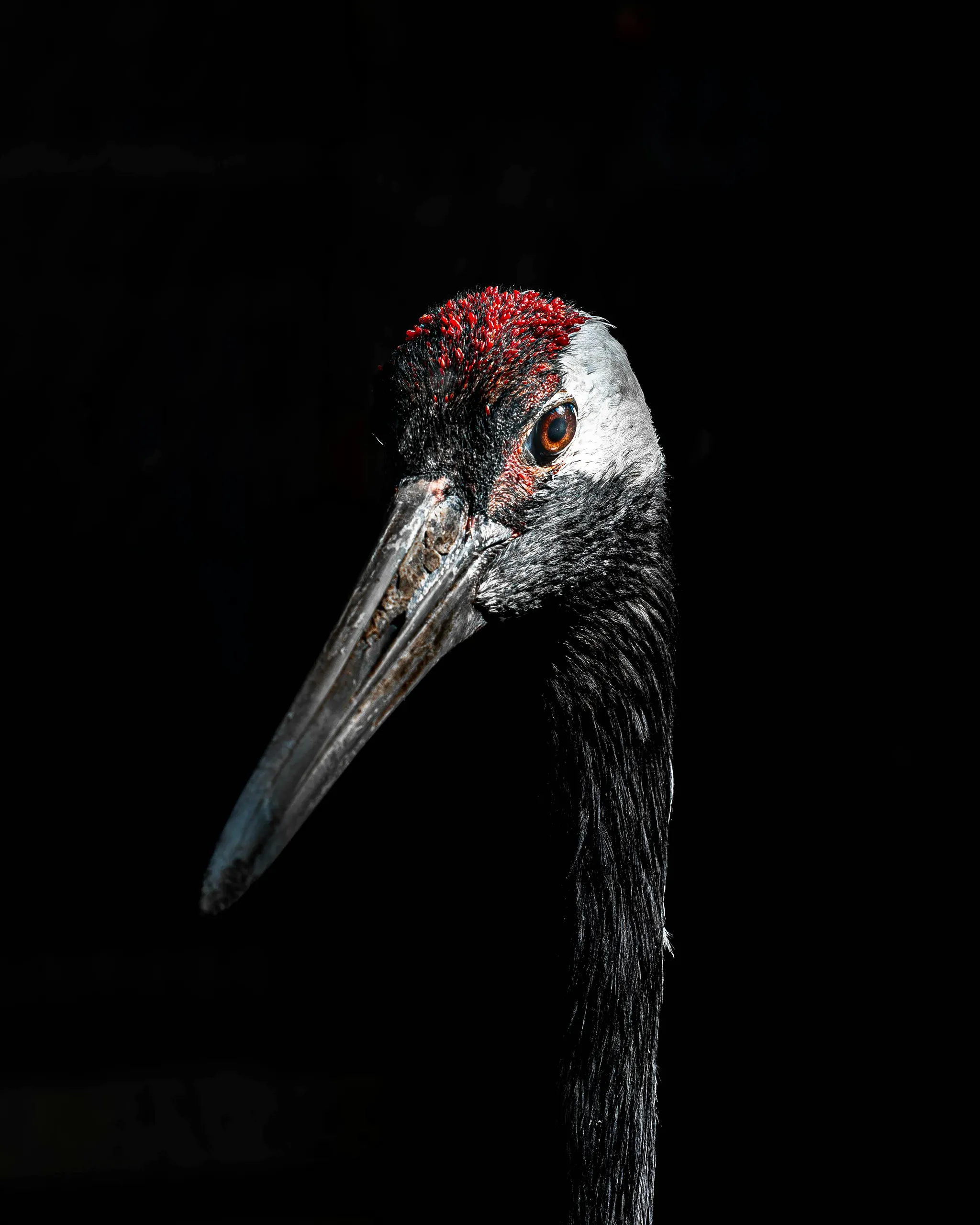
Never switch platforms again. Generate professional-grade images in one place using leading AI models - GPT-4o, Google Imagen, Recraft, Ideogram, Stable Diffusion, FLUX, and more.
The Hubvanta AI image generator reads your upload and prompt together, using image to image AI to keep structure while refreshing tone, palette, and detail. You guide the visual; the AI handles the polish.
Drop a JPG, PNG, or WebP up to 10MB. Clear subjects help the AI image generator preserve structure while improving quality.
Guide the image to image AI with style, lighting, mood, and subject changes. The prompt steers how the new visual should feel while keeping key forms intact.
Hit generate, review the Hubvanta AI image generator output, then save or share. Each render uses credits efficiently so you can iterate multiple versions.
The AI image generator understands both prompt and pixels to keep subject integrity while applying the style you want.
Try Image to Image AI for FreeGenerate crisp visuals for social posts, campaigns, product shots, and experiments with the same image generator flow.
Try Image to Image AI for FreeUpload, prompt, and get results in seconds. Remix styles, retouch, or iterate rapidly with image to image AI that keeps you moving.
Try Image to Image AI for FreeWant more AI image tools? Try Text to Image · Image Enhancer · Remove Background. Combine them with Image to Image AI for a smoother creation flow.
Answers to common questions about using the Hubvanta AI image generator for consistent, on-brand renders.
Image to image AI lets you upload a source picture and guide a new version with a text prompt, preserving composition while changing style, lighting, or details.
Our model combines your pixels and prompt, so the subject stays sharp while the generator applies your requested aesthetic shifts.
Upload JPG, PNG, or WebP up to 10MB. Clear subjects, good lighting, and uncluttered backgrounds give the most faithful results.
Yes—Hubvanta AI image generator outputs can be used in campaigns, product visuals, and social content. Review your brand guidelines before publishing.
Each image to image generation uses 30 credits. You can review your available credits directly in the workspace before generating.
Hubvanta AI image generator lets you iterate faster: retouch portraits, restyle product shots, or create variations from a single picture. Each request blends your upload with the prompt, so the image to image AI keeps composition while refreshing tone and texture.
Whether you need on-brand marketing visuals or creative experiments, the image generator workflow removes heavy lifting—upload, describe, and export. Hubvanta AI keeps your brand consistent while exploring new looks.
Try it now to see how quickly you can turn an idea into polished visuals using our ai image generator. Hubvanta AI supports social teams, product designers, and creators who need quality without tedious edits.
Upload a source photo, add your creative prompt, and let Hubvanta image to image AI remix it with premium quality—no switching tools required.
Try Image to Image AI for Free