HubVanta
GPT Image 2 by OpenAI
Experience the ultimate AI model image generator. Add a prompt and reference images to prepare a realistic image request.
Perfect Text Rendering
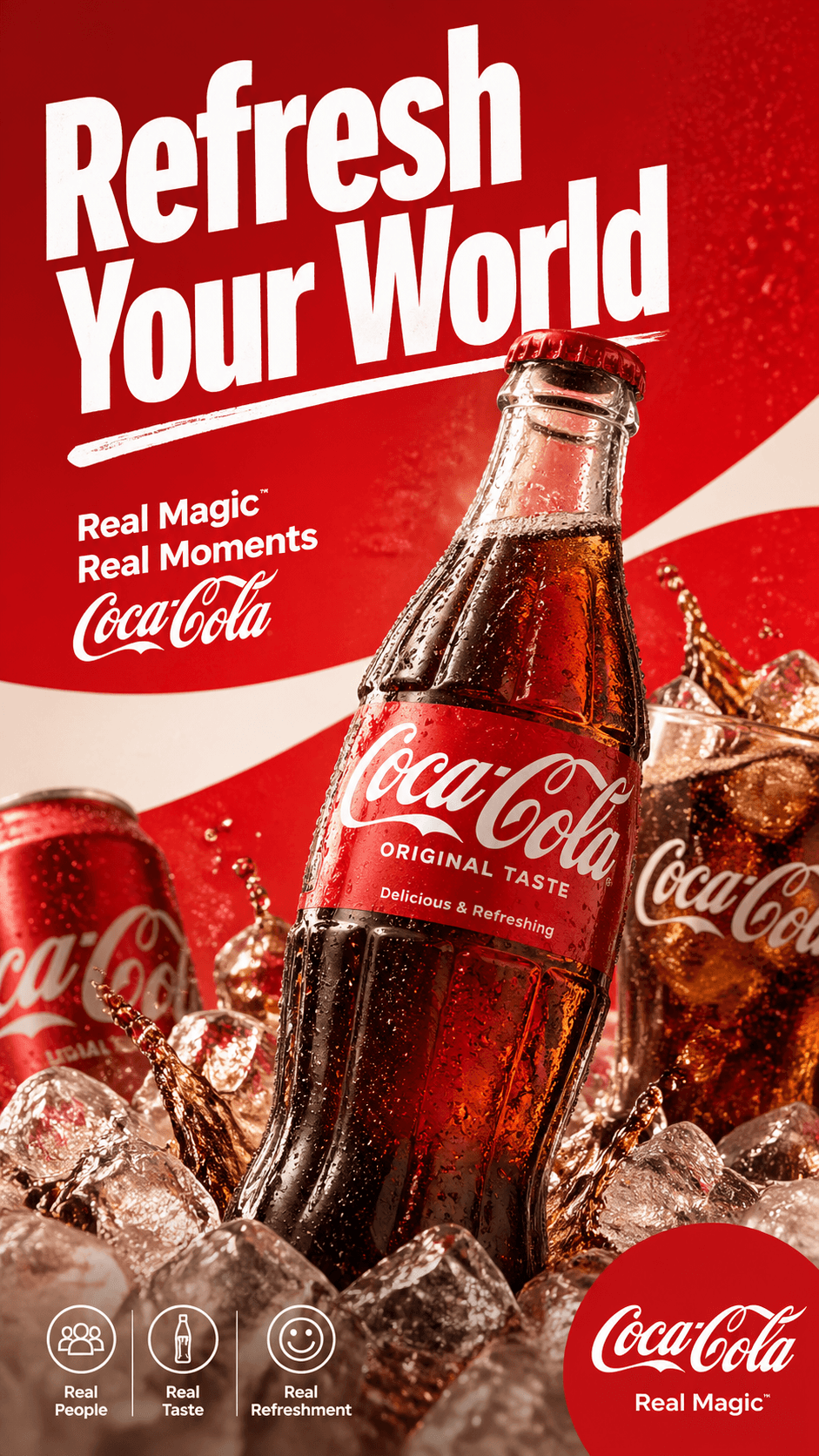
Clean text in images
Draft packaging, posters, and product scenes with readable visual direction.
Photorealistic Output
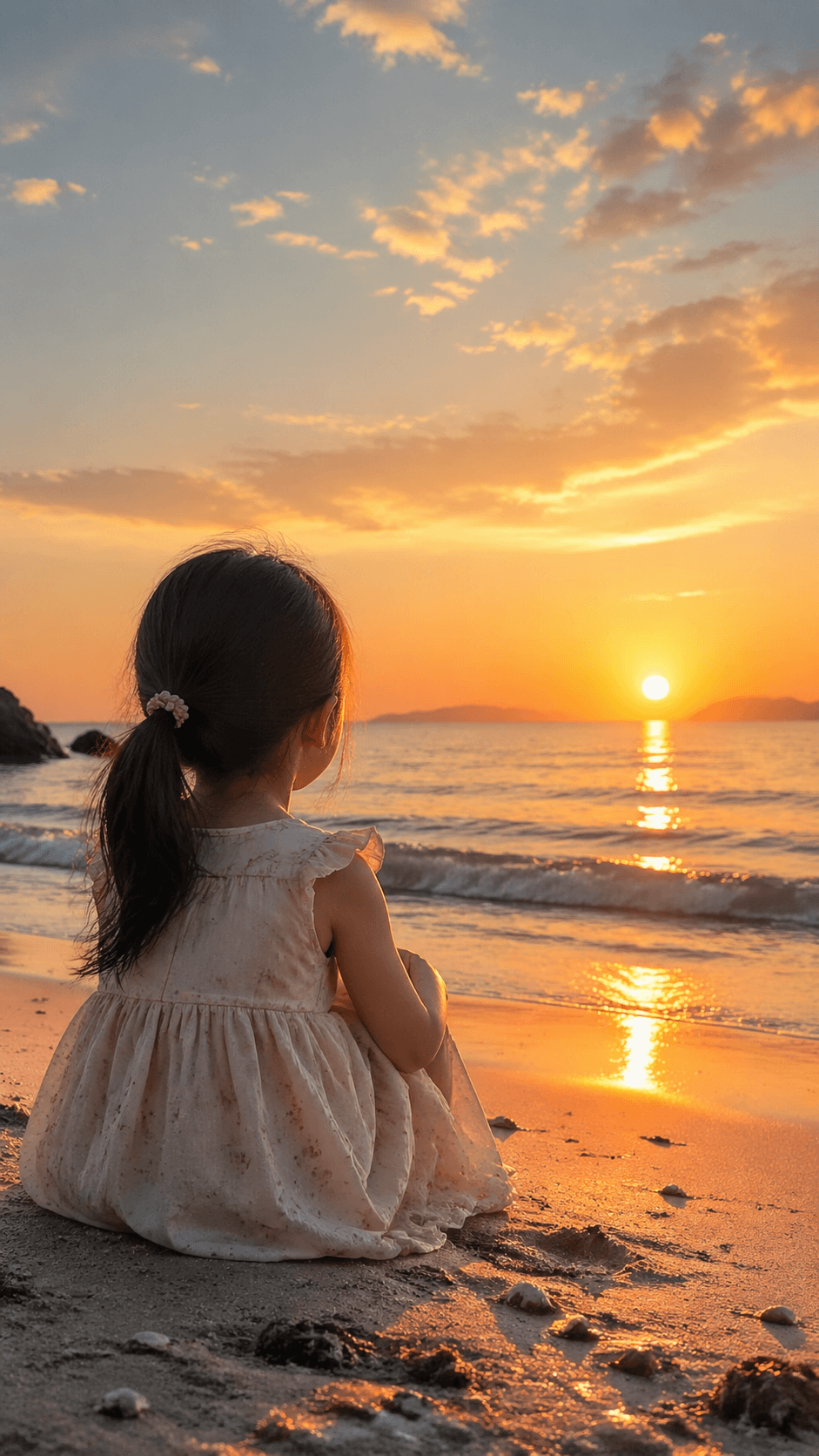
Natural image detail
Plan realistic portraits, lifestyle scenes, and commercial-style image concepts.
Artistic AI Style
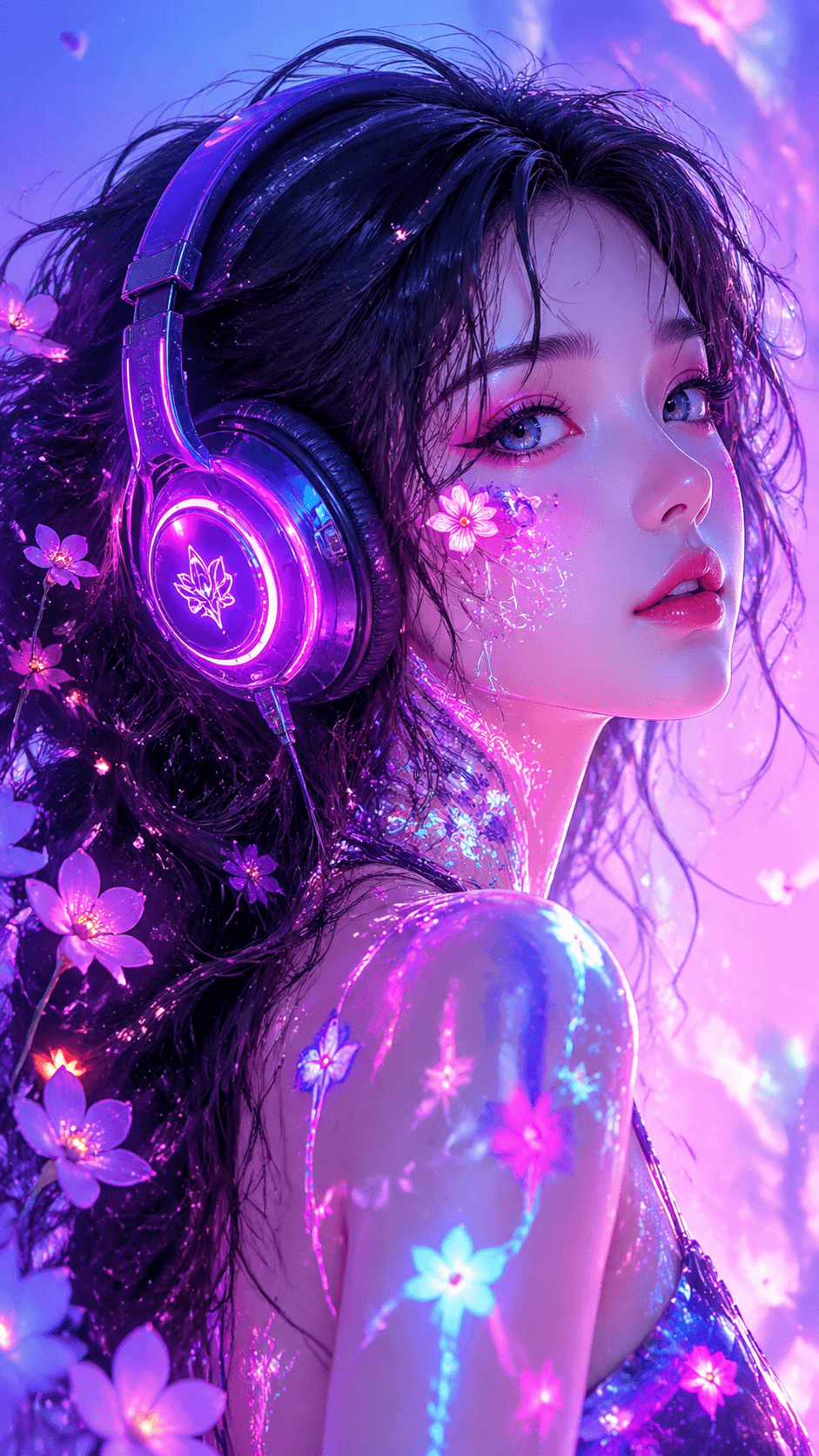
Creative visual range
Explore stylized art directions while keeping prompt control readable and fast.
Rated 4.9+
by HubVanta AI Users
50M+
Pictures Created
Trusted By 800+
Organizations
Helping creators & businesses everywhere work easier













GPT Image 2 - Free Try Next Gen AI Image Generator by OpenAI
Experience the next generation of image creation. Upload references, write precise prompts, and explore photorealistic imagery with a clean chatgpt image generator style flow.
What is GPT Image 2?
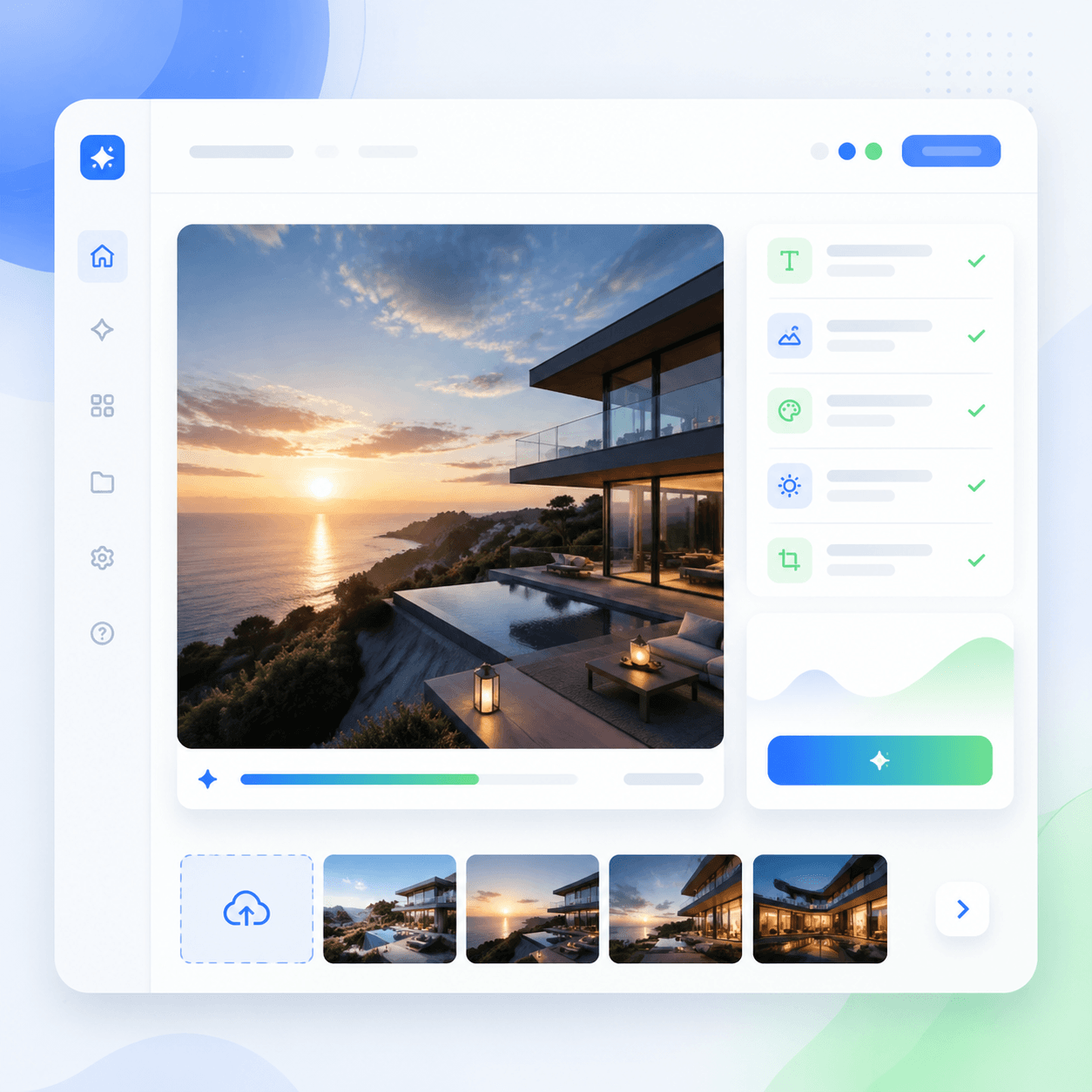
GPT Image 2 is an image generation model designed for richer prompts, stronger instruction following, and flexible visual editing. For teams comparing ChatGPT Images 2.0 workflows, this page gives a practical place to prepare text prompts and reference images before generation.
The workspace is built for a chatgpt image generator style flow: start with a prompt, add optional visual context, and keep the creative brief readable. It can be useful for hero concepts, product shots, social posts, storyboards, and polished design explorations.
Why choose this image model for visual work?
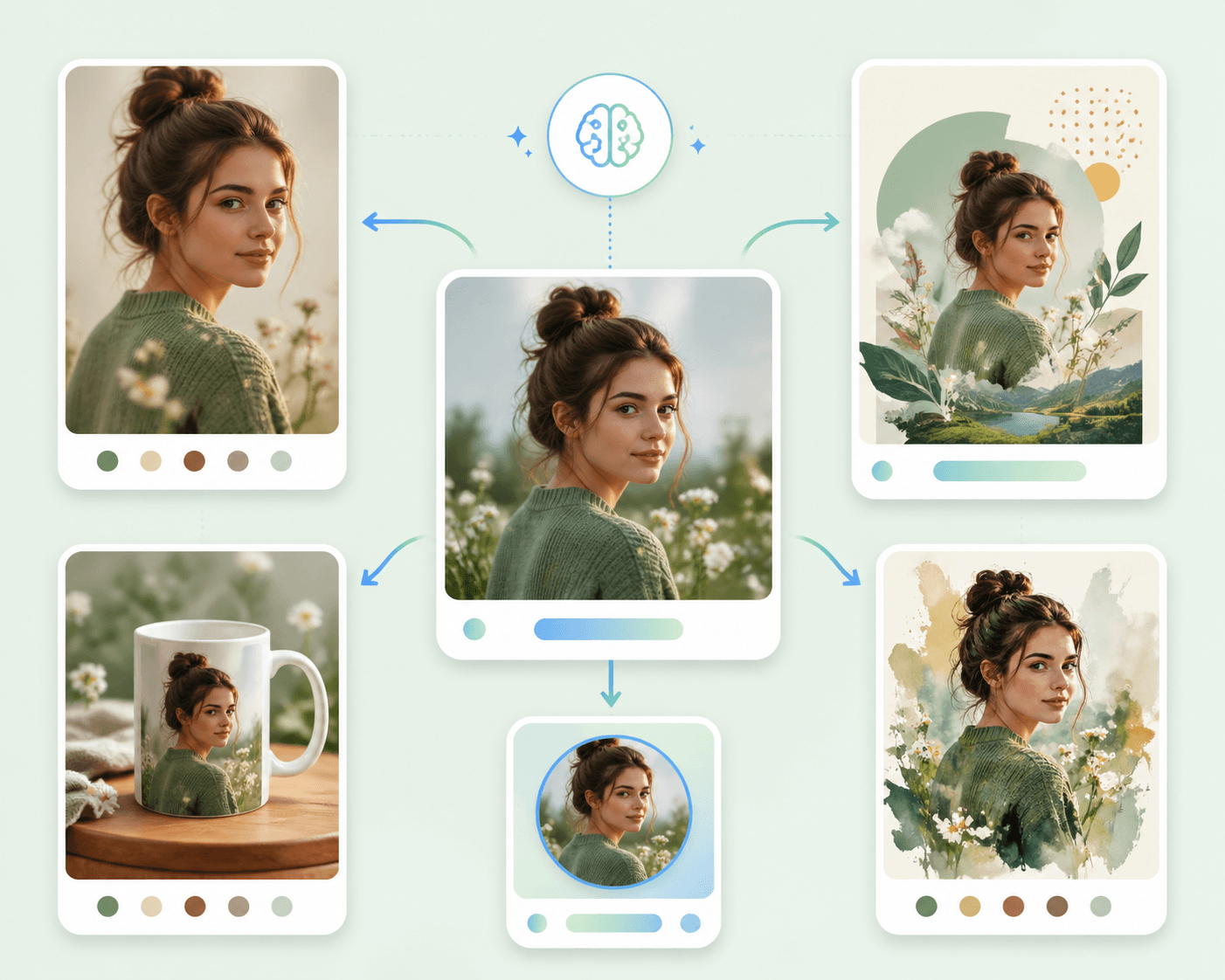
A practical GPT Image 2 workflow should feel closer to a creative brief than a technical form. Start with the final use case, explain the visual goal, then add details that matter: material, camera, lighting, background, and any text that must appear.
ChatGPT Images 2.0 is most helpful when the prompt stays specific but readable. Instead of stacking disconnected keywords, write the same way you would guide a designer. The chatgpt image generator can then follow a cleaner hierarchy and produce a more useful first draft.
BEFORE
AFTER
||
Frustrated by Low-Quality AI Image Alternatives?
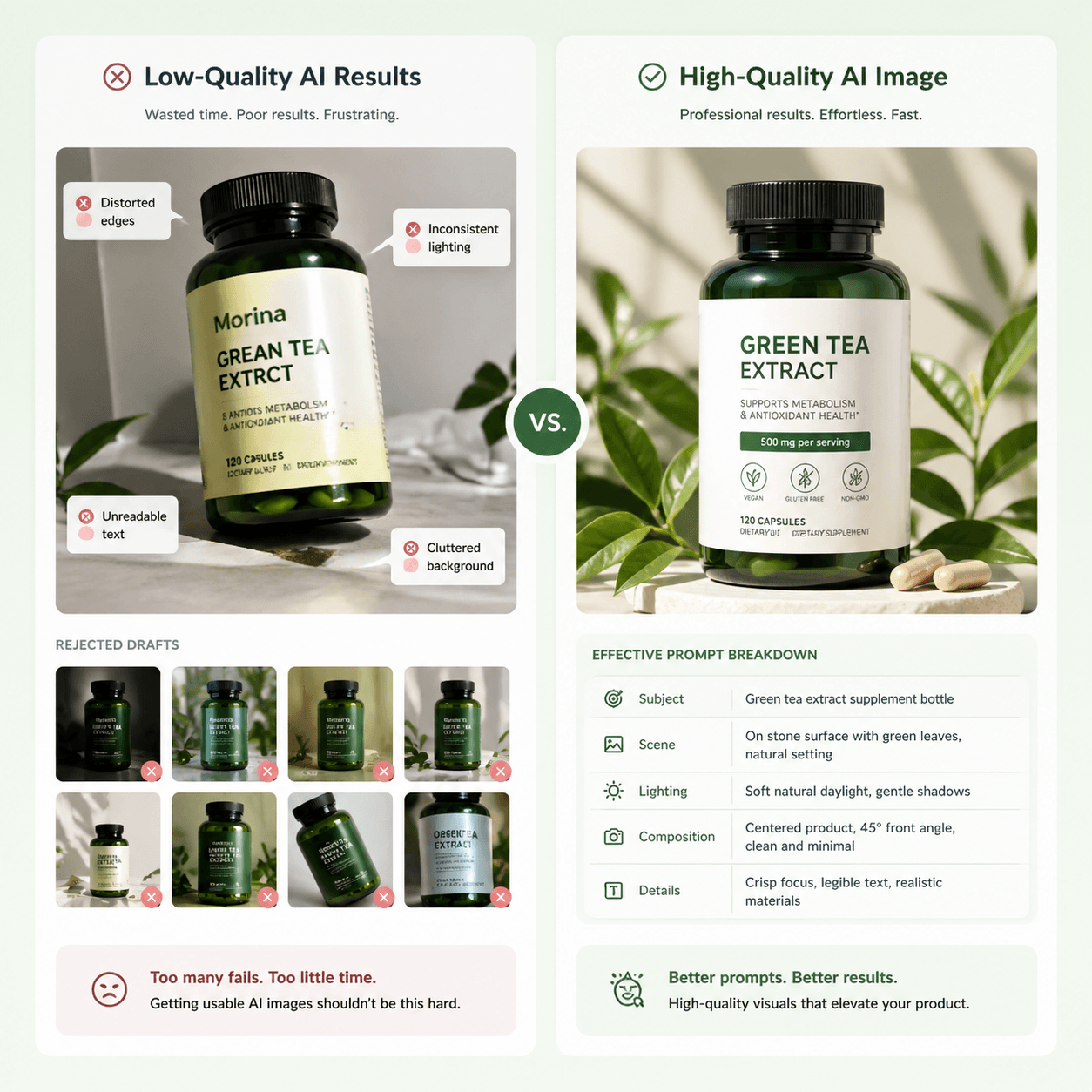
Traditional generators often miss prompt details, create inconsistent product shots, and make every small edit feel like starting over. This workspace helps creators move from rough ideas to polished visual directions faster.
The flow stays simple: upload context, describe the result, and prepare a cleaner brief for your next image generation pass.
Key Features of HubVanta AI's Image Model
Discover the breakthrough model capabilities that make this image generator fit professional creative work.
Clearer prompt control
The model responds best when the brief names subject, composition, style, lighting, and final use. That makes brand-safe drafts easier to steer.
Reference-aware image workflow
Upload a reference when you want the image workflow to preserve a product, face direction, color palette, or scene mood while still exploring fresh variations.
Production-minded outputs
Use this workspace to plan assets for landing pages, product listings, ad tests, editorial images, and internal mockups without making the prompt process feel heavy.
How to Use GPT Image 2
Mastering the workflow is simple: upload visual context, write a focused prompt, then review and refine the image direction.
Step 1: Upload context
Add an optional reference image when the model needs visual grounding. A clear input helps the chatgpt image generator understand subject details, proportions, and style direction.
Step 2: Write the prompt
Describe the target result in natural language. A strong image prompt usually includes the scene, audience, finish, and constraints.
Step 3: Review the draft
Use the result area to inspect the direction, then refine the prompt for the next pass. Small edits usually produce cleaner iterations.
Start shaping your next AI image
Use GPT Image 2 with a focused prompt, optional reference image, and a simple result workspace designed for ChatGPT Images 2.0.
What Creators Say About the Image Model
The prompt-first layout makes it easier to plan product images before a campaign shoot. The model feels practical for fast creative review.
Alex
Product Photographer
I can keep references and a clear brief in one place, then refine the visual direction without losing context.
Mia
Campaign Designer
The workspace is simple enough for non-designers but structured enough for our team to compare image ideas quickly.
Ken
Marketing Lead
For social visuals, the guided workflow helps us describe the exact finish we need before iteration.
RC
Creative Producer
This gives our team a cleaner way to organize prompts, references, and visual intent before production.
Ari
Art Director
The layout is light and direct. I can move from a rough idea to a more polished image prompt without extra steps.
Lin
Content Creator
GPT Image 2 FAQs
Quick answers about the model, ChatGPT Images 2.0, and prompt planning.
What is GPT Image 2 used for?⌄
GPT Image 2 is used for image generation and editing workflows such as product concepts, marketing images, social visuals, storyboards, and polished creative drafts.
How is ChatGPT Images 2.0 different from a basic image tool?⌄
ChatGPT Images 2.0 focuses on stronger prompt understanding and conversational iteration, so users can refine results through natural instructions instead of rebuilding every prompt from scratch.
Can I use a reference image?⌄
Yes. A reference image helps a chatgpt image generator understand visual context such as subject shape, scene mood, palette, or product identity.
What makes a good prompt?⌄
A good prompt explains the subject, visual style, lighting, composition, output use, and constraints. A chatgpt image generator usually performs better when instructions are clear and naturally ordered.
Where do generated images appear?⌄
Generated images appear in the result area beside the form, so you can compare prompt changes and keep the creation flow in one place.