Start with a free image to 3D model workflow
Use the included starter credits to test a real AI 3D model workflow before choosing a larger plan.
Turn a JPG, PNG, or WebP into a downloadable 3D model with our AI image to 3D converter. Start free, preview the result, and export GLB, OBJ, STL, or PLY.
Click or drop an image
JPG/PNG/WebP - up to 10MB
Output format
Selected format: GLB (.glb)
Upload an image to generate a 3D model.
Built for searches like image to 3D model free and image to 3D converter: upload a single image, generate a 3D mesh, preview it in your browser, and download one of the supported model formats.
Use the included starter credits to test a real AI 3D model workflow before choosing a larger plan.
Pick the output format before generation so the downloaded file matches your viewer, slicer, or 3D workspace.
Rotate and inspect the generated model in the browser, then copy the model link or download the final file.
Discover examples of 2D images transformed into 3D models using our AI converter. Each result follows the same workflow: upload an image, generate a model, preview it, and download GLB, OBJ, STL, or PLY.
Our advanced AI technology analyzes your 2D images and reconstructs them as fully interactive 3D models. The process is automated, fast, and produces high-quality results suitable for various applications.
Generate 3D ModelAI Image to 3D Model: Generate a usable 3D mesh from a clear 2D image, product photo, illustration, or character reference.
GLB, OBJ, STL, and PLY Downloads: Select the exact output format before generation and download the finished model file after preview.
Free to Start: Start with a limited preview. Plans include monthly credits for HubVanta AI tools and AI generation.
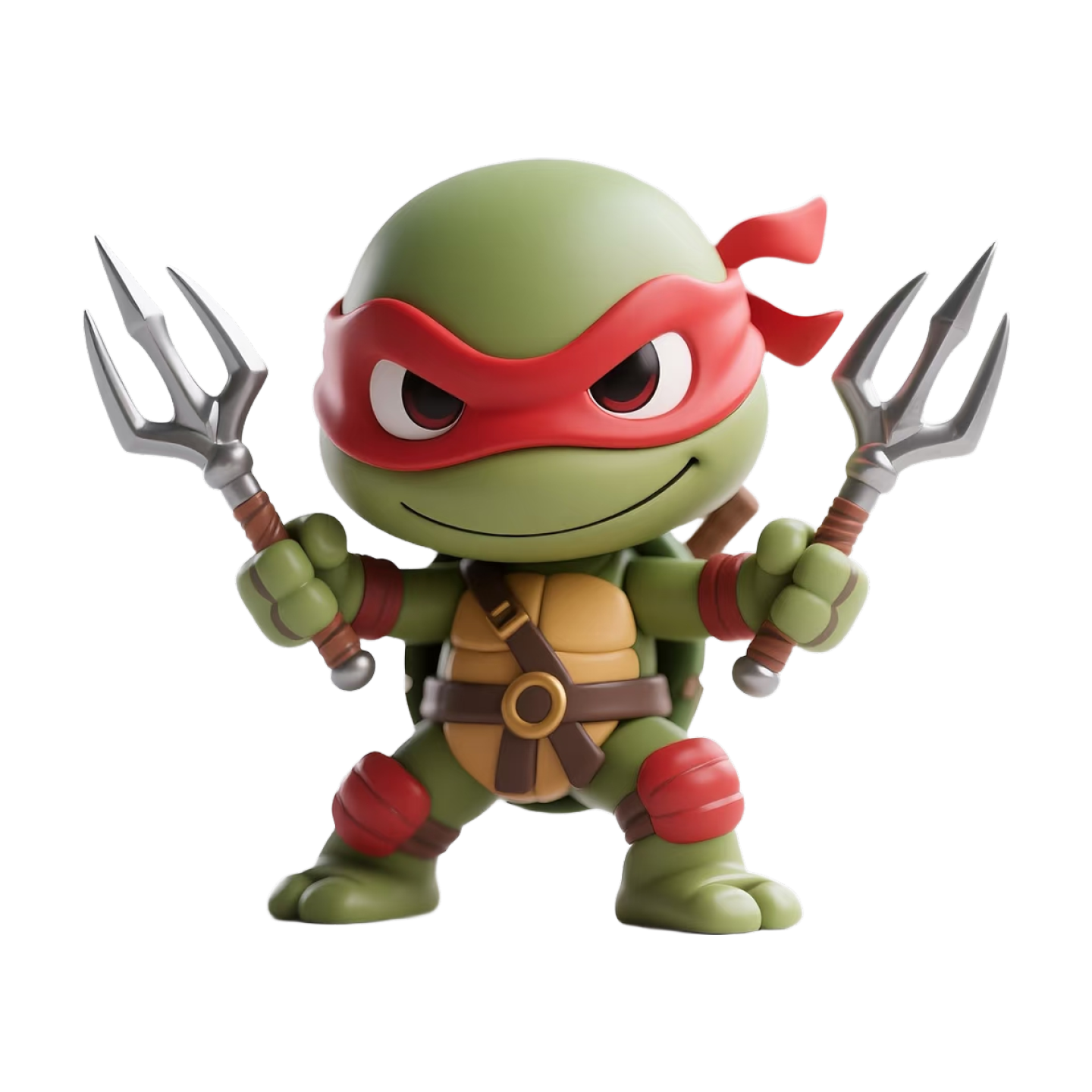
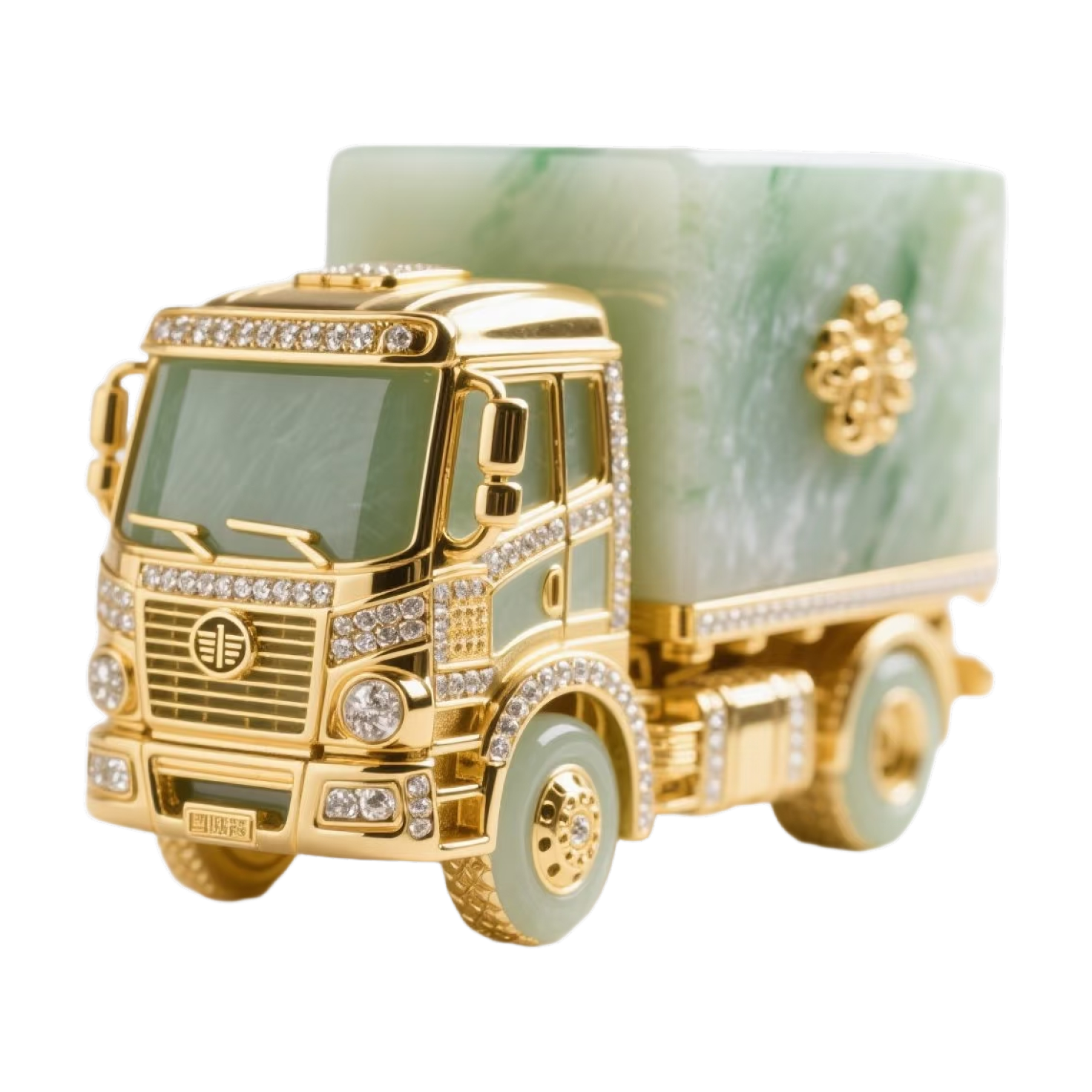
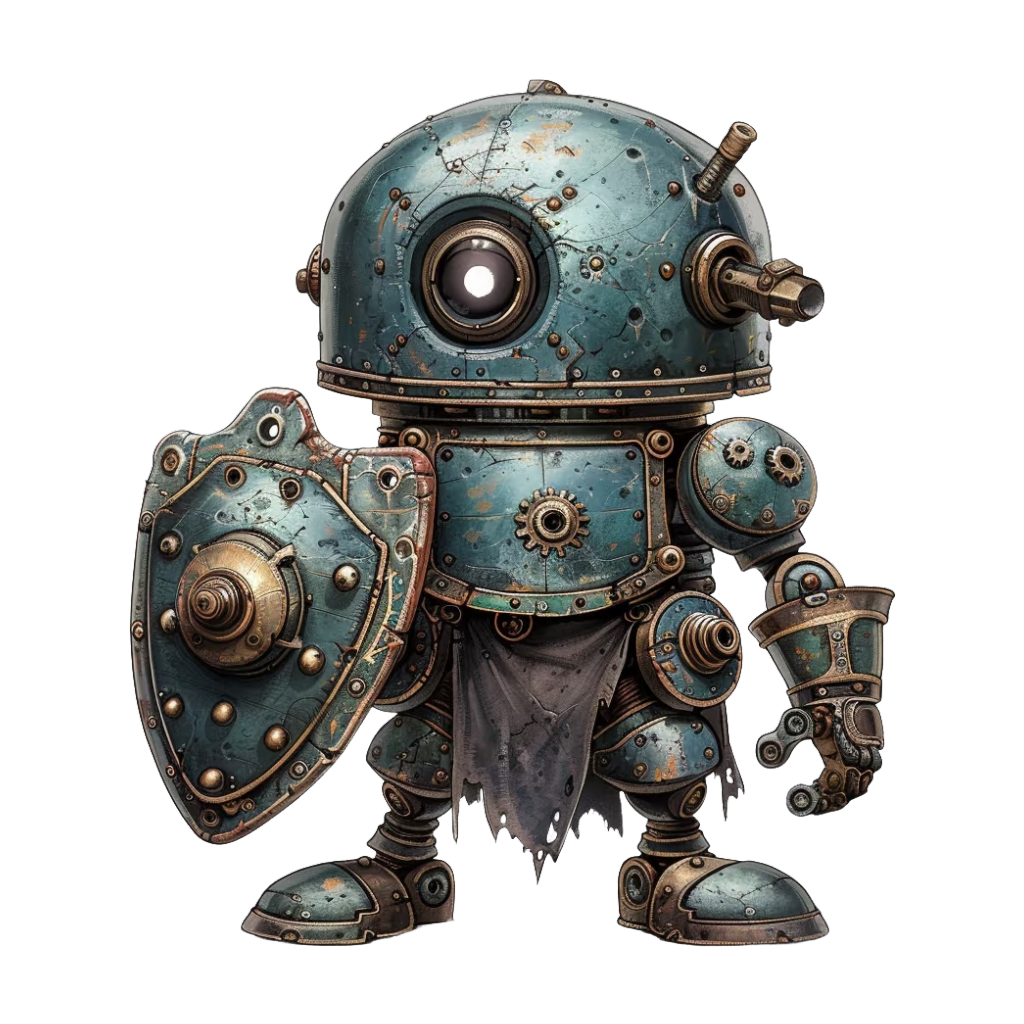
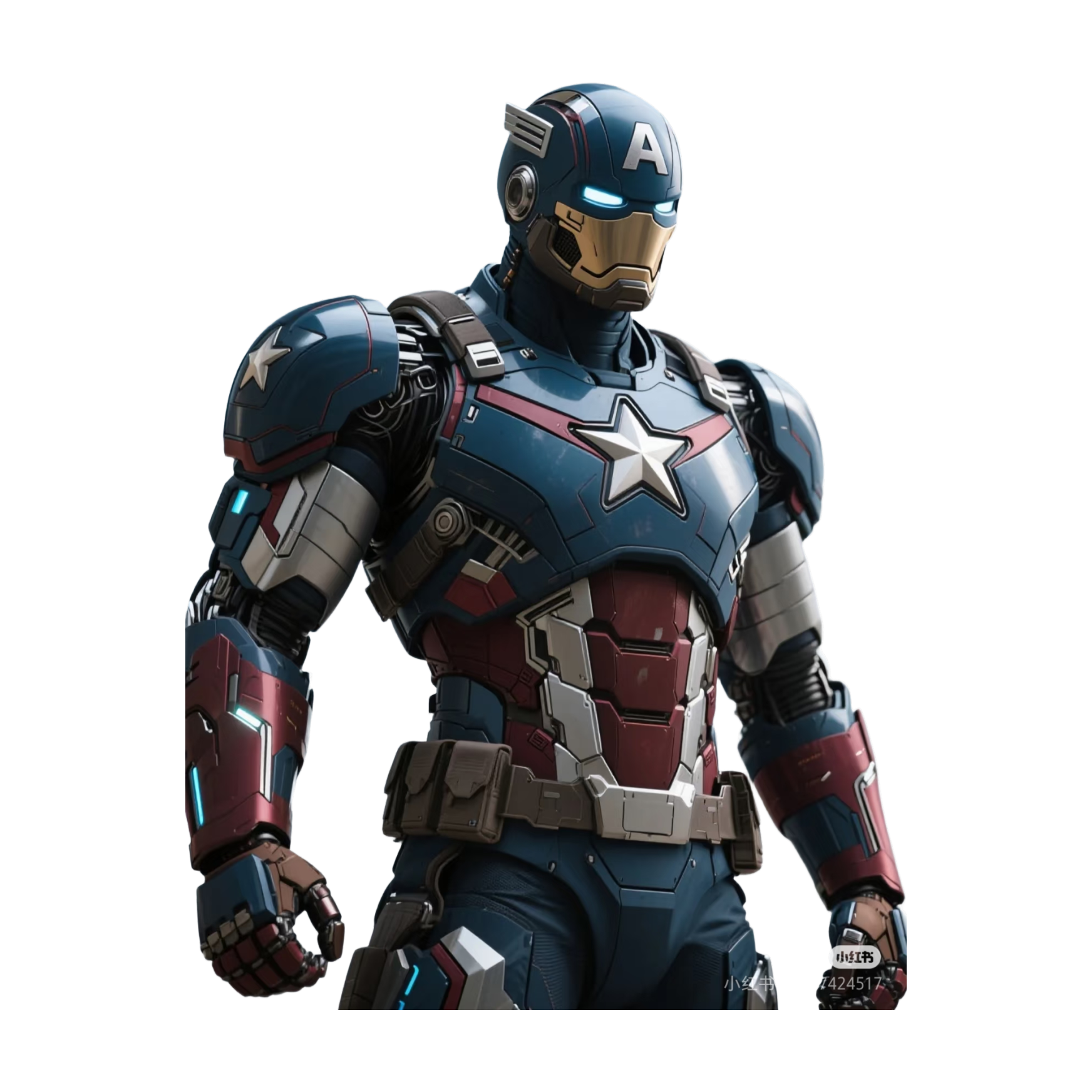
All these examples were generated from 2D images with our AI image to 3D converter. Try it to create a free-starting 3D model from a photo, product shot, illustration, or character reference.
3D Product Model
3D Sculpture
3D Architecture
3D Animal Model
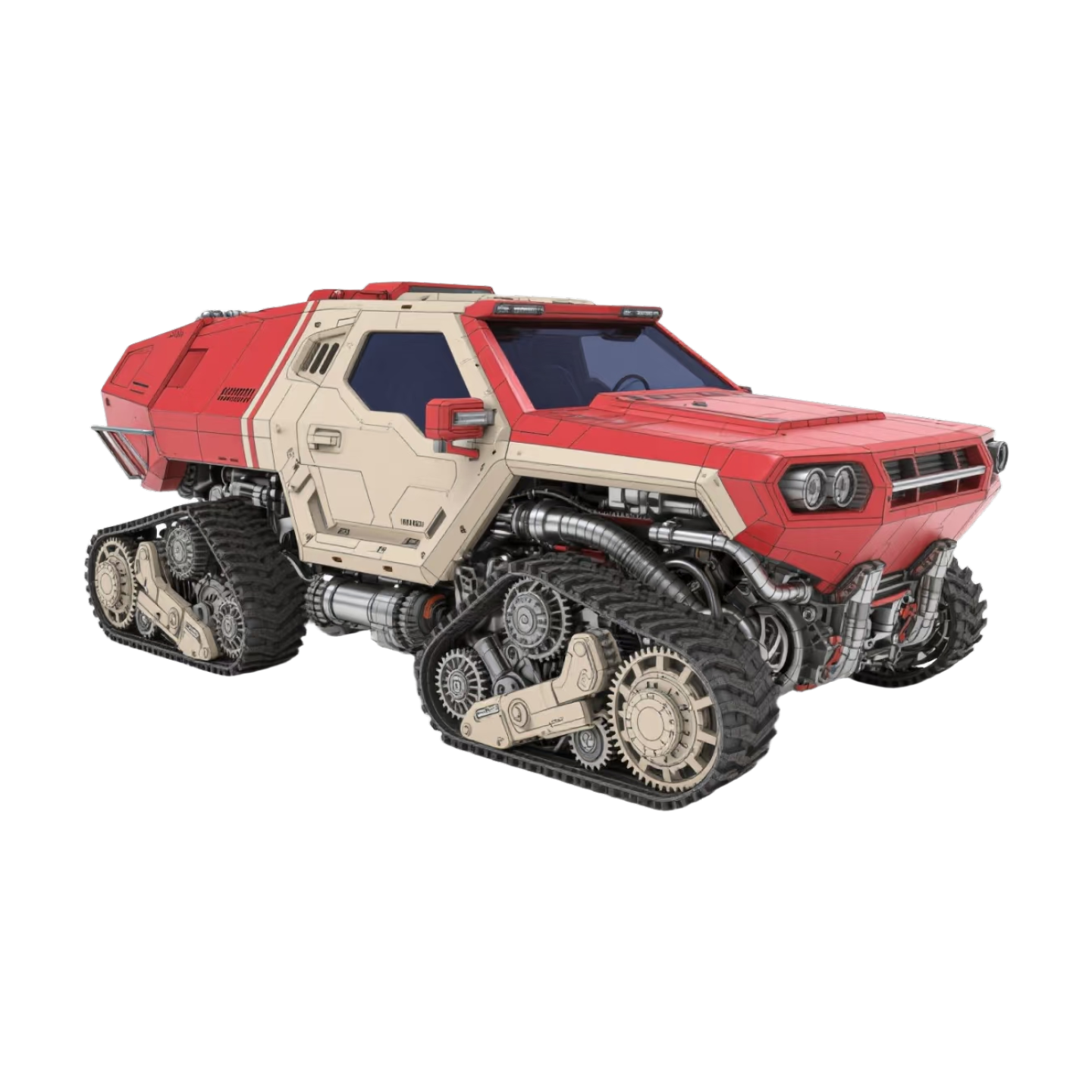
3D Vehicle
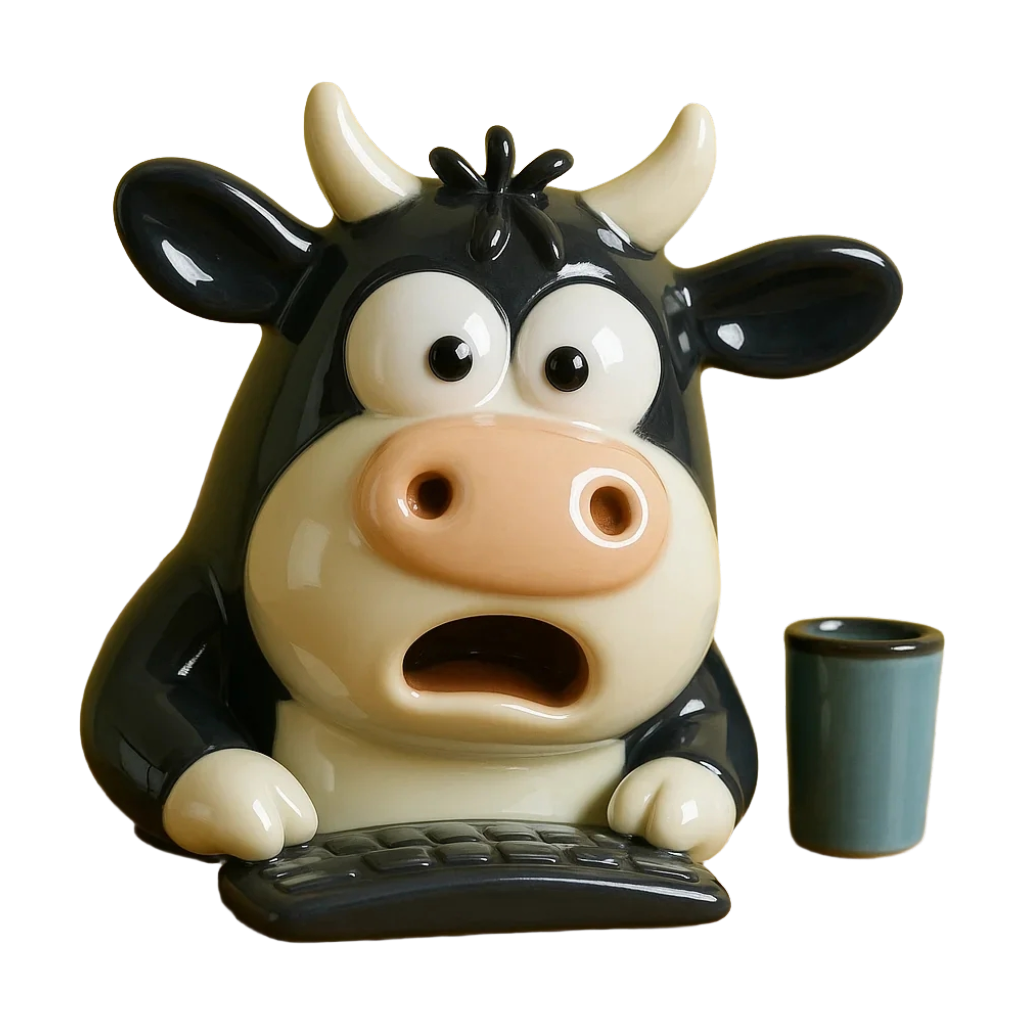
3D Portrait
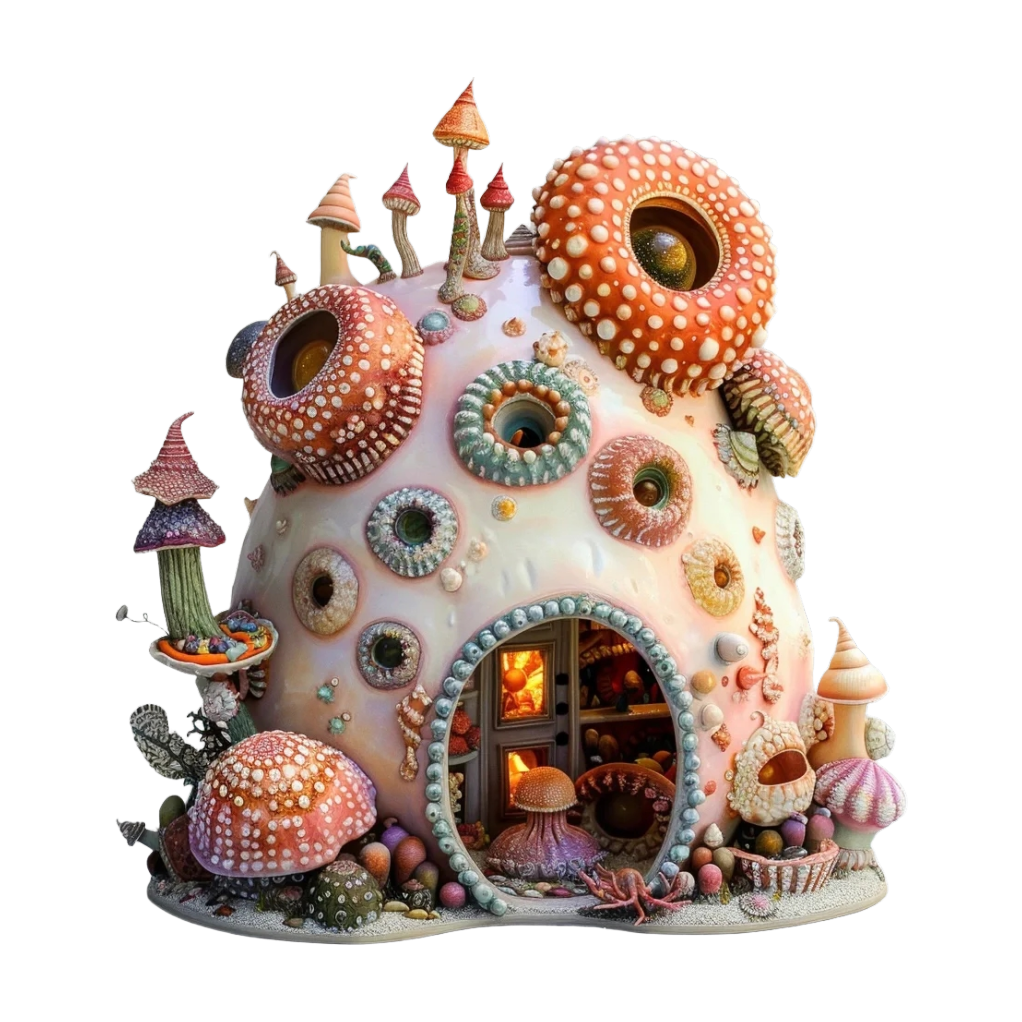
3D Object
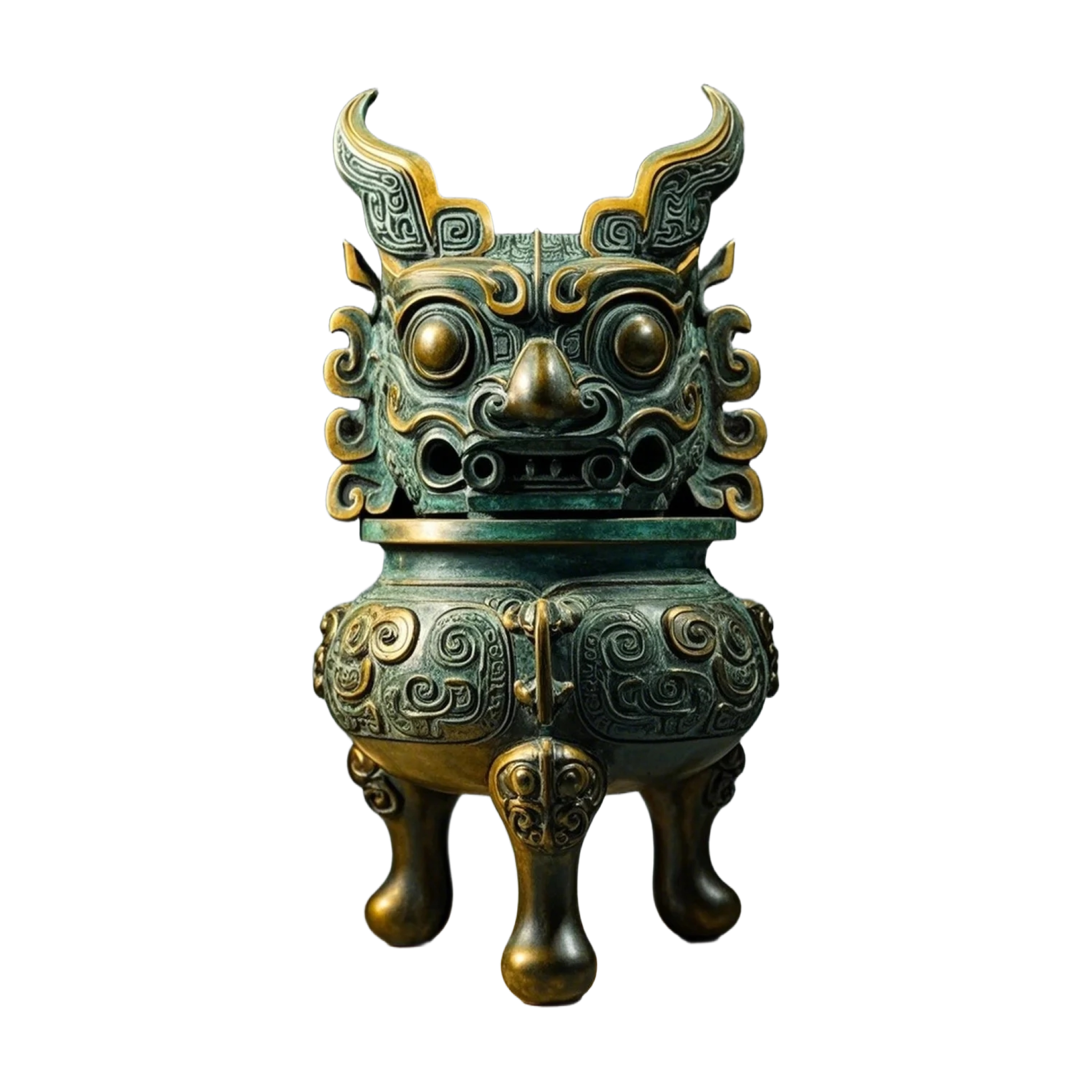
3D Character
Start by uploading a clear 2D image or photo that you want to convert into a 3D model. Our AI works best with images that have good lighting and clear details. You can upload photos of objects, faces, buildings, or any subject you want to transform into 3D.
Our advanced image to 3D AI analyzes your image, understanding depth, contours, and spatial relationships. The AI then constructs a detailed 3D mesh, adding depth and dimension to create a fully realized three-dimensional model from your flat image.
Once processing is complete, preview your 3D model in an interactive viewer. Rotate, zoom, and inspect it from all angles. Download the model as GLB, OBJ, STL, or PLY for compatible 3D workflows, web viewers, slicers, or creative production.
Generate a usable 3D mesh from a clear 2D image, product photo, illustration, or character reference.
Select the exact output format before generation and download the finished model file after preview.
Start with a limited preview. Plans include monthly credits for HubVanta AI tools and AI generation.
Everything you need to know about our free AI image to 3D model converter
An image to 3D converter turns a flat 2D image or photo into a three-dimensional digital model. HubVanta AI analyzes the image, estimates shape and depth, and generates a 3D mesh that you can preview in the browser and download as a model file.
New registered users get 40 starter credits after signing in. Plans include monthly credits for HubVanta AI tools and AI generation.
You can choose GLB, OBJ, STL, or PLY before generating the model. The current image to 3D workspace does not expose FBX or USDZ, so the page only promises the formats that are available in the tool.
The best results come from clear, well-lit images with good detail and contrast. Photos of objects, portraits, buildings, and products work particularly well. Images with clear edges and distinct features produce more accurate 3D models. Avoid extremely blurry or low-resolution images for optimal results.
Most image to 3D conversions are completed within seconds to a few minutes, depending on image complexity and server load. Our AI processing is highly optimized to deliver fast results without compromising quality. You will see progress indicators during the conversion process.
The result is a downloadable 3D model file. You can preview it in the browser first, then download the generated GLB, OBJ, STL, or PLY file or copy the model link.
No experience required! Our image to 3D AI handles all the complex modeling work automatically. Simply upload your image and let the AI do the rest. The tool is designed to be accessible to everyone, from complete beginners to professional 3D artists looking to speed up their workflow.
Discover other powerful AI tools to enhance your creative projects
Turn a JPG, PNG, or WebP into a downloadable 3D model with our AI image to 3D converter. Start free, preview the result, and export GLB, OBJ, STL, or PLY.
Generate 3D Model