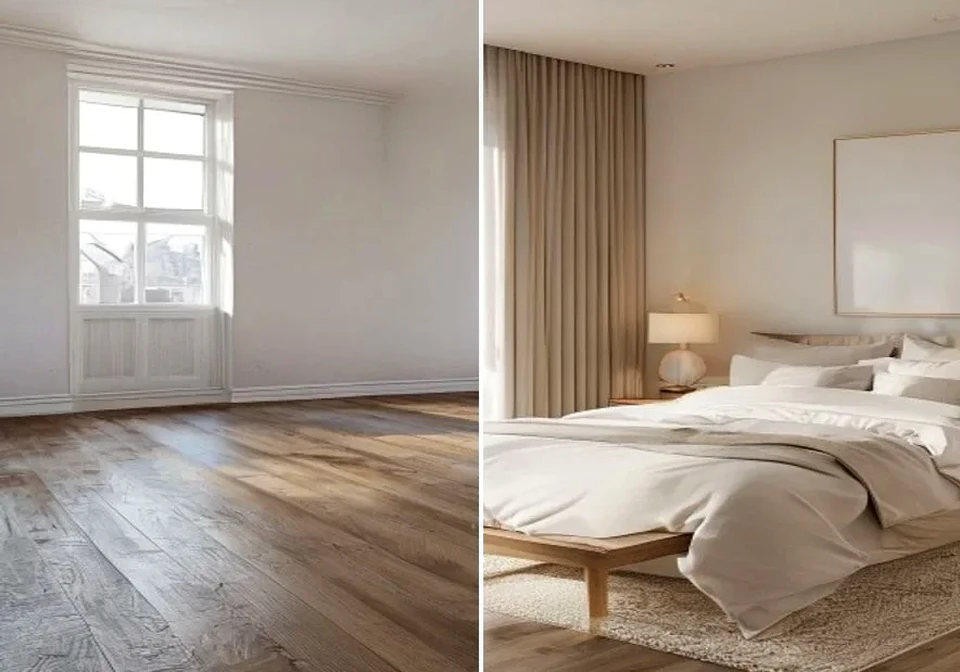
AI room decorator before and after room decorator online preview | Hubvanta AI

AI Room Decorator Online

Upload a room photo, choose a decor style, and use an AI room decorator to preview a refreshed interior in your browser. This room decorator online flow keeps the room layout recognizable while testing furniture, color, lighting, and decorative details.

Room decorator onlineStyle presets

Room photo

Upload room photoPNG, JPG, or WebP under 10MB

Decor style

Free 1-time preview. View credit plans or sign in to save results.

Upload a room photo, choose a style, and write a prompt.

AI room decorator
Room decorator online
Style presets
Photo-based interior preview

Room decorator ideas from your real photo

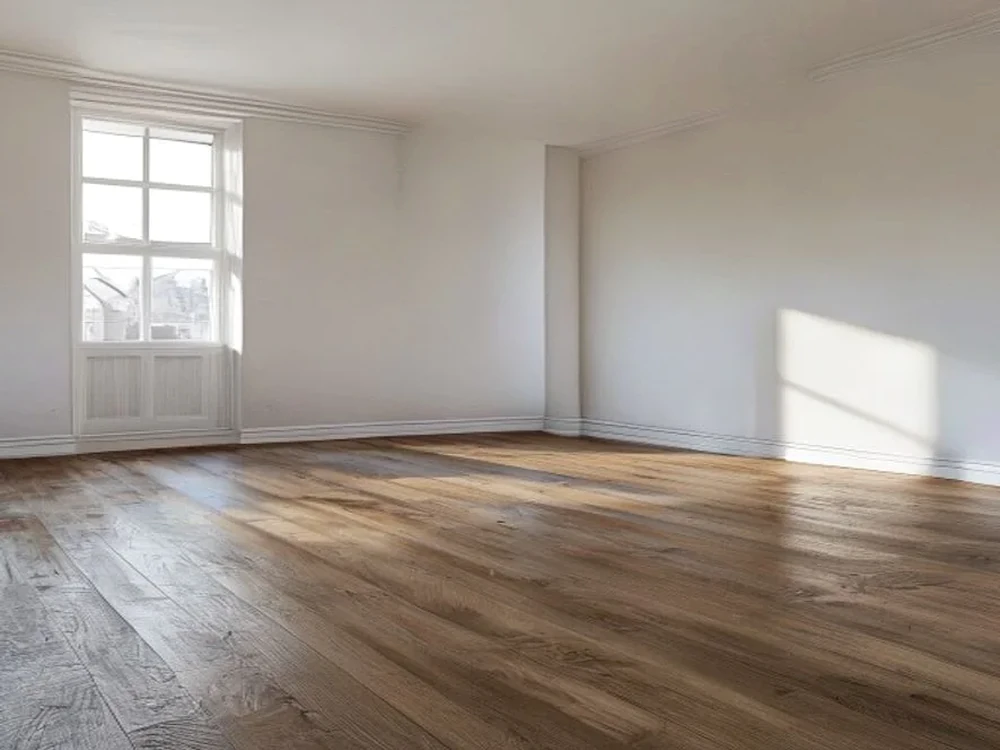
AI room decorator source room photo for room decorator online | Hubvanta AI

Room decorator ideas from your real photo

A room decorator is most useful when it starts with the space you already have. HubVanta keeps walls, windows, floors, and camera angle visible, then uses your style direction to generate a practical room decorator online preview.

Decorate a room

Try different decor directions without rebuilding the room

Use ai room decorator prompts for modern apartments, cozy bedrooms, rental living rooms, home offices, and quick client mood boards. Change the style, strength, and prompt to compare several room decorator concepts from one upload.

Preview a bedroom, studio, office, nursery, or living room before buying decor.

Compare modern, Scandinavian, Japandi, luxury, rustic, or colorful directions.

Create a room decorator online free starting point for renovation planning.

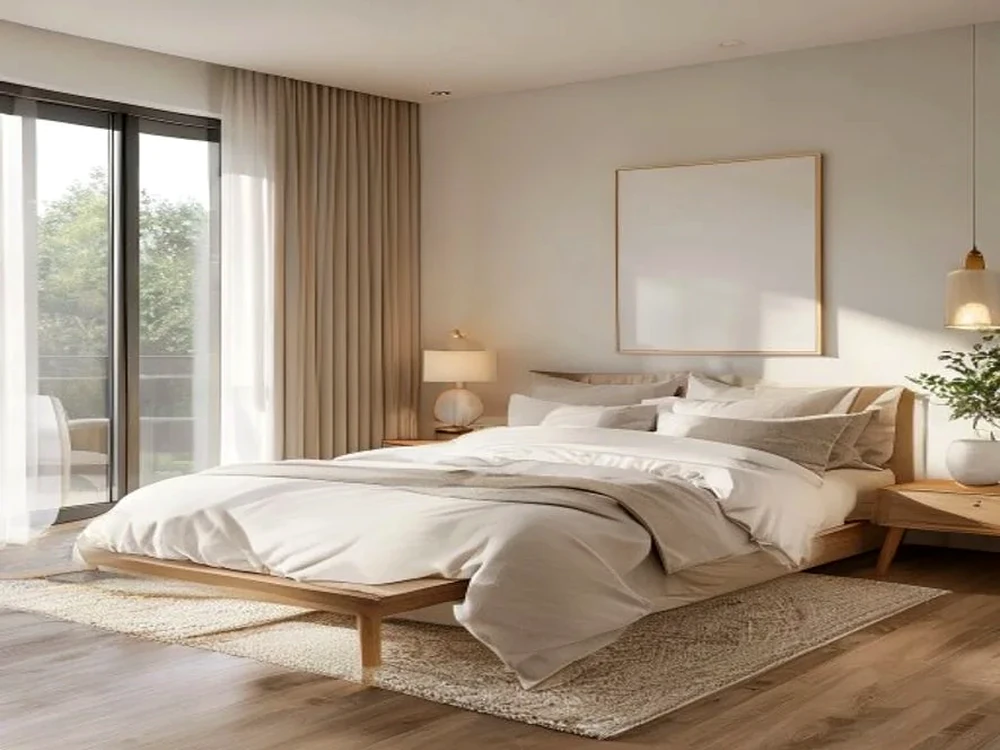
AI room decorator styled room decorator online result | Hubvanta AI

Plan a room decorator online workflow from one photo

A good AI room decorator workflow does more than make a pretty image. It helps you decide what to keep, what to replace, and which decor direction is worth testing next. Use this room decorator online page as a fast planning layer before you buy furniture, repaint walls, brief a designer, or prepare a listing.

Keep the room recognizable

Start with a photo that shows the real room shape, floor perspective, wall height, window position, and existing furniture scale. The AI room decorator can explore new decor while the original architecture stays understandable, which makes the result easier to compare with the actual space.
Write a useful decor prompt

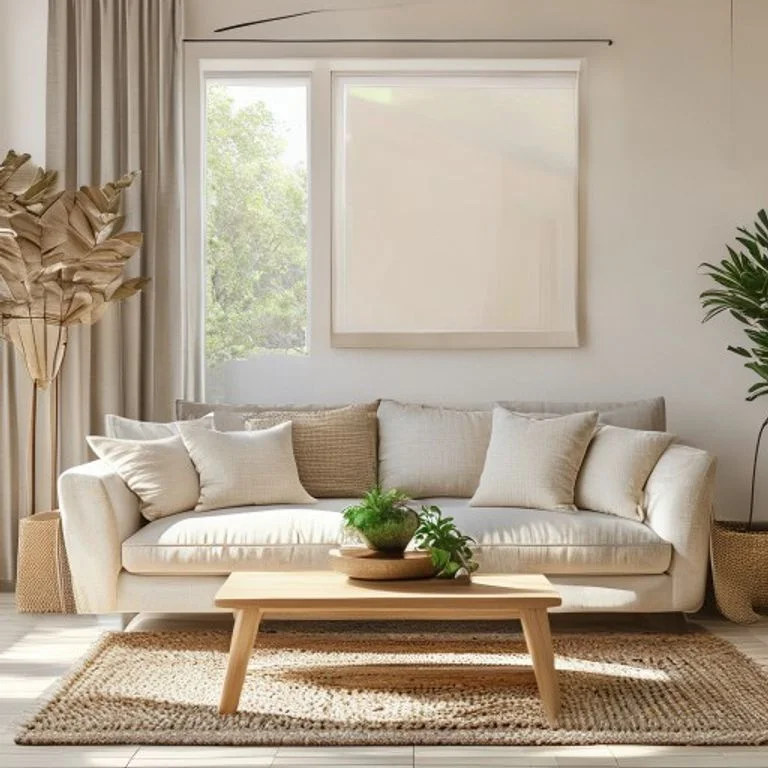
Instead of only typing modern room decorator, describe the materials, palette, furniture mood, lighting, and constraints. A room decorator prompt like warm oak, linen sofa, soft wall art, hidden storage, and no structural changes gives the model clearer design intent.

Compare several design directions

Run the room decorator online workflow with low strength for subtle styling, then increase strength when you want a stronger transformation. Save the versions that feel realistic, compare them side by side, and use the differences to choose colors, rugs, lamps, and layout ideas.

Make style changes measurable

Use each AI room decorator result to name one decision: wall color, sofa shape, curtain tone, rug size, lighting temperature, or storage style. A room decorator online preview becomes more valuable when every generated version answers a real design question instead of only looking different.

Turn previews into a shopping brief

After the room decorator output looks right, list the visible furniture categories, materials, and colors. The AI room decorator image can become a shopping brief for a renter, homeowner, agent, or stylist who needs a clear room decorator reference before buying anything.

Use free planning time wisely

People looking for room decorator online free tools usually want a quick idea before committing. Prepare one clean image and one focused prompt first, then use the generated result as a practical reference for shopping lists, renovation notes, or a more detailed design brief.

When to use an AI room decorator instead of a blank planner

A blank planner is helpful when you already know dimensions, furniture sizes, and layout rules. An AI room decorator is better when you want visual inspiration from the room you can already photograph. It turns a real wall, floor, window, or plain corner into a styled room decorator preview, so you can judge mood and taste before moving into precise measurements.

How the AI room decorator works

The workspace sends your room photo, style, prompt, strength, and guidance settings to ModelsLab Room Decorator, then returns a redesigned room image.

1

Upload a room photo

Use a clear image with walls, floor, ceiling, windows, and furniture placement visible.

2

Choose a decorating style

Pick a preset style, then add a short prompt for colors, furniture, lighting, or mood.

3

Generate and compare

Review the decorated room in the result overlay and download the image for planning or client review.

Built for fast room decoration previews

Use the AI room decorator when you need a realistic first draft, not a complex CAD tool. The page keeps uploading, prompt writing, previewing, and downloading in one focused flow.

Photo-based decorating

Start with a real interior photo instead of a blank canvas or generic template.

Style presets

Pick common decor directions and refine them with a natural language prompt.

Adjustable strength

Keep more of the source room or allow a stronger room decorator transformation.

Realistic interior focus

Prompt rules steer the model away from people, logos, readable text, and distorted furniture.

Downloadable result

Save the generated room decorator image for proposals, shopping lists, and design review.

Browser workflow

Upload, decorate, compare, and download without installing a separate interior design app.

FAQ about AI room decorator

Answers for people comparing ai room decorator, room decorator online, room decorator, and room decorator online free tools.

What is an AI room decorator?+

An AI room decorator uses your room photo and style prompt to generate a redesigned interior preview. It can suggest furniture, color palettes, lighting, rugs, wall decor, and layout mood while keeping the original room recognizable.

Can I use this room decorator online free?+

You can open the room decorator online workspace and prepare your upload, style, and prompt in the browser. The generation form shows account status before you run the AI room decorator.

What room photo works best?+

Use a bright, stable photo where the floor, walls, windows, and main furniture are visible. Avoid extreme wide-angle distortion, heavy blur, mirrors with people, and strong shadows.

Will the room decorator preserve my room layout?+

The prompt asks the model to preserve architecture, camera angle, windows, floor perspective, and existing structural details. Stronger settings may change more furniture and decor.

Can I download the decorated room image?+

Yes. After the room decorator generation finishes, you can preview the result and download the image from the overlay.

AI Room Decorator

AI Room Decorator Online

Decorate a room