1
Upload a layout reference
Use a sketch, scan, blueprint crop, room photo, or house layout image in PNG, JPG, or WEBP format.
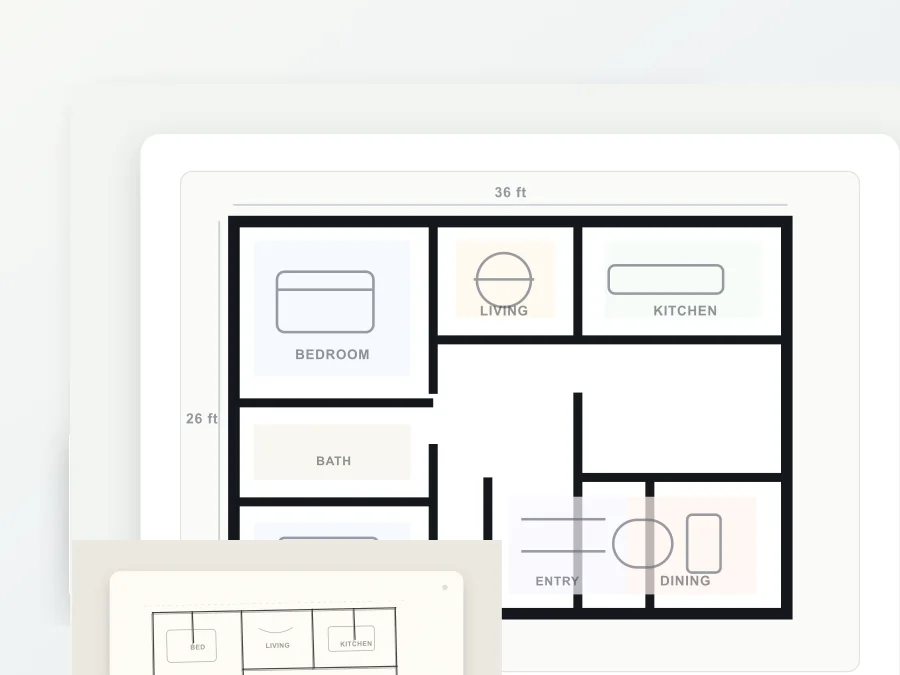
Upload a sketch, blueprint, room photo, or rough house layout and turn it into a clean floor plan AI render. Use the browser floor plan creator to draft floor plans for homes, rentals, renovation ideas, and planning reviews.
Layout reference
Scenario
Upload a layout reference and describe the floor plan.
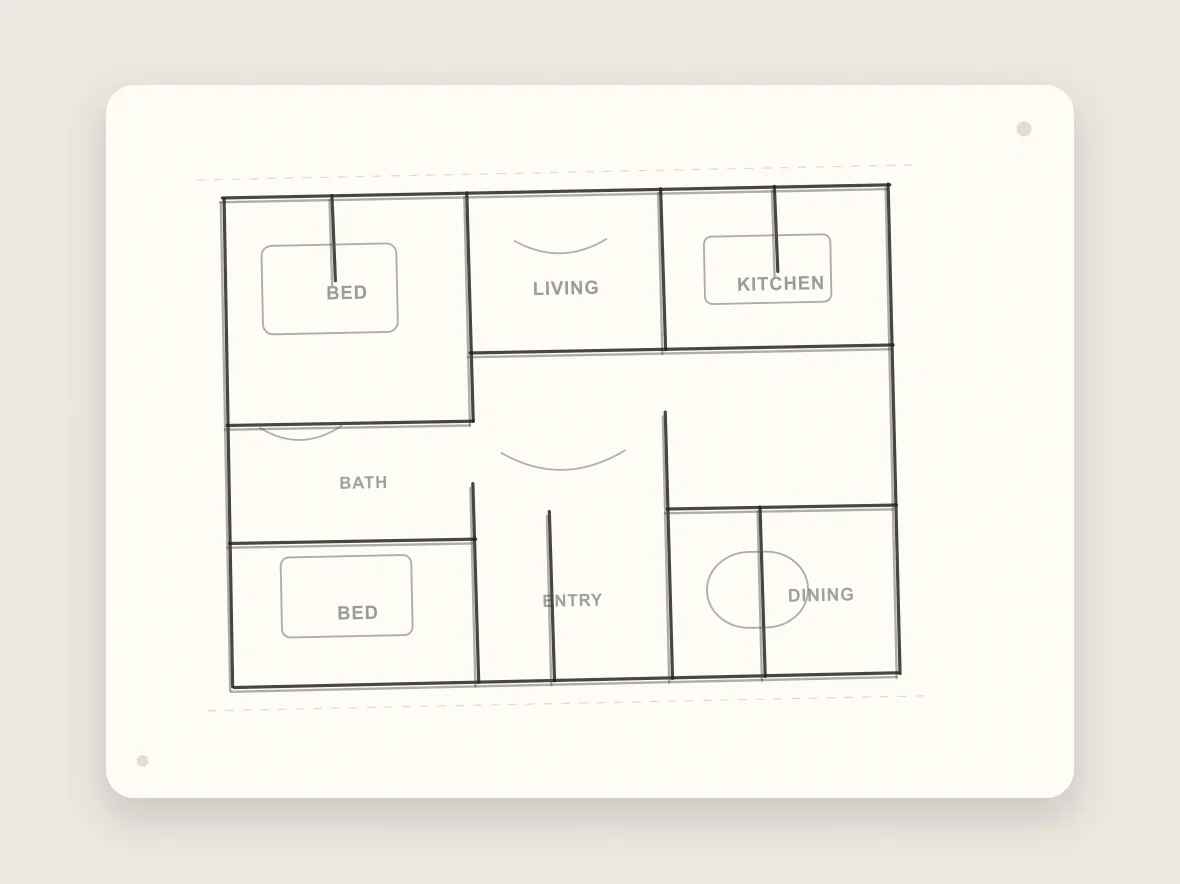
Floor plan AI is useful when the idea is visible but not presentation-ready. Start from a scan, sketch, or room reference, then guide the result with the rooms, circulation, furniture symbols, and planning style you want.
Use the prompt to describe bedrooms, kitchen, bath, open living areas, storage, garage, or studio zones. The model keeps the work top-down and diagram-like so the output reads as a floor planner draft instead of a decorative interior render.
Clean up hand-drawn house floor plans before sharing with a client.
Turn a room photo or sketch into an early floor planner concept.
Create floor plans for rental listings, remodel notes, or mood boards.
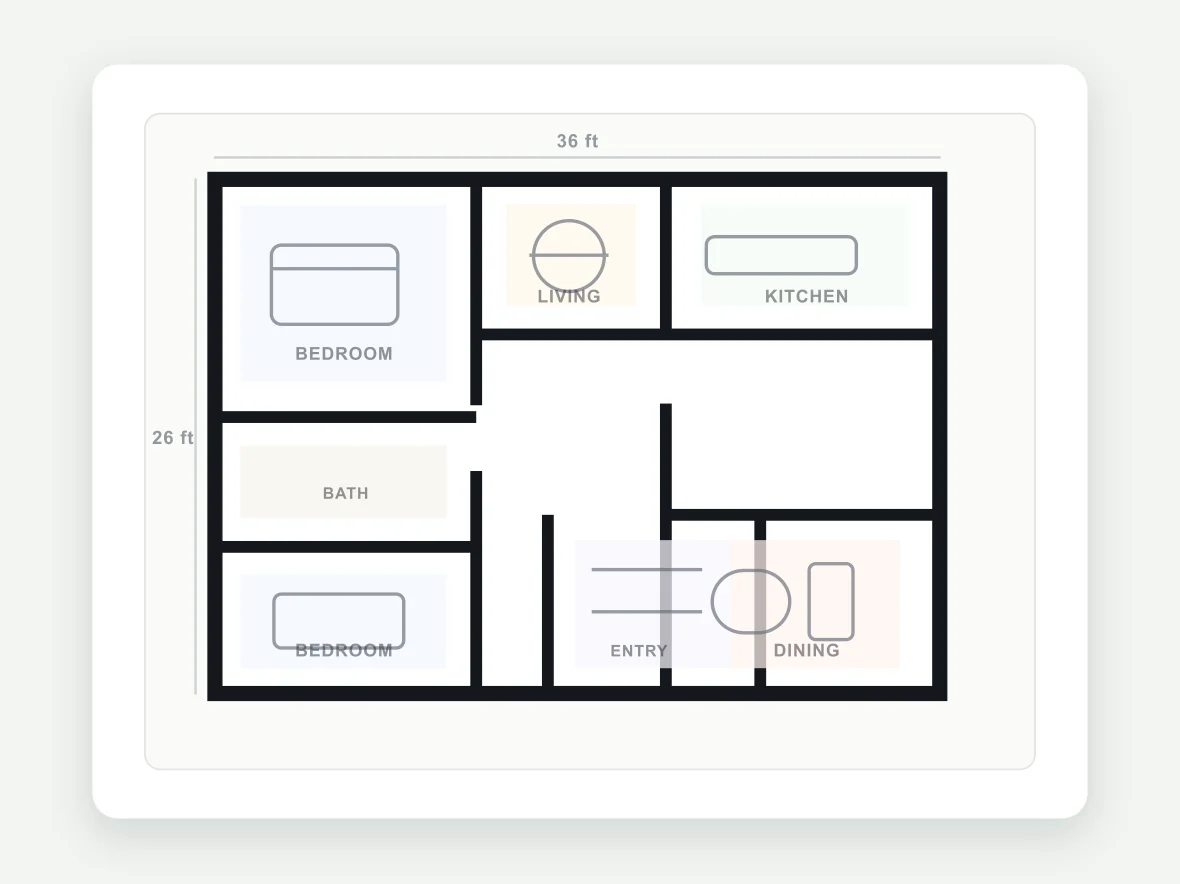
HubVanta uploads your reference image, combines it with your floor plan prompt, then asks ModelsLab floor-planning to return a top-down planning image.
Use a sketch, scan, blueprint crop, room photo, or house layout image in PNG, JPG, or WEBP format.
Add room names, furniture hints, layout intent, and the level of detail you want in the floor plan creator.
Review the generated floor plan in the result overlay, then download it for planning notes or design discussion.
The workflow stays focused on one useful output: a readable floor plan image that starts from your reference and stays easy to review.
Start from a real sketch or image so the generated floor plan follows the visible room structure.
Tell the floor plan creator which rooms, zones, and furniture symbols matter most.
Choose a visual planning scenario when you want a plain, coastal, desert, or cabin-style direction.
Keep more of the uploaded layout or let the AI reinterpret the plan more freely.
Compare the uploaded reference with the generated floor plan before downloading.
Upload, prompt, generate, preview, and download without opening a heavy drafting app.
Common questions before using a floor plan creator online.
You can start from the browser workspace and preview the generation flow after signing in. The generation form shows your current account state before you run the tool.
Clear sketches, blueprint crops, simple room photos, or existing house floor plans work best. Avoid blurry images with heavy shadows or unreadable markings.
No. Treat the result as an early planning image. For permits, construction, measurements, accessibility, or code compliance, review with a qualified professional.
Yes. A rough sketch can work when walls, doors, or room relationships are visible. Add the room list and planning goal in the prompt for a clearer result.
The API route uses ModelsLab floor-planning, which accepts an initial image, prompt, strength, scenario, and guidance scale.
Upload a sketch, blueprint, room photo, or rough house layout and turn it into a clean floor plan AI render. Use the browser floor plan creator to draft floor plans for homes, rentals, renovation ideas, and planning reviews.