1
Upload Your Image
Upload an image from your device. We support JPG, PNG, and WebP formats up to 5MB, and you can also drag and drop images directly into the upload area.
Use this AI image describer and image description generator to turn any photo into useful text. Upload an image, choose detailed description, brief summary, alt text, person description, or social caption, then copy the result for accessibility, SEO, and content workflows.
Click to upload or drag and drop
PNG, JPG, WebP up to 5MB
Output type
Select language
NSFW, sexual, adult, pornographic, or sexually explicit content generation is prohibited. Read the Terms
Upload an image to get an AI description.
This AI image describer reads visible objects, people, scenes, context, and composition, then converts that visual analysis into copy-ready text. It is built for users who need to describe images online instead of writing every description from scratch.
Upload an image from your device. We support JPG, PNG, and WebP formats up to 5MB, and you can also drag and drop images directly into the upload area.
Select the output you need: a brief summary, detailed analysis, person description, accessibility alt text, or social caption.
Click generate and our AI instantly analyzes your image and creates an accurate, natural-sounding description. Copy the result and use it for your projects, whether it's for web accessibility, SEO optimization, or content creation.
Choose the output that matches your task. The same upload can become an image description, concise alt text, a caption, or a person-focused summary without switching tools.
Use detailed mode when you need a fuller explanation of the scene, objects, actions, style, and visible context.
Best for
Blog drafts, image documentation, editorial review, product notes, and visual content audits.
Use brief mode when you need a quick image describer result that captures the main subject in one or two sentences.
Best for
Fast review, file organization, content planning, and first-pass image triage.
Generate concise alt text that focuses on meaningful visual information and avoids stuffing keywords into the description.
Best for
Web accessibility, CMS image fields, ecommerce galleries, and SEO-friendly image publishing.
Create natural caption ideas for social posts, editorial snippets, product visuals, or marketing workflows.
Best for
Instagram captions, campaign drafts, content calendars, and visual storytelling.
Describe visible clothing, pose, expression, setting, and composition while avoiding unsupported identity claims.
Best for
Portrait notes, creator briefs, profile image review, and human-centered visual descriptions.
Advanced AI vision technology identifies objects, scenes, actions, people, and context with practical detail
AI Image Describer
Choose brief, detailed, person-focused, alt text, or caption outputs for your specific image description task
AI Image Describer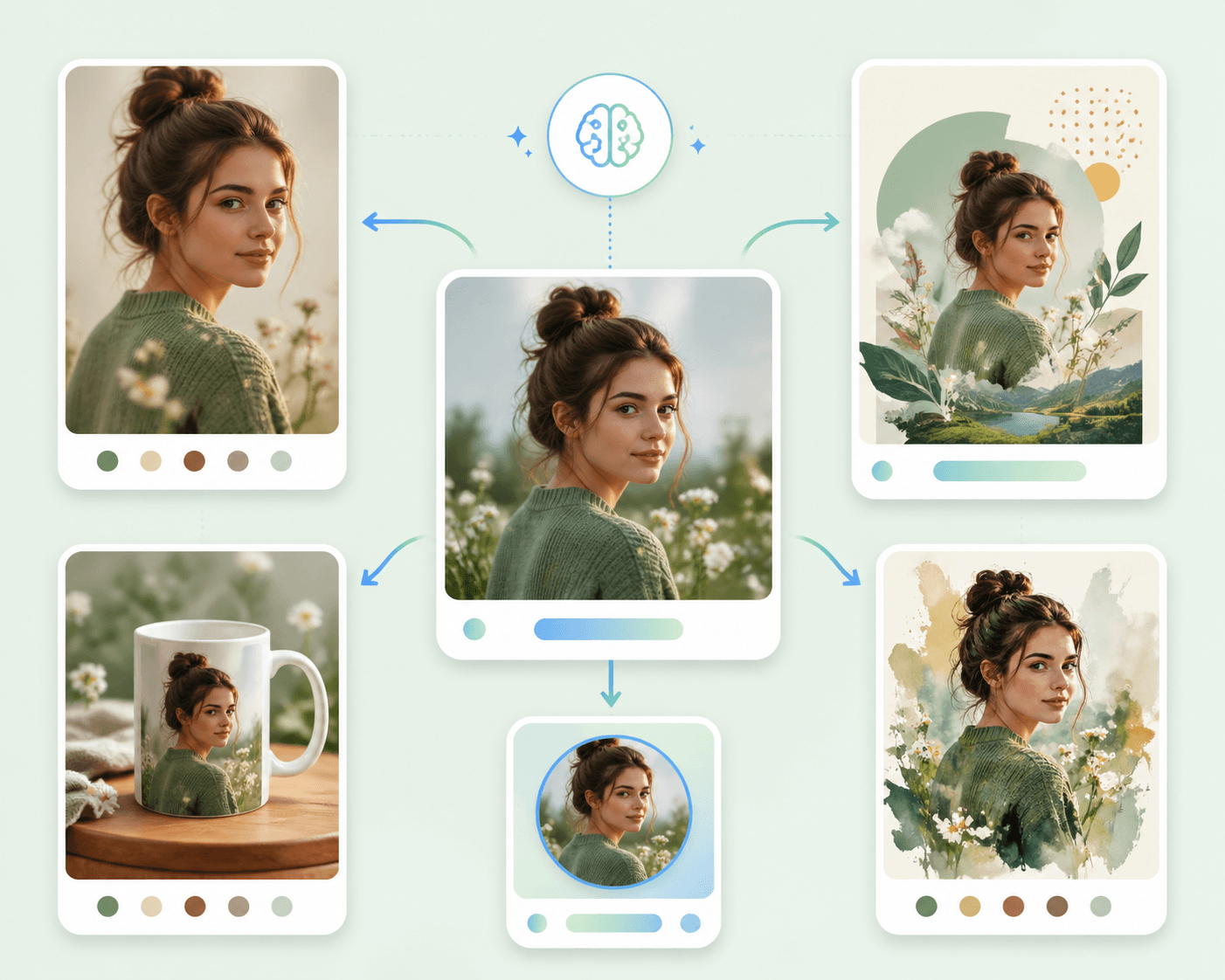
Generate image descriptions with one shared free use across all eight free tools per day. No sign-up or credits required.
AI Image DescriberEverything you need to know about our free AI image description generator
Simply upload an image, select an output type, and our AI analyzes the image to generate accurate, natural-sounding text. The technology uses advanced computer vision and natural language processing.
The image describer runs on HubVanta's vision analysis pipeline, which can use different vision-capable models depending on availability and response quality.
Yes. You get one shared free use across all eight free tools per day, with no sign-up or credits required.
You can generate detailed image descriptions, brief summaries, person-focused descriptions, concise accessibility alt text, or social caption options.
Yes. Choose the Alt Text output type to generate concise accessibility text that explains the meaningful visual content without keyword stuffing.
Yes. Upload a photo and choose the output type that fits your workflow, such as detailed description, brief summary, person description, alt text, or social caption.
We support JPG, PNG, and WebP image formats. Maximum file size is 5MB, and images are uploaded directly from your device.
Yes, you can use the generated descriptions for personal and commercial projects. They're perfect for website alt text, SEO optimization, accessibility compliance, content creation, social media posts, and more.
Your image is processed by the AI service to generate the requested description. HubVanta does not use user uploads as public page examples.
HubVanta's free AI image describer is built for people who need to describe images online and turn visual content into useful text. Upload a product photo, portrait, screenshot, artwork, or social image, then generate a clear description that explains what is visible in the file.
The AI image description generator analyzes objects, people, scene context, action, style, and composition. Instead of returning one generic paragraph, it lets you choose the format that fits the job: detailed image description, brief summary, person-focused description, accessibility alt text, or social caption options.
This makes the tool useful for developers writing alt text, SEO specialists improving image content, content teams documenting visual assets, ecommerce teams describing product images, and social media managers drafting captions. Each mode is designed to produce copy you can review, edit, and paste into your workflow.
For searches like AI image describer, image description generator, describe image AI, or AI photo description generator, the core task is the same: upload an image and get reliable text back quickly. HubVanta keeps that workflow focused, free to try, and easy to continue into other AI creation tools.