1
Upload a scan or photo
Add a JPG, PNG, or WebP. High-resolution scans work best, but even phone snapshots can colorize photo AI reliably.
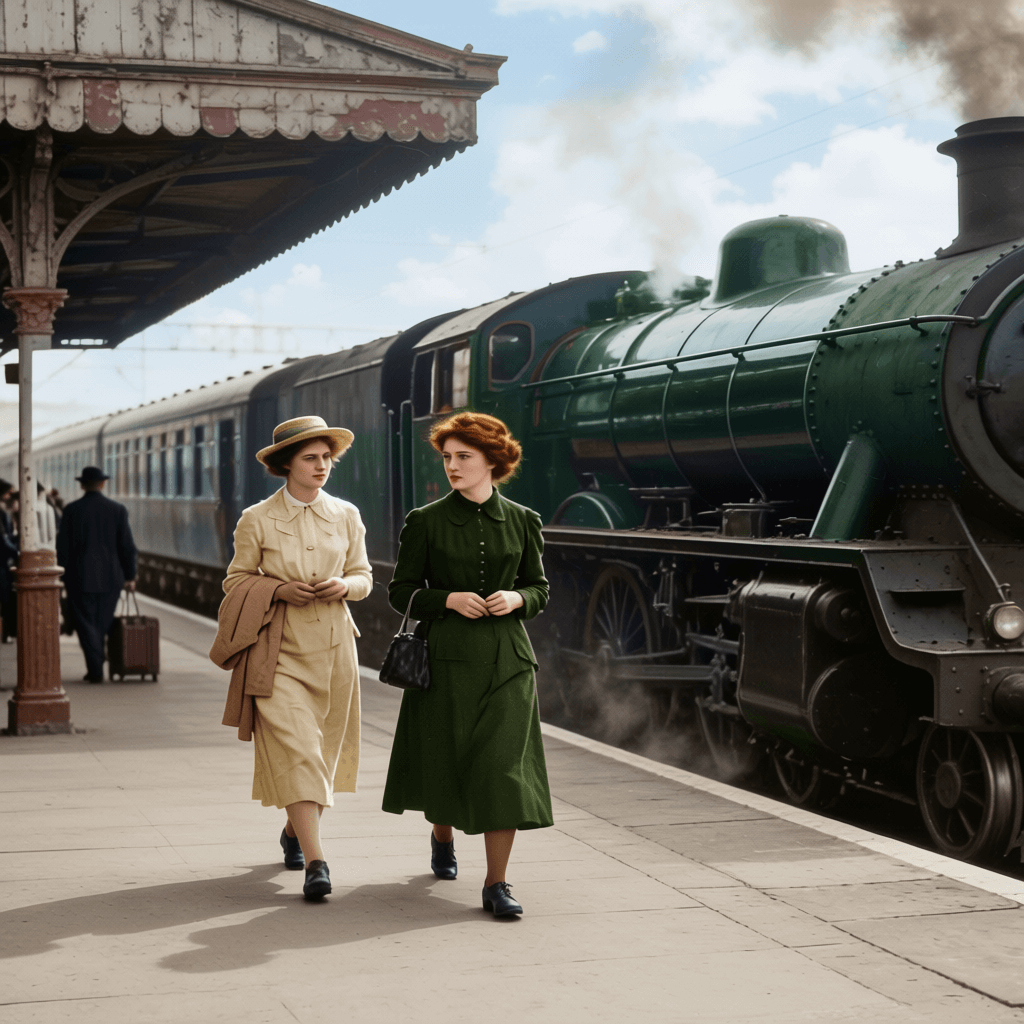
Upload a scan, choose a color style, set prompts, and preview your AI colorized photo.
Click or drag to add photos
JPG/PNG/WebP - up to 10 photos, 10MB each
Enhancements
Color style
Balanced colors for most black and white photos.
Upload a photo to colorize black and white photos with AI.
Use HubVanta to colorize black and white photos online with believable tones in minutes. Upload a scan, choose a color style for family photos, portraits, or historical archives, and let AI rebuild skin, fabric, and background hues while keeping the original light and texture.
The workflow is built for old family albums, memorial portraits, research collections, and documentary visuals. Fine-tune prompts, remove scratches, restore faces, and preview results before exporting. The goal is simple: a black and white photo colorizer that produces natural color, not synthetic over-painting.
A strong colorization keeps shadows soft, avoids neon artifacts, and respects the original film grain. Our colorize photo workflow now includes color styles for natural color, old family photos, portraits, historical archives, and soft vintage results. Add details like "warm daylight" or "olive green jacket," and the colorize AI engine will prioritize those cues while still preserving the rest of the image.
You can also switch on face restore and scratch repair to clean dust or creases before output. The result is a colorized photo that feels like a faithful restoration rather than a stylized recolor. It is a practical way to convert black and white photos to color for print, video, and digital archives.
Color accuracy is subjective, so the workflow is built for iteration. If you know the original palette, add it to prompts. If you are unsure, let the photo colorizer suggest natural tones and then refine. The preview helps you decide whether a colorize photo result feels faithful before exporting for print, video, or web. This makes it easier to colorize black and white photos at scale while keeping a consistent look across a collection.
01
Natural, balanced color
02
Prompt-guided control
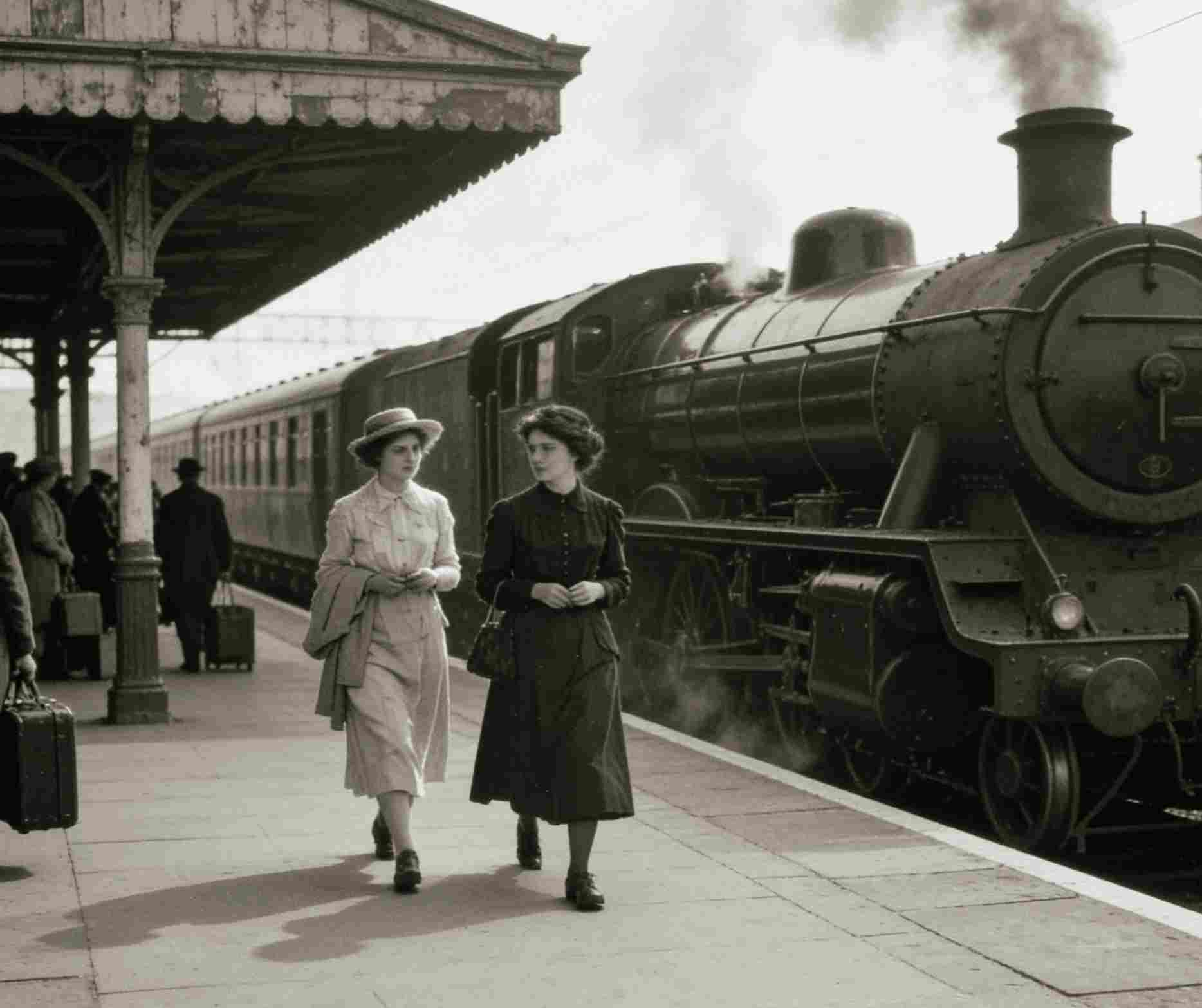
Start with a color style that matches the photo type, then add prompts for clothing, hair, sky, architecture, or lighting. The selected style guides the AI before your custom prompt is applied, so you can keep portraits natural, family photos warm, and archive images conservative without over-directing the output.
01
Natural color
Balanced, realistic tones for general black and white photos with neutral lighting and restrained saturation.
02
Old family photo
Warm skin tones, soft indoor light, natural fabric colors, and gentle restoration for family albums.
03
Portrait skin tones
Careful face colorization that keeps identity, age, expression, and hair texture intact.
04
Historical archive
Conservative colors for uniforms, vehicles, buildings, paper, and documentary materials.
05
Soft vintage
Muted, print-friendly color that feels aged without becoming sepia, neon, or painterly.
Add a JPG, PNG, or WebP. High-resolution scans work best, but even phone snapshots can colorize photo AI reliably.
List key tones like sky, clothing, and skin. Negative prompts help you avoid washed-out or over-saturated looks.
Review the colorized result, tweak prompts, and download when the hues feel authentic to the moment.
Colorize AI adds believable skin tones, skies, and fabrics while keeping the original lighting and texture intact.
Use positive and negative prompts to steer palettes, avoid sepia, and keep the output consistent with your memories.
Optional face restore, scratch cleanup, and upscale help you recover detail before exporting the final file.
Your photo colorizer session keeps uploads scoped to your workflow so you can review results confidently.
Turn monochrome heirlooms into warm, shareable memories that feel like they were captured yesterday.
Colorize black and white photos for exhibitions, lectures, and digital archives without manual retouching.
Revive historical product shots for timelines, ads, and anniversary campaigns with a consistent palette.
Produce eye-catching social posts, thumbnails, and art references using a fast photo colorizer workflow.
Quick answers about photo colorizer controls, outputs, and privacy.
Upload a JPG, PNG, or WebP, choose a color style, add optional color hints, then run the AI colorizer and preview the before/after result.
Yes. The tool predicts realistic object-level colors for skin, clothing, backgrounds, and materials instead of applying one tint to the whole image.
Use Old family photo for albums, Portrait skin tones for people, Historical archive for documentary material, and Natural color when you want a neutral result.
Yes. Enable scratch cleanup or face restore to recover details before running colorize photo AI.
Sign in to colorize photos with credits. The workspace shows the credit cost before you generate.
Exports keep the original dimensions so you can print, archive, or edit the colorized file elsewhere.
Upload a scan, tune prompts, and preview lifelike color. Start your colorize photo session now and finish your story in full color.
Start colorize photo