1
Upload the empty room
Use a clear real estate photo with walls, floor, and natural perspective visible.
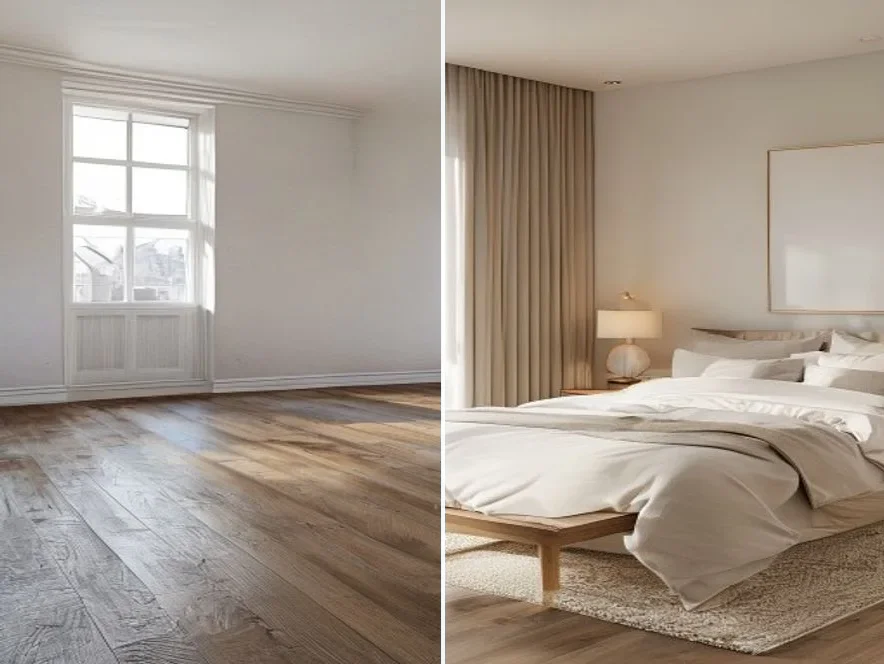
Upload an empty room photo, add a furniture reference, and generate virtual staging images for listings, rentals, or design drafts. Use the browser workspace to preview listing-ready room concepts quickly.
Room photo
Furniture reference
Output size
Upload a room photo and furniture reference to begin.
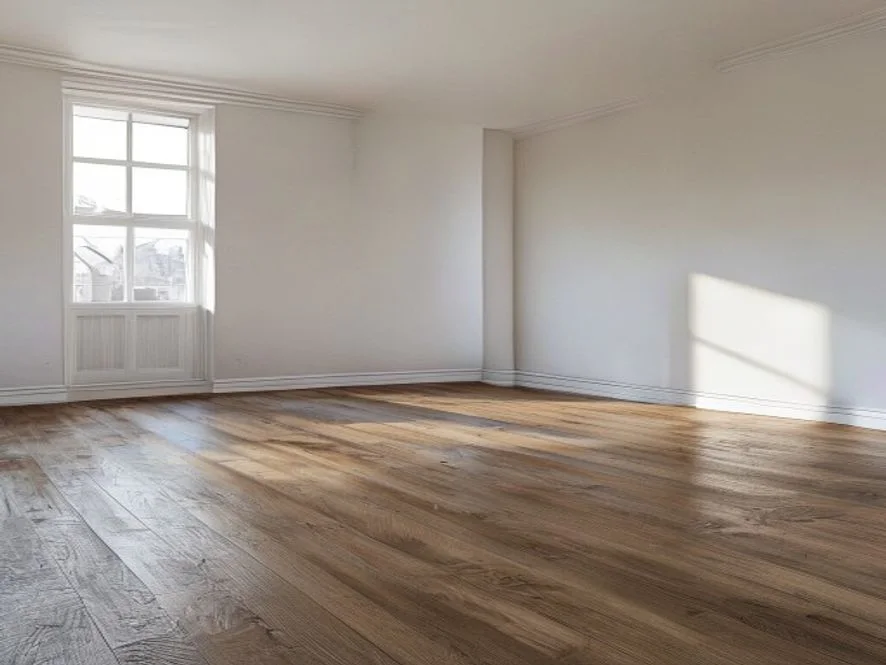
Keep the room layout, window light, and floor perspective while adding furniture that fits the space. This virtual staging workflow is built for fast listing previews, not generic interior mood boards.
Stage a roomUpload a sofa, chair, table, or style reference so the AI knows what to place. Add a short prompt for placement, color, and room mood, then preview the staged result in the browser.
Stage empty living rooms, bedrooms, studios, and rental units.
Try furniture styles before ordering a physical staging package.
Create quick buyer-facing previews for MLS, ads, and client review.
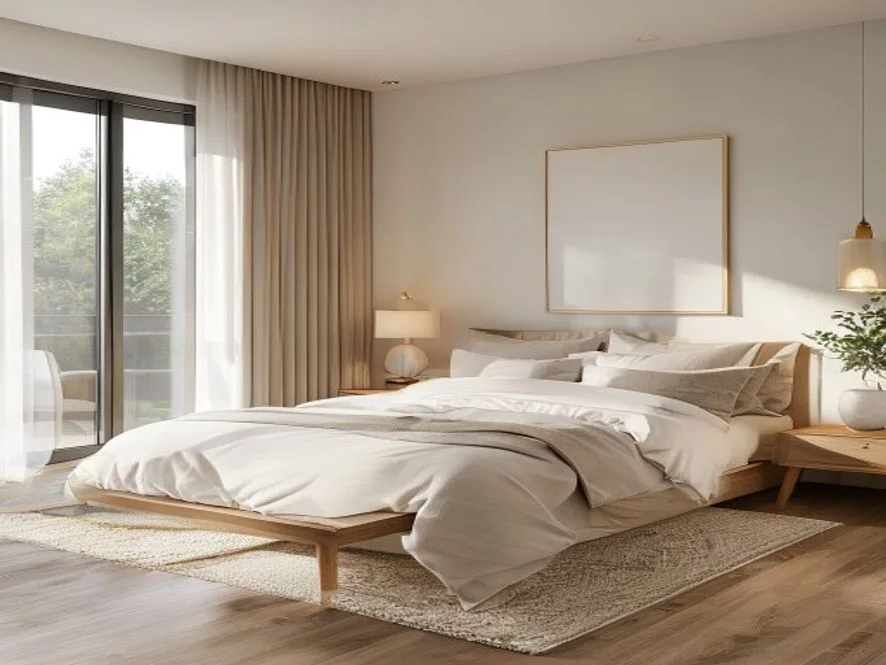
HubVanta sends your room image, object reference, prompt, and output size to Interior-Mixer, then returns a staged room image.
Use a clear real estate photo with walls, floor, and natural perspective visible.
Upload the sofa, bed, table, or decor style you want the room to borrow from.
Write a placement prompt, choose an output size, and review the result overlay.
The workspace keeps the flow focused on one clear staged output: upload a room, add a reference, describe the placement, and review the result without opening a complex design editor.
Preserves the existing room photo while adding furniture from your reference image.
Use one object photo to steer furniture shape, color, and visual direction.
The form keeps required inputs, size selection, and generation status in one place before you submit.
Preview the staged room in the result overlay and download the generated image.
Generate square, landscape, or portrait staging images for different listing channels.
Upload, prompt, generate, compare, and download without a complex design editor.
Common questions before you use AI virtual staging for room photos.
You can open the tool page and start from the browser workspace with your room photo and furniture reference. Review the generated preview carefully before using it for a listing.
Upload one empty room photo and one furniture or style reference image. A clear prompt helps the AI place the object naturally in the room.
No. This is a fast AI preview workflow. For final real estate marketing, review results carefully and follow local disclosure rules for virtually staged images.
Yes. The tool works best with clear interior photos such as bedrooms, living rooms, studios, condos, and furnished reference objects.
The API route uses ModelsLab Interior-Mixer, which accepts a room image, an object image, a prompt, width, and height.
Upload an empty room photo, add a furniture reference, and generate virtual staging images for listings, rentals, or design drafts. Use the browser workspace to preview listing-ready room concepts quickly.
Stage a room