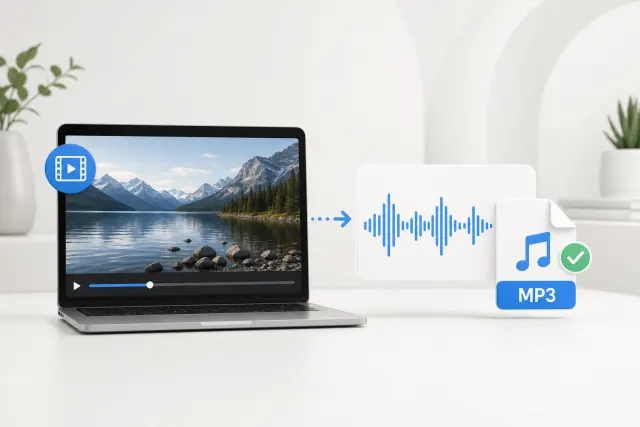
MP4 to MP3
Best for phone videos, screen recordings, and exported clips.
Online audio extractor from video
Convert video to MP3 from your browser. Upload MP4, WebM, MOV, MKV, AVI, MPEG, or FLV files and extract audio from video as a downloadable MP3.
Upload video
Extract MP3 audio from MP4, WebM, MOV, MKV, AVI, MPEG, or FLV files.
Click to upload
MP4, MOV, or WebM · up to 100MB
Your upload is temporary Used to create your MP3, then removed during scheduled cleanup after 24 hours. Privacy Policy
Upload a video to start.
Selected video
-
Duration
-
Size
-
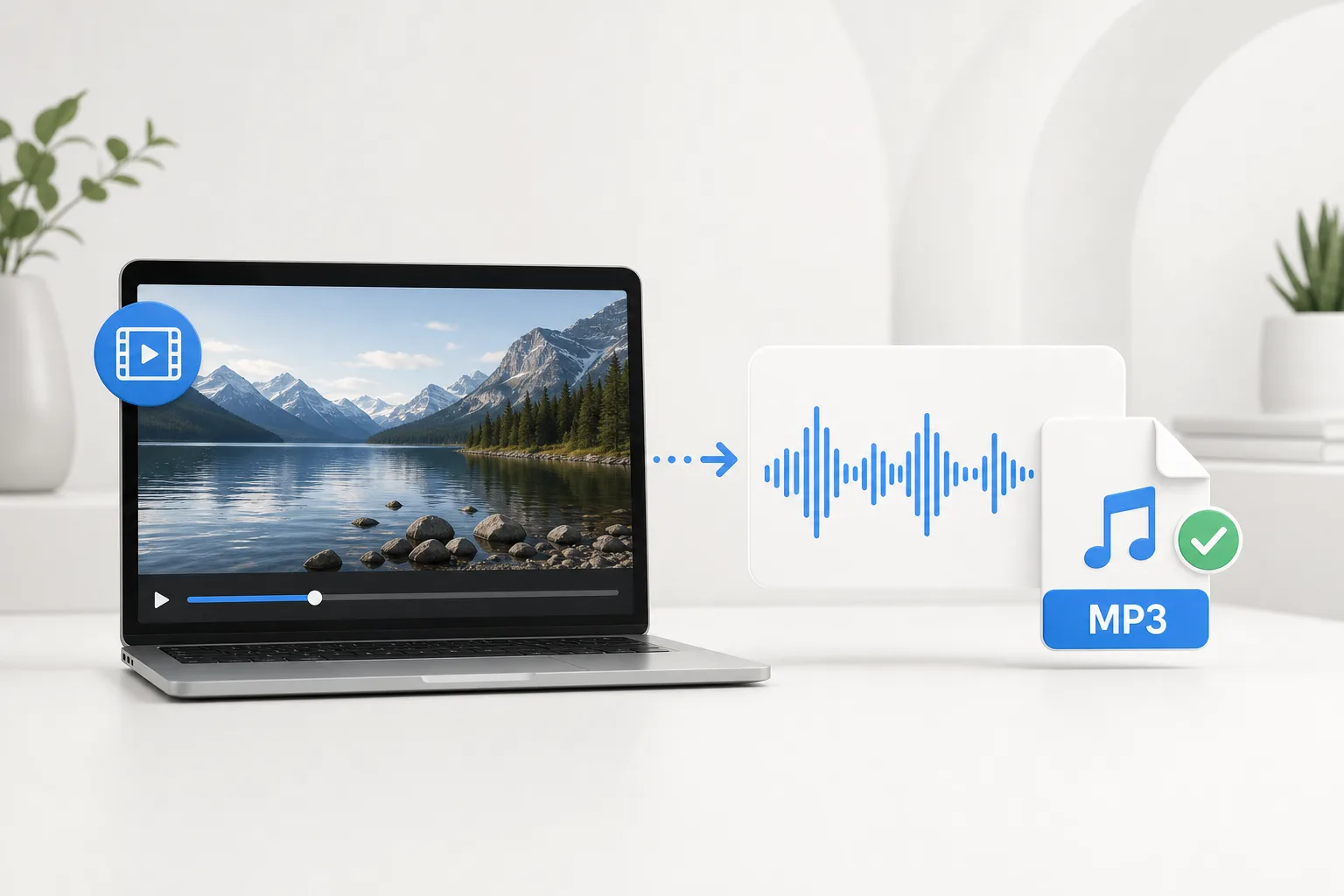
Online audio extractor from video
Use this audio extractor from video when you only need the soundtrack, voiceover, lecture, meeting audio, or music bed from a clip. The workspace keeps the flow short: upload the video, convert video to MP3, then download the audio.
The converter accepts common browser and camera video formats. If a file has an audio track, HubVanta can extract it into MP3.
Best for phone videos, screen recordings, and exported clips.
Useful for camera and iPhone footage with embedded audio.
Great for browser recordings, meetings, and web captures.
Supported by the server converter when audio is present.
A focused three-step workflow for anyone who needs an MP3 audio file from a video.
Choose an MP4, MOV, WebM, MKV, AVI, MPEG, or FLV file up to 100MB. The upload area previews your clip before conversion.
Click the convert button and HubVanta extracts the audio track on a secure server with ffmpeg.
Listen to the converted MP3 in the browser, then download it for podcasts, notes, editing, transcription, or reuse.
Skip complex editing software when all you need is the audio from a video file.
Download a standard MP3 file that works in audio players, editors, transcription tools, and content workflows.
Upload, convert, preview, and download from one page without copying files between separate tools.
Common video to audio workflows
Use this tool when the clip is already finished and the useful part is the voice, music, or recorded sound. It is built for fast extraction, not editing or enhancement, so it works best when you want a reusable audio file from an existing video.
Turn webinars, online classes, interviews, training clips, and meeting recordings into MP3 files for listening, archiving, or transcription.
Extract narration, background music, reference audio, or draft voiceovers from exported videos before editing them in another app.
When recipients only need sound, an MP3 is easier to send, store, and organize than a full video file.
Convert MP4, MOV, WebM, MKV, AVI, MPEG, and FLV clips into one audio format that works across players and workflow tools.
Answers for MP4 to MP3 conversion, supported formats, privacy, and audio extraction limits.
A video to MP3 converter extracts the audio track from a video file and saves it as an MP3. It is useful when you need music, voiceover, lecture audio, meeting audio, or a soundtrack without the original video.
Yes. Upload an MP4 file, click convert, and the MP4 to MP3 converter returns a downloadable MP3 when the video contains audio.
Yes. The audio extractor from video supports common formats such as WebM to MP3 and MOV to MP3, plus MKV, AVI, MPEG, and FLV files with audio tracks.
Yes. The page runs in your browser and sends the uploaded file to the HubVanta API, which processes the conversion on a secure server.
Uploaded videos are stored temporarily so the server can create the MP3. Temporary uploads older than 24 hours are automatically removed during scheduled cleanup.
You can convert one video to MP3 with the shared free use available across all eight free tools each day. No sign-up or credits required.
If the uploaded video does not contain audio, the server cannot create a useful MP3. Try another video file that includes a soundtrack or voice track.
Upload a video and turn it into a downloadable MP3 with the HubVanta video to MP3 converter.
Convert video to MP3