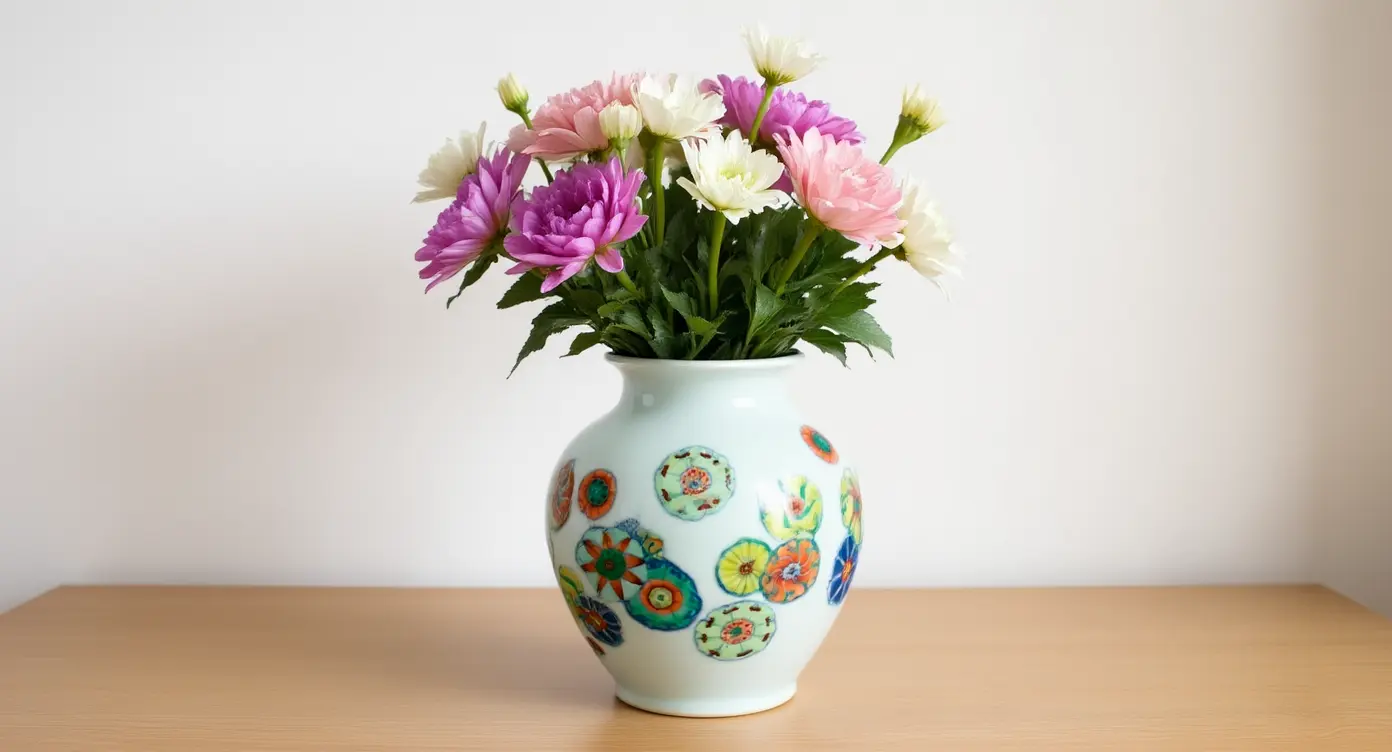
 Before
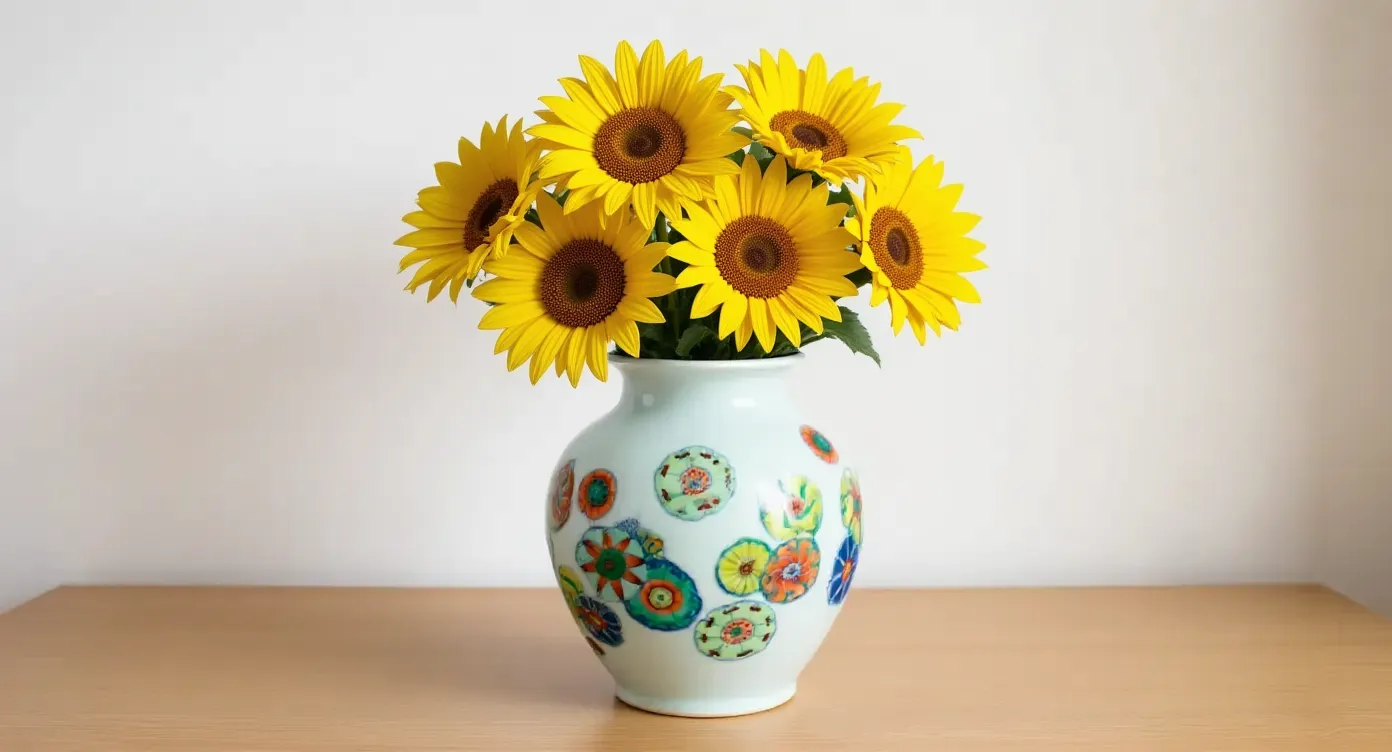 After
AfterPortrait Glow & Cleanup
A dull portrait transformed into a luminous snapshot with noise removal, skin tone balance, and highlight shaping—showcasing the free AI photo editor workflow.
Upload a photo, describe the edit you want, and use HubVanta as a fast AI image editor for retouching, background cleanup, product polish, and social-ready styles. Start in the browser for free, then keep generating edits with credits when you need more.
Upload a source image, describe the edits, and compare the original with the generated photo edit.
See how this free AI photo editor online turns untouched originals into cleaner portraits, sharper product shots, and styled images you can review before downloading.
BeforeAfterA dull portrait transformed into a luminous snapshot with noise removal, skin tone balance, and highlight shaping—showcasing the free AI photo editor workflow.
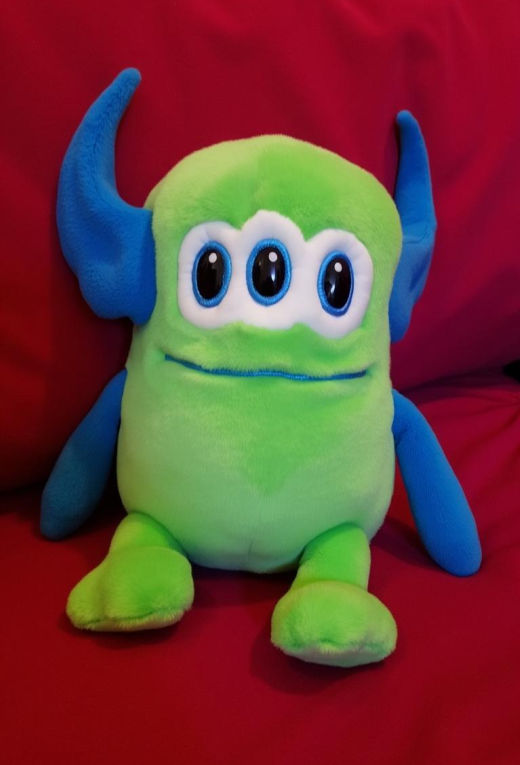 Before
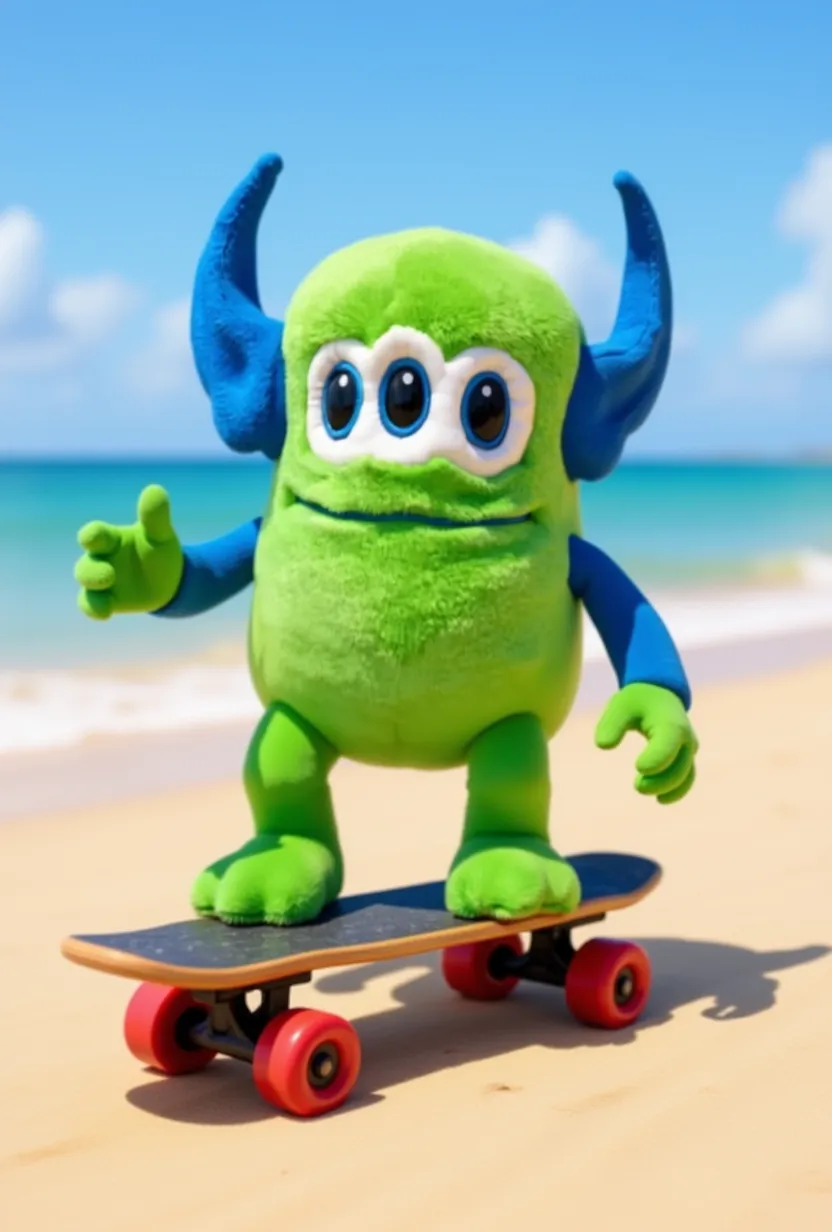 After
AfterBackground cleanup and texturizing bring this product grid to life, proving why teams favor this AI image editor for marketing-ready assets.
 Before
 After
AfterA muted scene is rebalanced with cinematic color grading and depth-enhancing adjustments that highlight HubVanta as both a photo editor and image editor.
People searching for an AI image editor usually want to upload a picture, make a specific change, and finish without installing heavy software. These are the editing jobs this page is built to handle.
Improve lighting, soften rough texture, balance skin tone, and make profile or creator photos look more polished.
Describe distractions to remove or soften so product photos, portraits, and campaign images feel less cluttered.
Turn quick product shots into cleaner ecommerce, marketplace, or landing page images without moving into a desktop editor.
Create brighter, warmer, cinematic, or campaign-ready looks for posts, thumbnails, ads, and creator assets.
Upload, prompt, preview, adjust the prompt, and generate again in the same online AI image editor workflow.
Whether you need a free AI photo editor online for a quick fix, an AI image editor for campaign visuals, or repeated edits for ecommerce, this workspace keeps the path short.
Drop in a selfie, product shot, or creative concept. Large files automatically compress for faster previews.
Write a natural-language instruction for retouching, relighting, background cleanup, product polish, or a new visual style.
Compare the source with the edited result, download it, or adjust your prompt and generate another version.
Use natural instructions instead of manual masking. These examples show the kinds of edits users often run in an online AI photo editor.
Improve the lighting, keep the face natural, clean minor skin texture, and make the portrait look polished.
Remove background distractions, brighten the product, and make the image look like a clean ecommerce hero shot.
Create a warm cinematic color grade with stronger contrast and a premium editorial look.
Soften the busy background, keep the main subject sharp, and make the final image feel professional.
Balance lighting, sharpen details, and clean up portraits with one click using the latest computer-vision models.
Photo EditorDescribe the change you want in natural language, review the result, and refine the prompt for another pass.
Photo EditorSource images are uploaded temporarily for processing. Finished edits stay private and are saved for 24 hours or kept in your private library with an active subscription.
Photo EditorClear answers about security, price, and creative control—so you can edit with confidence.
HubVanta turns a natural-language instruction into an edited image, so you can retouch lighting, clean a background, polish a product photo, or restyle an image without manual masking.
Yes. You can open the editor in your browser, upload an image, and try the photo editing workflow without installing software. Generating additional edits uses credits so processing stays reliable.
You can start from the browser and test the editing workflow without installing anything. If you want to generate more finished edits, the workspace continues with credits.
HubVanta supports repeated online edits, prompt adjustments, and downloads, but it is not an unlimited free generator. Credits keep AI editing reliable for high-quality image processing.
You can retouch portraits, improve lighting, clean busy backgrounds, polish product photos, restyle social images, and create prompt-based edits from the same browser workspace.
The editor processes one source image per generation. To edit another image, replace the attachment and reuse or adjust your prompt.
No. Describe the result you want in everyday language, review the generated edit, and refine the prompt if you want another version.
HubVanta built this free AI photo editor online for people who need to upload an image, describe a change, and get a useful edit without installing a desktop app. It works well for portraits, product photos, campaign visuals, thumbnails, and social images that need a cleaner finish.
The AI image editor combines prompt-based editing with a simple browser workflow. You can ask for better lighting, cleaner skin texture, background cleanup, product polish, warmer color, cinematic contrast, or a more professional composition, then review the result and adjust the prompt if needed.
Searches like free AI photo editor, AI photo editor online free, and AI image editor free unlimited usually point to the same task: users want a flexible editor that lets them keep improving an image. HubVanta supports repeat edits through credits rather than promising unlimited free generation, so the page can stay honest while still matching the intent behind those searches.
Use the editor as a quick finishing station before publishing, sharing, listing a product, or handing a visual to a client. For more specialized jobs, continue into related HubVanta tools for background removal, image enhancement, object removal, or image-to-image generation.
Move from general photo editing into focused image tools when your next task needs a dedicated workflow.