Image background remover preview
Upload one photo, remove the background, and export a transparent PNG for ecommerce listings, catalogs, and social campaigns.
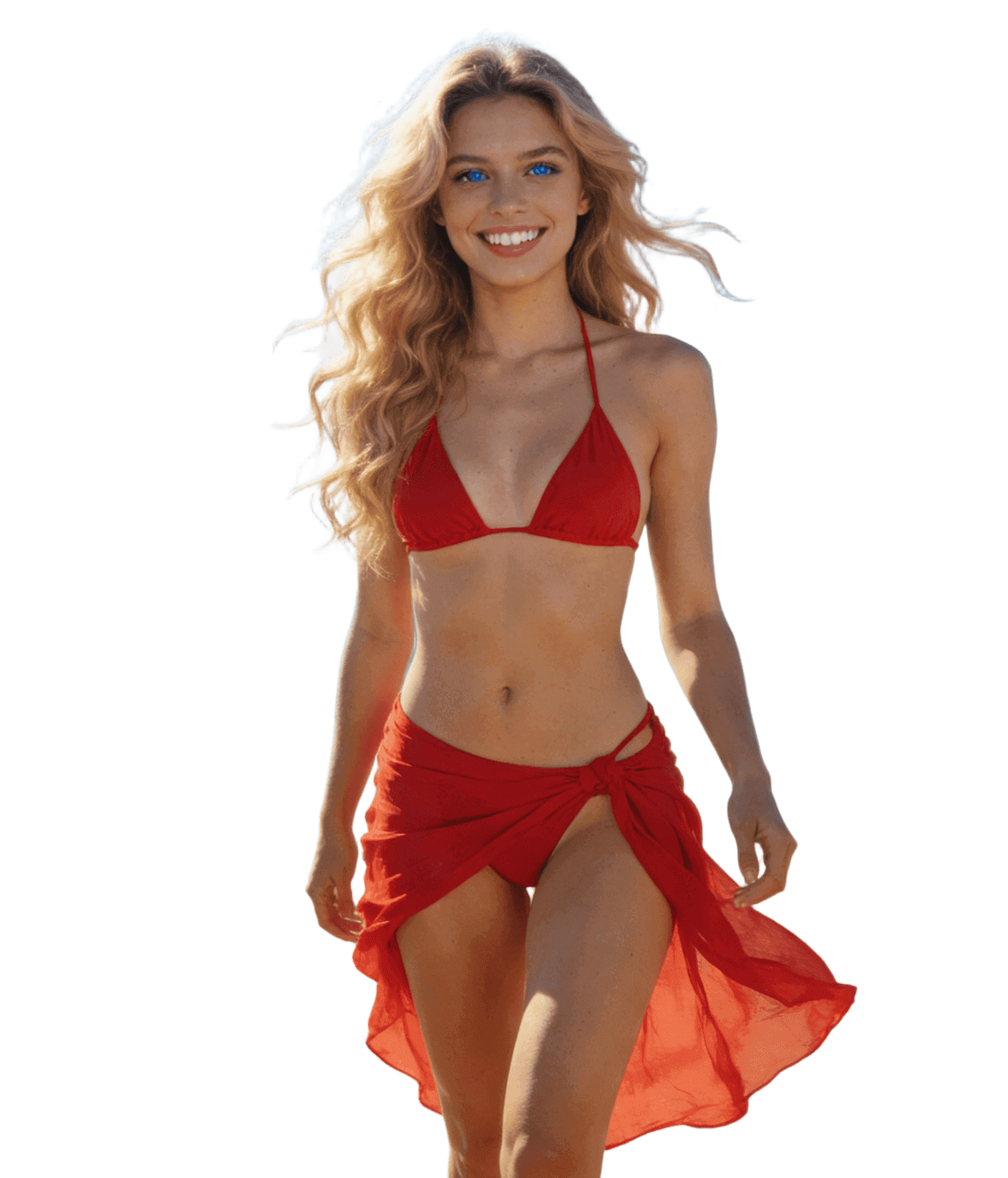

Image background remover for clean, professional cutouts
HubVanta's image background remover helps you remove backgrounds fast without losing fine detail. Upload one photo, remove the background, and export a transparent PNG that drops perfectly into ads, product pages, or social campaigns. This background remover image workflow stays simple, private, and reliable, making it ideal for ecommerce teams, creators, and agencies who need a trustworthy background image remover without complex tools or subscriptions.
Start with image background remover free credits, then scale to larger projects as your catalog grows. Every result keeps the original size and color accuracy, so you can layer new scenes, graphics, or typography without extra editing.
Edge-aware cutouts
Keep hair, lace, and product edges sharp so the subject looks natural instead of clipped or blurry.
Session-first privacy
Processing happens in-session and your files are not reused for training. Work with confidence on client assets.
Fast, credit-friendly output
Get a transparent PNG in minutes. Start with image background remover free credits, then scale as needed.

See the background image remover in action
Drag the slider to compare the original image with the cutout. Edges stay smooth, backgrounds disappear cleanly, and the subject remains sharp. The workflow is optimized for fast previewing so you can decide instantly if the image is ready for product listings, campaign banners, or profile photos.
Because the output preserves transparency and size, you can drop the PNG into Figma, Photoshop, Canva, or your favorite design tool without rebuilding masks. That makes the image background remover ideal for busy teams that need consistent results across dozens of assets.
Three steps to remove background
Upload one image
Drop a JPG, PNG, or WebP (up to 10MB). The workspace only needs a single file to get started.
Remove the background
The AI isolates the subject and cleans edges while keeping color, contrast, and original dimensions intact.
Download transparent PNG
Save the cutout and reuse it in ads, catalogs, social posts, or presentations with zero extra editing.
Use cases built for real workflows
The image background remover supports teams who ship quickly and need consistent visual standards. From product catalogs to investor decks, the output stays clean and editable. Use the transparent PNGs to rebuild scenes, apply new brand colors, or create seasonal campaigns without re-shooting photography.
Whether you are a solo creator or a large ecommerce team, the background remover image pipeline stays simple: upload, remove, and download. No complicated settings, no manual masking, just a reliable background image remover that keeps your subject intact.
Ecommerce listings
Produce consistent catalog shots with clean edges, true colors, and transparent PNGs for marketplaces.
Team portraits
Create uniform headshots for bios, org charts, and speaker pages without studio backdrops.
Marketing creatives
Drop products or people onto campaign layouts fast and iterate without re-shooting assets.
Design systems
Build asset libraries with reusable cutouts for Figma, slide decks, and social templates.
Quality you can trust
A great image background remover should keep your original resolution and minimize cleanup work. HubVanta balances precision and speed so you can ship assets faster while still meeting brand standards. Fine edges stay smooth, the subject color remains consistent, and the export is ready for compositing.
Because the tool is designed for single-image focus, every preview stays responsive. You can test a shot, fix lighting, or swap angles without waiting on long queues. It is a fast way to replace manual masking and deliver professional cutouts for marketing, merchandising, or design teams.
Choose clear edges
Images with good contrast between subject and background deliver the most precise masks and faster previews.
Keep natural shadows
If you want to preserve a soft shadow, upload a high-resolution image so the model can keep subtle gradients.
Export once, reuse everywhere
Transparent PNGs from the background image remover can be placed on any color or gradient without halos.
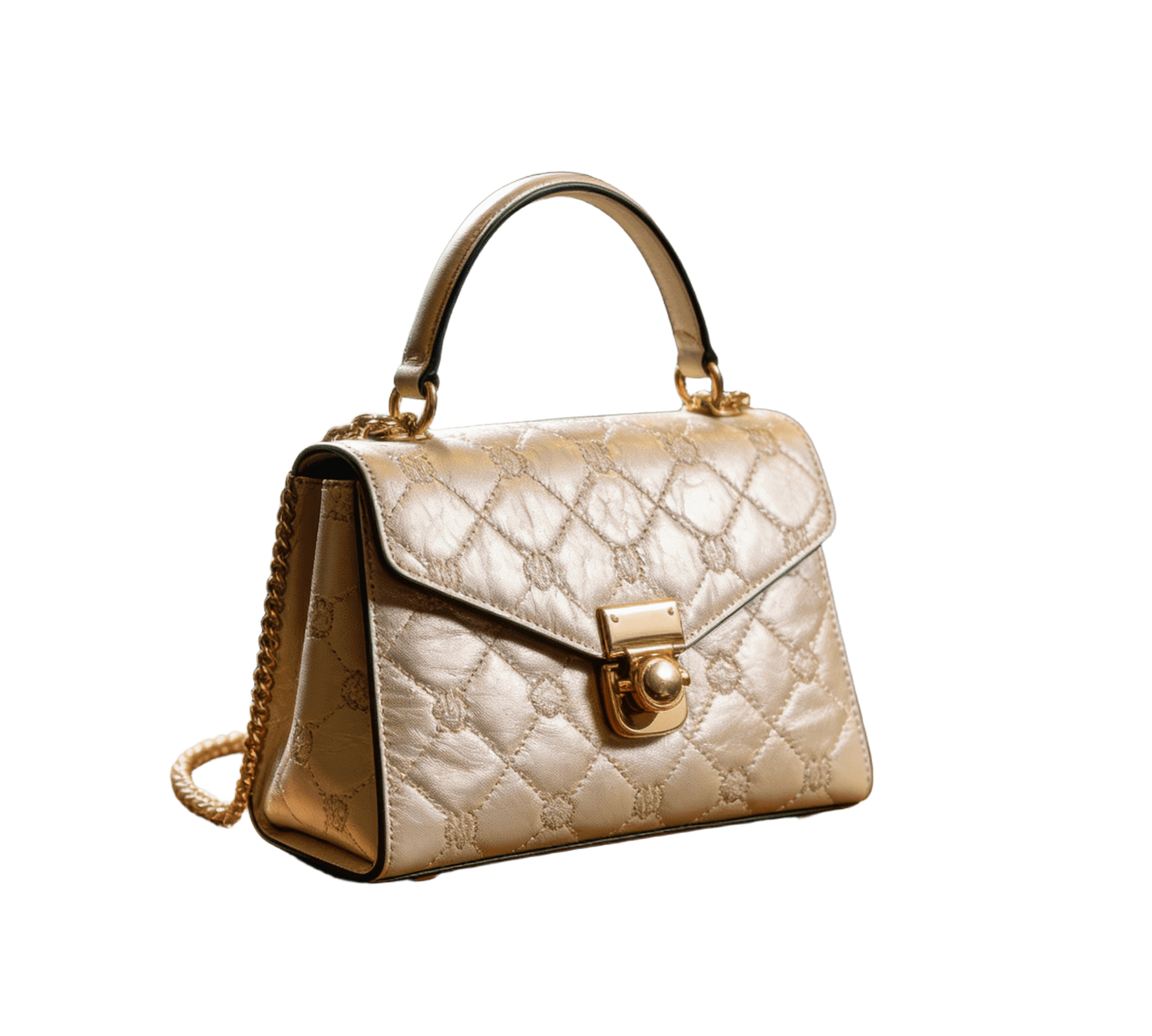
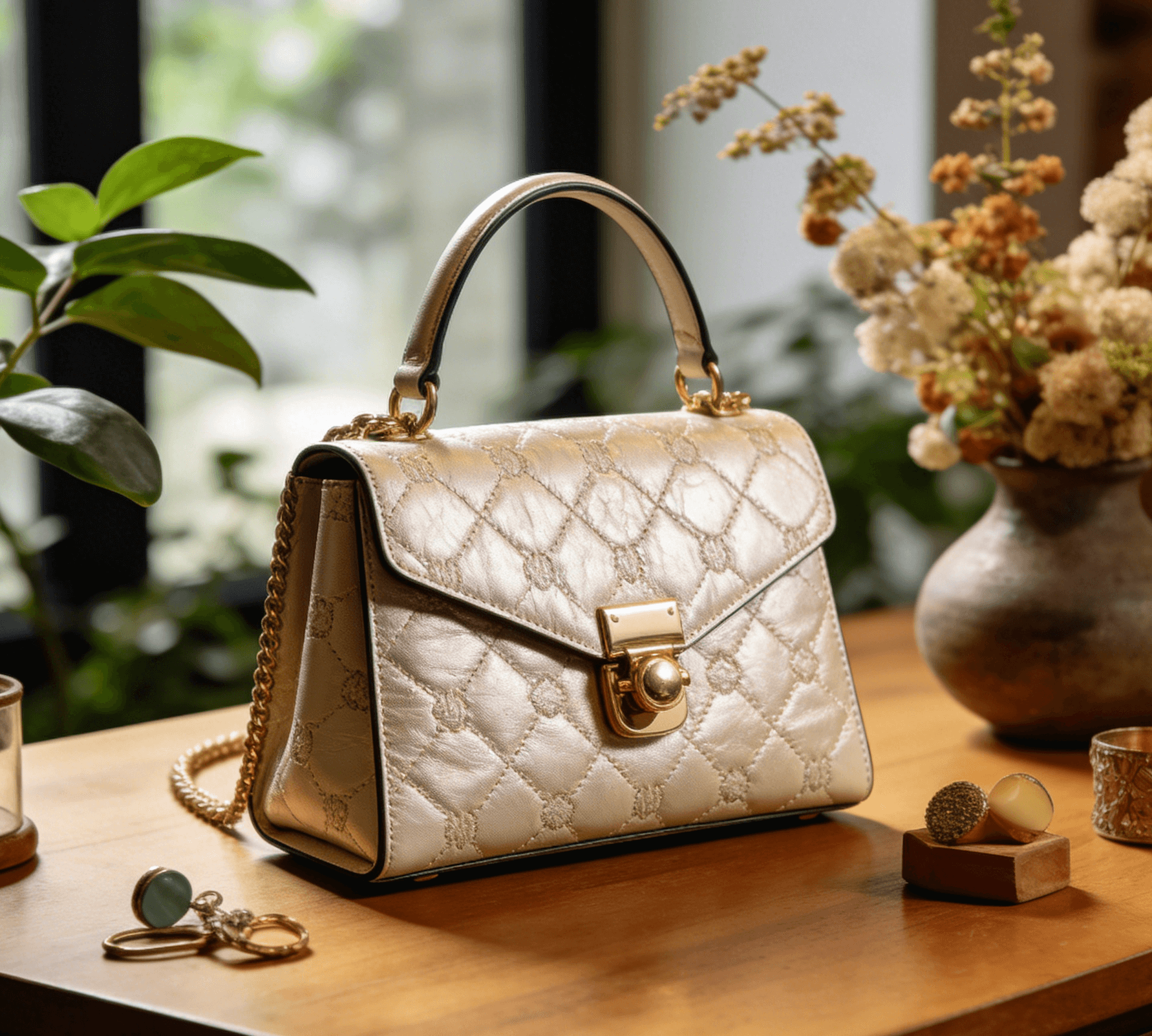
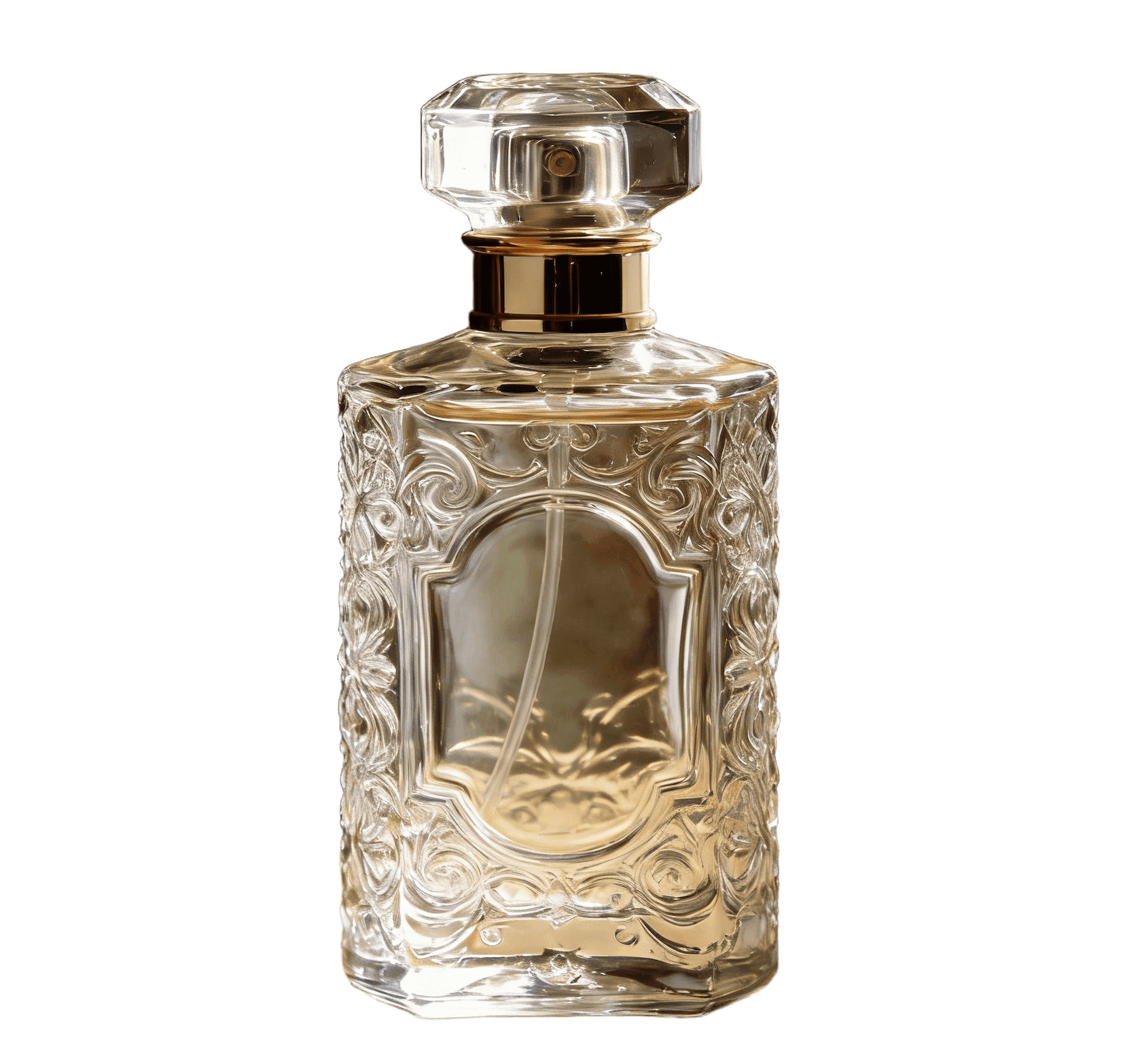
Simplify creative production
The background image remover integrates smoothly with your existing workflow. Export a clean PNG, drop it into design templates, and reuse the same asset across product pages, ads, and social content. You can build a reusable library of cutouts that stays consistent across campaigns without re-editing every file.
FAQ: image background remover essentials
Quick answers about formats, credits, and quality.
Is this an image background remover free option?
Yes. Every account includes image background remover free credits to try the workflow. After that, each run consumes 2 credits per image.
What does the background remover image output look like?
You receive a transparent PNG with the original resolution preserved. The cutout is ready for listings, ads, and design files.
Can the background image remover keep hair and transparent objects?
The model is tuned to preserve fine edges like hair, fur, lace, and glass so the result feels natural.
Do I need to upload multiple photos?
No. This workspace is optimized for one image at a time, so you can focus on quality and export quickly.
Is my content stored or reused?
Processing runs in-session and your files are not reused for training. You stay in control of your assets.

Remove backgrounds in seconds with HubVanta
Upload one photo, remove the background, and export a transparent PNG ready for ads, product pages, and creative layouts.
Start removing background