Preview before upscaling
Upload one image to upscale with AI.
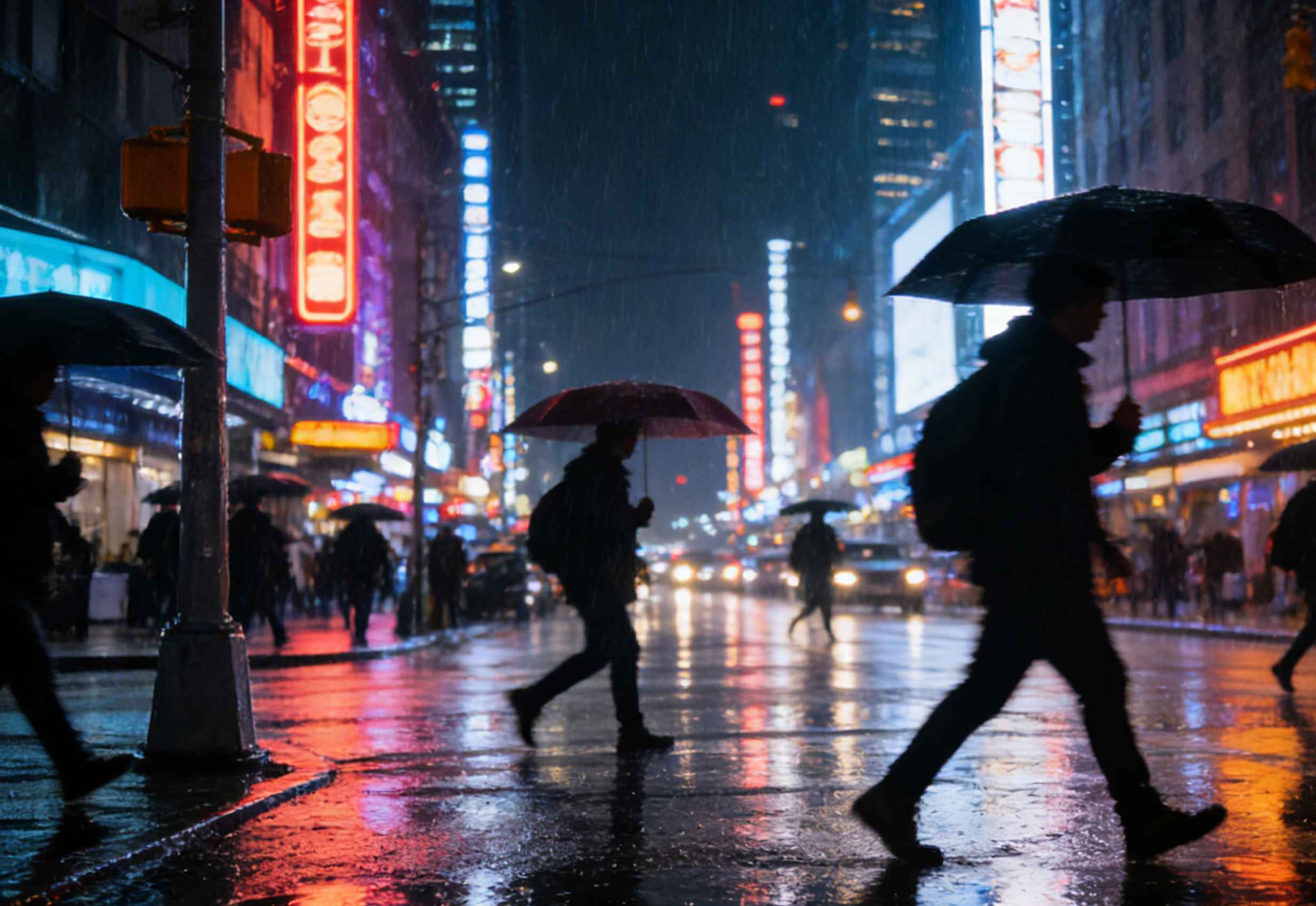
Image Upscaler for sharp, believable enlargements
HubVanta delivers a dependable image upscaler built for creators, teams, and ecommerce workflows. This AI image upscaler restores clarity instead of stretching pixels, so faces, products, and textures stay natural even at higher resolutions. Use scale 1 to 4 to control the output size while the model balances sharpness and realism for every photo.
Natural detail recovery
The AI image upscaler rebuilds texture and edges so portraits, fabrics, and product shots stay believable instead of blurry.
Scale control from 1 to 4
Pick the exact scale you need. Use 1x for gentle cleanup or 4x when you need a bold enlargement for print or display.
Session-first privacy
Upscaling runs on demand and outputs are not reused for training, keeping your workflow private and predictable.
Control scale, cost, and clarity in one place
The scale slider makes the AI upscaler predictable. Choose 1x to clean a soft capture, 2x for crisp social exports, 3x for storefront assets, or 4x when you need a print-ready master. This keeps the image upscaler fast, consistent, and easy to trust in production.
Looking for an image upscaler free option? Start with welcome credits and evaluate the output quality before scaling your pipeline. It is the same AI image upscaler, only the credit balance changes.
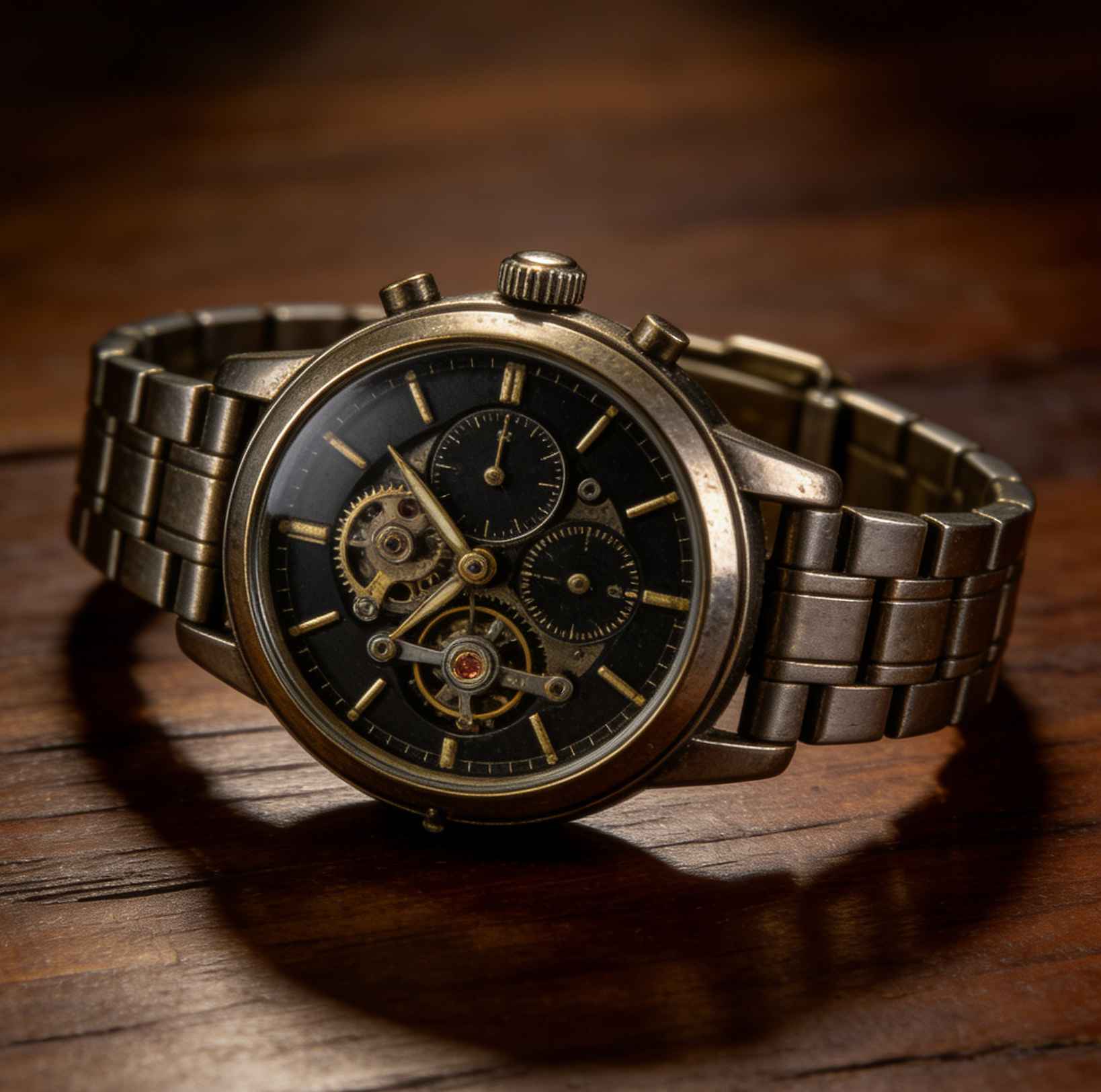
Three steps to upscale with confidence
Upload your photo
Drop a JPG, PNG, or WebP up to 10MB.
Choose the scale
Select 1x, 2x, 3x, or 4x. The ai upscaler adapts detail recovery to match your target size.
Preview and export
Compare before and after, then download the upscaled file ready for print, web, or social delivery.
Where the AI image upscaler fits
From small product photos to portrait scans, the image upscaler adapts to the job and keeps details intact.
Photo restoration
Revive older shots, fix soft focus, and prep legacy images for new albums without harsh sharpening.
Ecommerce visuals
Upscale packshots and lifestyle photos so listings stay crisp across marketplaces and ads.
Print and signage
Increase resolution for posters, menus, and signage while preserving texture in logos and typography.
Social + brand
Turn small assets into high-res creatives that stay sharp in feeds, thumbnails, and presentations.
Quality guardrails for consistent results
The AI image upscaler is tuned to keep edges clean, avoid halos, and preserve the original composition. It does not invent new objects or rewrite backgrounds; it focuses on clarity, texture, and readability so your image upscaler output looks like a sharper version of the same photo.
FAQ: image upscaler essentials
Answers about scale, credits, and how the AI upscaler keeps results realistic.
Is there an image upscaler free option?
If you need an image upscaler free trial, welcome credits let you test the workflow before adding more credits.
Does the free image upscaler limit quality?
The processing quality is the same.
What scale should I choose?
Use 2x for most social and web needs, 3x for ecommerce details, and 4x when you need print-ready output.
What files are supported?
Upload JPG, PNG, or WebP up to 10MB. For larger images, resize first to stay within the limit.

Upscale photos with the HubVanta image upscaler
Choose your scale, preview the AI image upscaler output, and download a sharp file for web or print in minutes.
Start upscaling