Google Nano Banana Pro AI Image Generator
Nano Banana Pro (also known as Google Gemini 2.5 Flash Image) is a production-grade AI image generation and editing system that blends speed, realism, and consistency. With text-to-image, image-to-image, and precise editing, nano banana pro understands lighting, lenses, and brand context while keeping characters perfectly on-model.
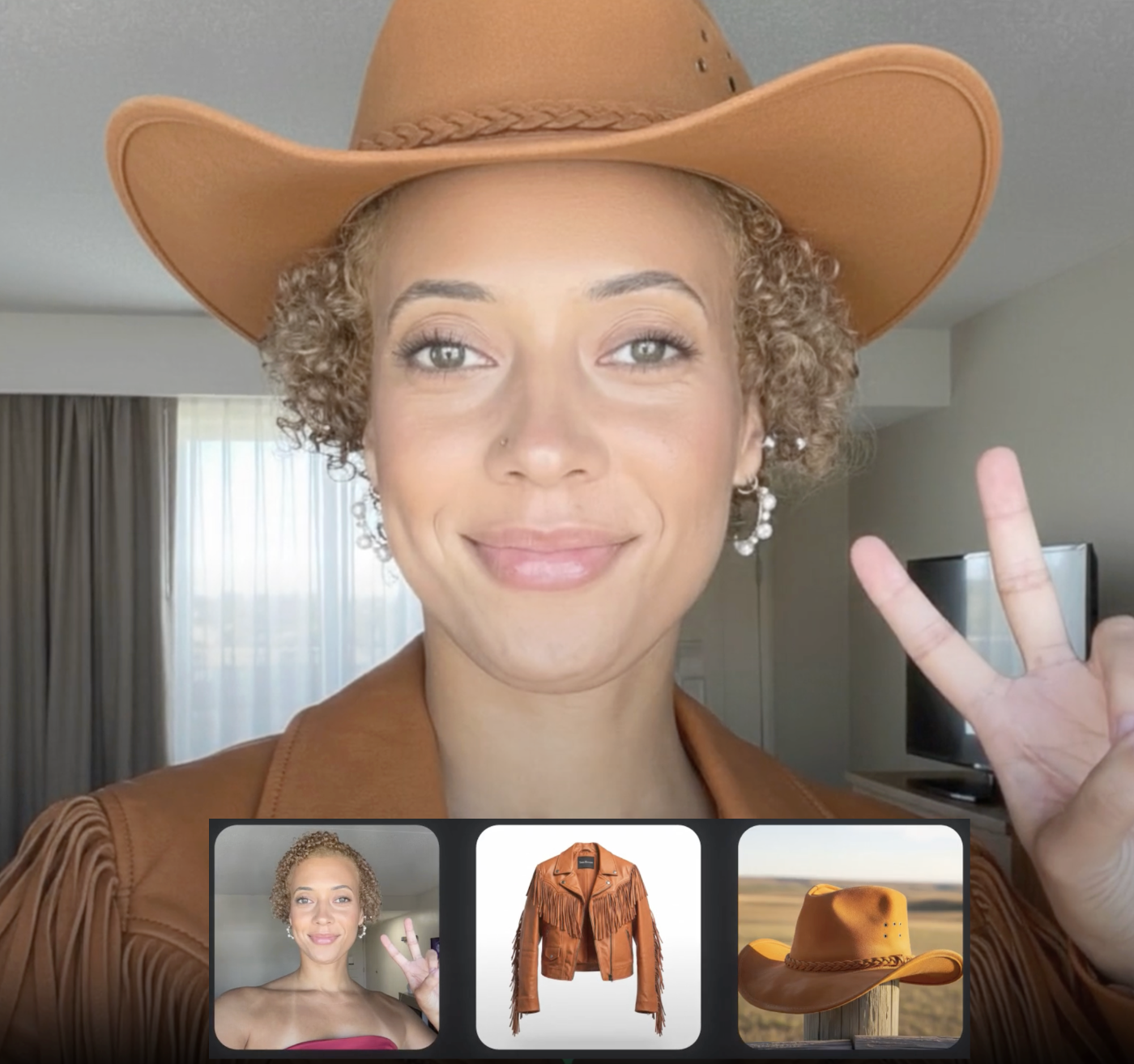
Combine photos
Merge multiple inputs while Nano Banana Pro keeps lighting and perspective coherent.
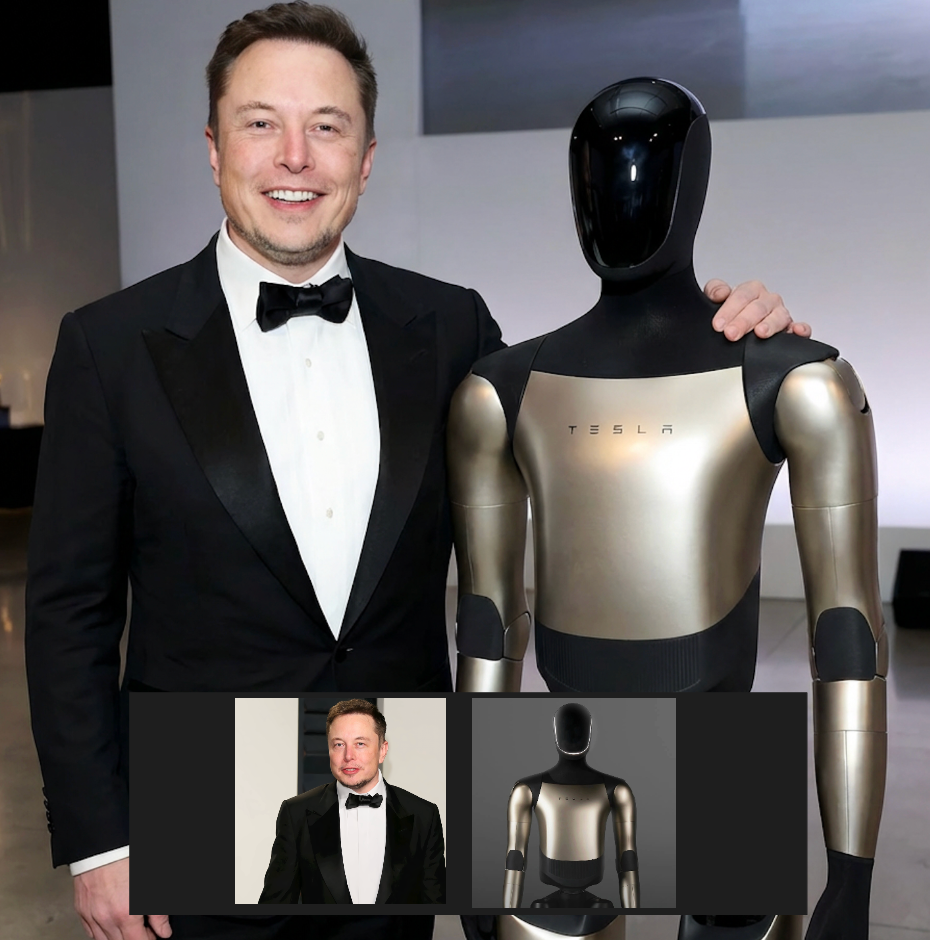
Combine photos II
Blend alternate shots for richer storytelling without losing subject consistency.

Try out different looks
Swap outfits and moods in one click while preserving your model’s face.
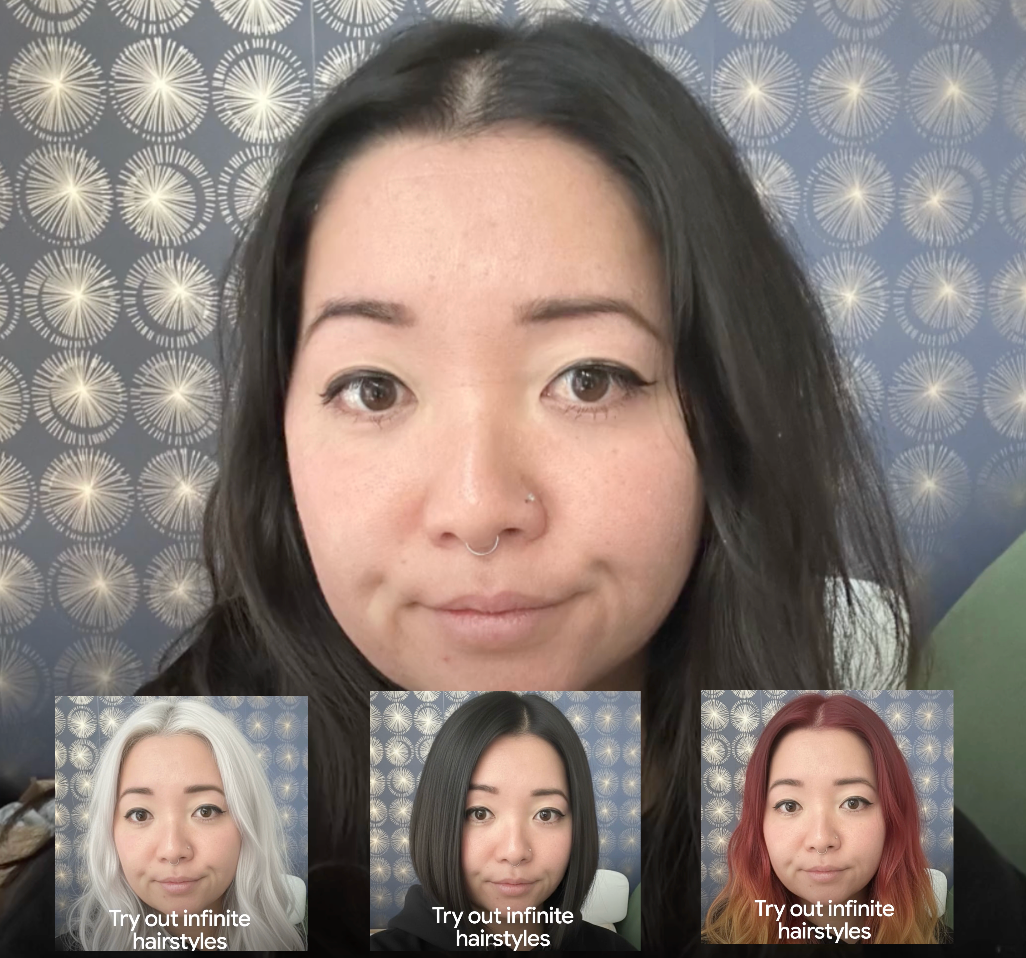
Try out infinite hairstyles
Experiment with hair length, color, and style, guided by text prompts.
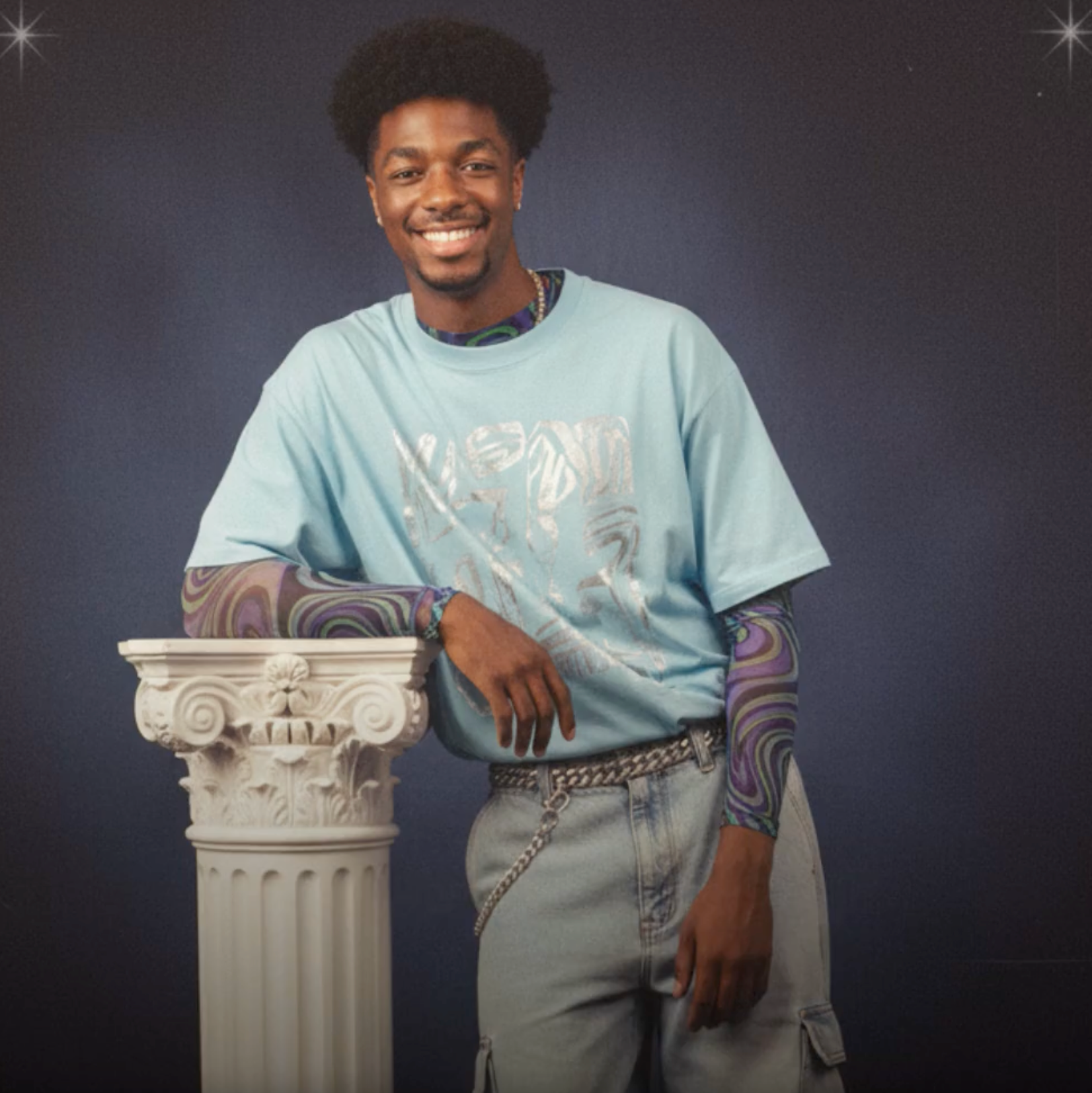
Create nostalgic small pics
Generate retro, low-sat frames with film-like grain for mood boards.
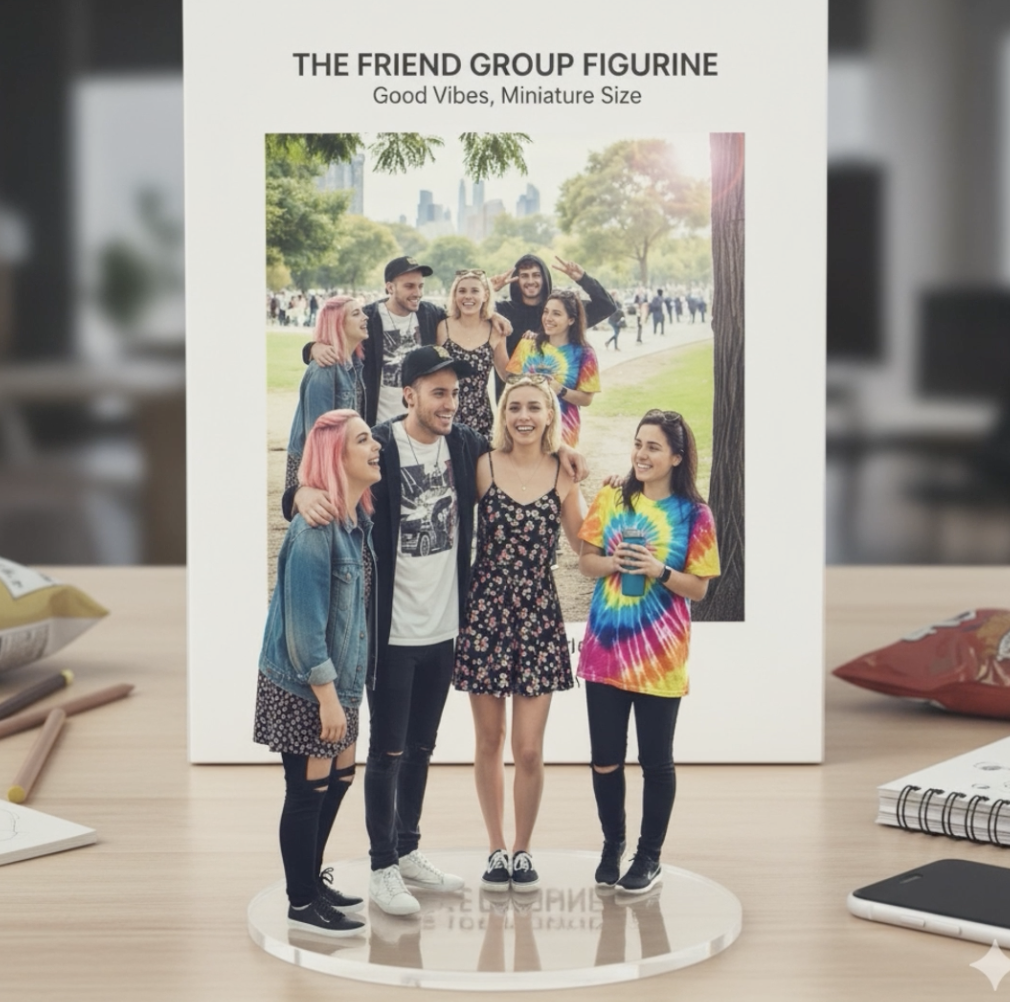
Turn photos into figurines
Convert portraits into collectible-style renders with sculpted depth.
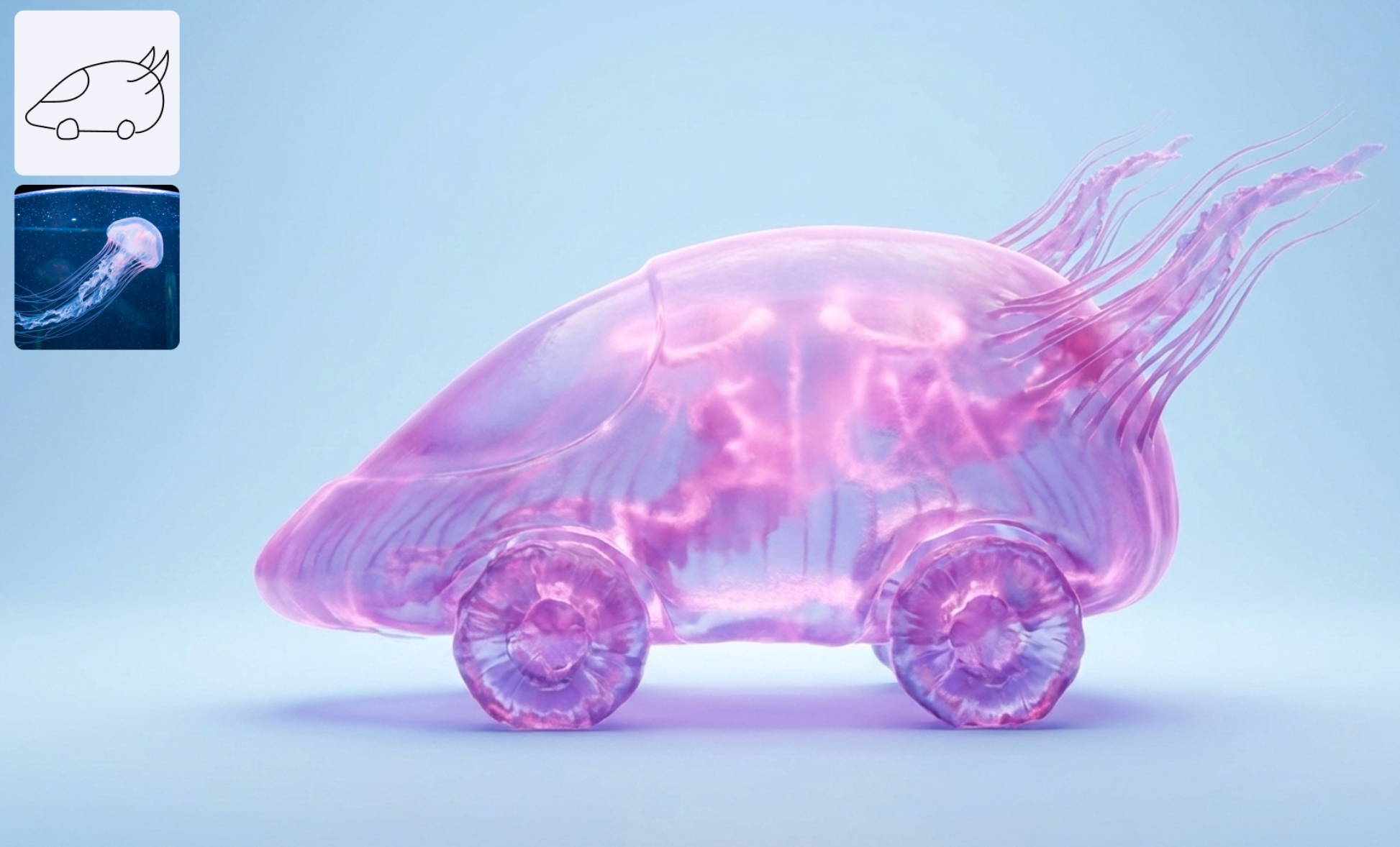
Revolutionary Nano Banana Pro Visual Engine
Built on the nano banana pro stack, this model reads prompts and references together to keep characters, wardrobe, and props aligned across every scene. You get cinematic edits with studio-grade coherence while staying inside the Hubvanta flow.
Context-smart guidance
Understands layered cues so nano banana pro preserves story relationships and background logic shot after shot.
Locked visual identity
Keeps faces, silhouettes, and key props steady even when you change angles or lighting directions.
Rapid creative tweaks
Low-latency edits let you relight, restyle, or recolor in real time while nano banana pro guards fidelity.
How to use Google Nano Banana Pro
Three quick steps to launch the Nano Banana Pro AI Image Generator inside Hubvanta.
Pick Nano Banana Pro
Open the Nano Banana Pro AI Image Generator and select the model inside Hubvanta.
Write a clear prompt
Describe your scene, typography, lighting, and any style cues. Add reference photos if you need identity lock.
Generate in seconds
Click create and review high-fidelity renders. Tweak and re-run until it matches your brief.
Features of Nano Banana Pro
- •
Advanced Text Rendering
Creates images with clear, accurate typography so brand names and UI labels stay legible.
- •
Precise Editing Controls
Lets you steer lighting, camera angle, and aspect ratio with natural language for pinpoint adjustments.
- •
2K Resolution
Delivers crisp, high-resolution renders ready for professional use and upscaling.
- •
Enhanced World Knowledge
Produces detailed, context-aware visuals suited for diagrams, infographics, and scene-rich shots.
- •
Combining More Photos
Blends multiple references seamlessly so subjects and props remain consistent across frames.
YouTube Videos About Nano Banana Pro
Reddit Discussions About Nano Banana Pro
X Reviews on Nano Banana Pro
FAQs
What makes Nano Banana Pro different from other AI Image Generators?
▼
Nano Banana Pro focuses on contextual awareness and character stability. It keeps faces, outfits, and props consistent across scenes while delivering fast, photoreal output—ideal for campaigns, IP avatars, and storyboards.
Does Nano Banana Pro support image-to-image editing?
▼
Yes. Upload reference shots, then guide Nano Banana Pro with text to change lighting, outfits, or backgrounds. The model preserves identity so edits feel coherent.
Can I upscale with Nano Banana Pro for print use?
▼
Nano Banana Pro renders at high quality and pairs with 4K upscaling, so hero images, posters, and storefront assets stay crisp.
How many references can Nano Banana Pro take in one go?
▼
You can send multiple reference images in a single generation, which helps Nano Banana Pro lock identity and scene details for consistent multi-angle outputs.
What can I create with Nano Banana Pro?
▼
Nano Banana Pro supports character design, scene generation, style transfer, product visualization, concept art, and iterative editing. It fits artists, designers, marketers, game teams, and content creators who need fast, coherent visuals.
What makes Nano Banana Pro different from other AI tools?
▼
Its edge is context-aware generation and editing: Nano Banana Pro tracks visual relationships, keeps character consistency across edits, and allows iterative refinement while preserving image quality.
Try Nano Banana Pro for Free on Hubvanta AI
Use the Nano Banana Pro AI Image Generator to produce campaign-ready shots with stable faces, props, and lighting—without leaving Hubvanta.
Start with Nano Banana Pro