Remove photo backgrounds in one click
Upload a single photo, click remove background, and get a transparent preview. Perfect for product shots, profile photos, and campaign assets when you need an online photo background remover that is quick and reliable.


Photo background remover for clean, ready-to-use cutouts
HubVanta's photo background remover helps you remove backgrounds from real photos without losing detail. Upload one image, remove the background, and export a transparent PNG that drops right into ads, product pages, and social designs. The online photo background remover is built for speed and clarity so teams can move fast while keeping results consistent.
Start with free photo background remover credits, then scale to larger batches as needed. Every export keeps the original size and colors, making it easy to reuse your cutouts in Figma, Canva, Photoshop, or presentation decks.
Clean edges for real photos
The photo background remover keeps hair, glass, and fabric edges intact so your subject stays natural.
Privacy-first workflow
Processing happens in-session. Your uploads are not reused for training or shared with anyone else.
Fast exports, simple credits
Start with free photo background remover credits, then keep removing backgrounds for 2 credits per image.
Preview the cutout instantly
Drag the slider to compare the original photo with the transparent result. The photo background remover online workflow keeps edges smooth and subjects sharp, so your output looks studio-ready even when the source image comes from a phone camera.
Because the cutout retains full resolution, you can drop it into product listings, campaign banners, or social posts without re-editing masks. This makes the online photo background remover ideal for fast-moving teams.
Three steps to remove backgrounds
Upload one photo
Drop a JPG, PNG, or WebP file up to 10MB. One image is all you need for the workspace.
Remove the background
The AI isolates the subject, removes clutter, and keeps original color and size intact.
Download transparent PNG
Export a clean cutout and place it on any background in ads, product pages, or social posts.
Built for real workflows
The photo background remover supports teams who need consistent visuals across channels. From ecommerce shots to marketing launches, the output stays clean and editable. Upload a single photo, remove the background, and keep the asset ready for any layout or brand refresh.
Whether you are a creator, agency, or internal marketing team, the workflow stays simple: upload, remove, and download. No manual masking, no extra plugins—just a photo background remover online that delivers reliable results.
Ecommerce photos
Create consistent product shots for storefronts, marketplaces, and catalogs with transparent PNGs.
Portraits & headshots
Swap backgrounds for team photos, speaker pages, or client profiles without manual masking.
Marketing graphics
Drop subjects onto banners, emails, and social layouts in minutes with the online photo background remover.
Creative asset libraries
Build reusable cutouts for Figma, Canva, and slide decks so campaigns stay on-brand.
Quality you can trust
A great photo background remover should keep colors accurate and edges smooth. HubVanta balances speed with quality so you can remove backgrounds without heavy editing. The results are ready for product photography, brand assets, and creative campaigns in seconds.
Because the tool focuses on single-photo processing, every preview stays responsive. You can test different shots quickly and export clean PNGs for your design stack. It is a faster alternative to manual clipping for modern teams.
Aim for contrast
High contrast between subject and background helps the model keep crisp edges and faster previews.
Preserve soft shadows
Upload larger photos if you want to keep subtle shadows or reflections in the final cutout.
Reuse the PNG everywhere
Transparent exports from the photo background remover online tool drop cleanly into any layout.
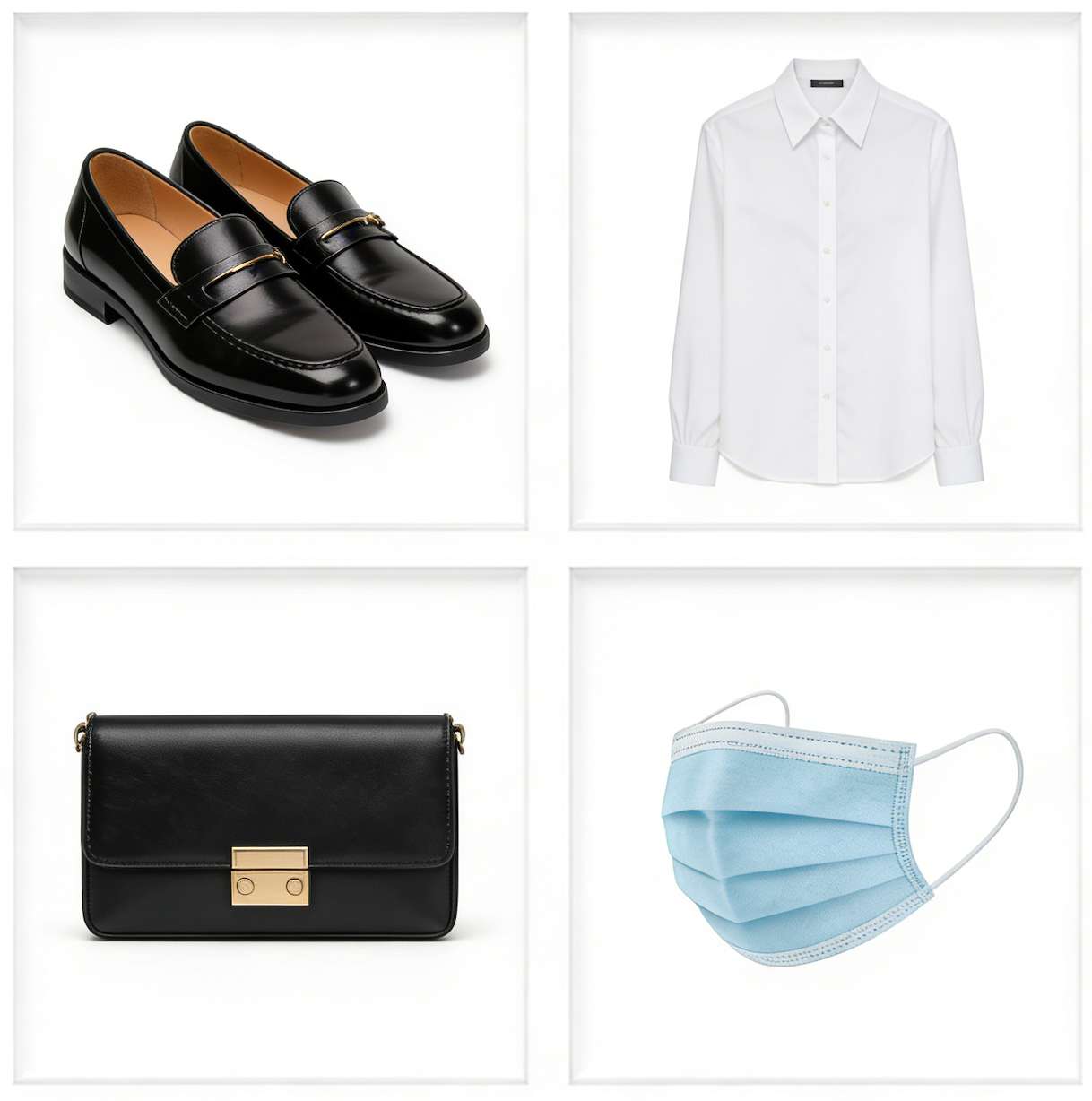
Ship creative faster
The photo background remover makes it easy to refresh assets without re-shooting. Replace backgrounds, build new layouts, and reuse the same PNG across campaigns. It is a practical way to keep visuals consistent across storefronts, newsletters, and social media.
FAQ: photo background remover essentials
Quick answers about credits, formats, and output quality.
Is this a free photo background remover?
Yes. Every account includes free photo background remover credits to start. Ongoing use costs 2 credits per image.
What does the output look like?
The online photo background remover outputs a transparent PNG with the original size preserved.
Does the tool handle hair and transparent objects?
Yes. The model is tuned to keep fine edges like hair, lace, and glass for a natural cutout.
Do I need multiple photos?
No. The workspace is optimized for a single photo upload, so you can work quickly and stay focused.
Is processing private?
Processing runs in-session and your photos are not reused for training.

Remove photo backgrounds in seconds
Upload one photo, remove the background, and download a transparent PNG ready for ads, product pages, and creative layouts.
Start removing backgrounds